Repository navigation
Player Exclusions
Players can use /pack exclude to choose configured input materials that SmartPack should skip.
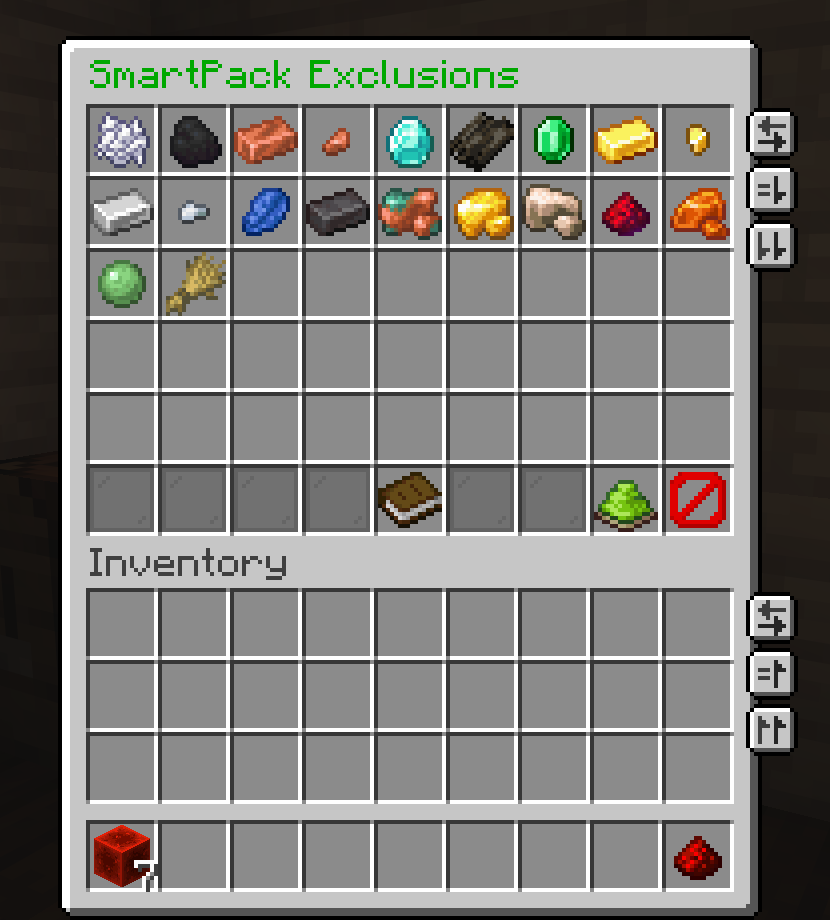
Java Edition menu
| Edition | Skip once | Skip every run |
|---|---|---|
| Java | Left-click the material | Right-click the material |
| Bedrock | Choose Edit Mode: Next Run Only, then click or tap the material | Choose Edit Mode: Permanent, then click or tap the material |
On Bedrock, the bottom-row Edit Mode button starts in Next Run Only each time you open the menu. Use the button to switch modes. Your selection stays active when changing pages.
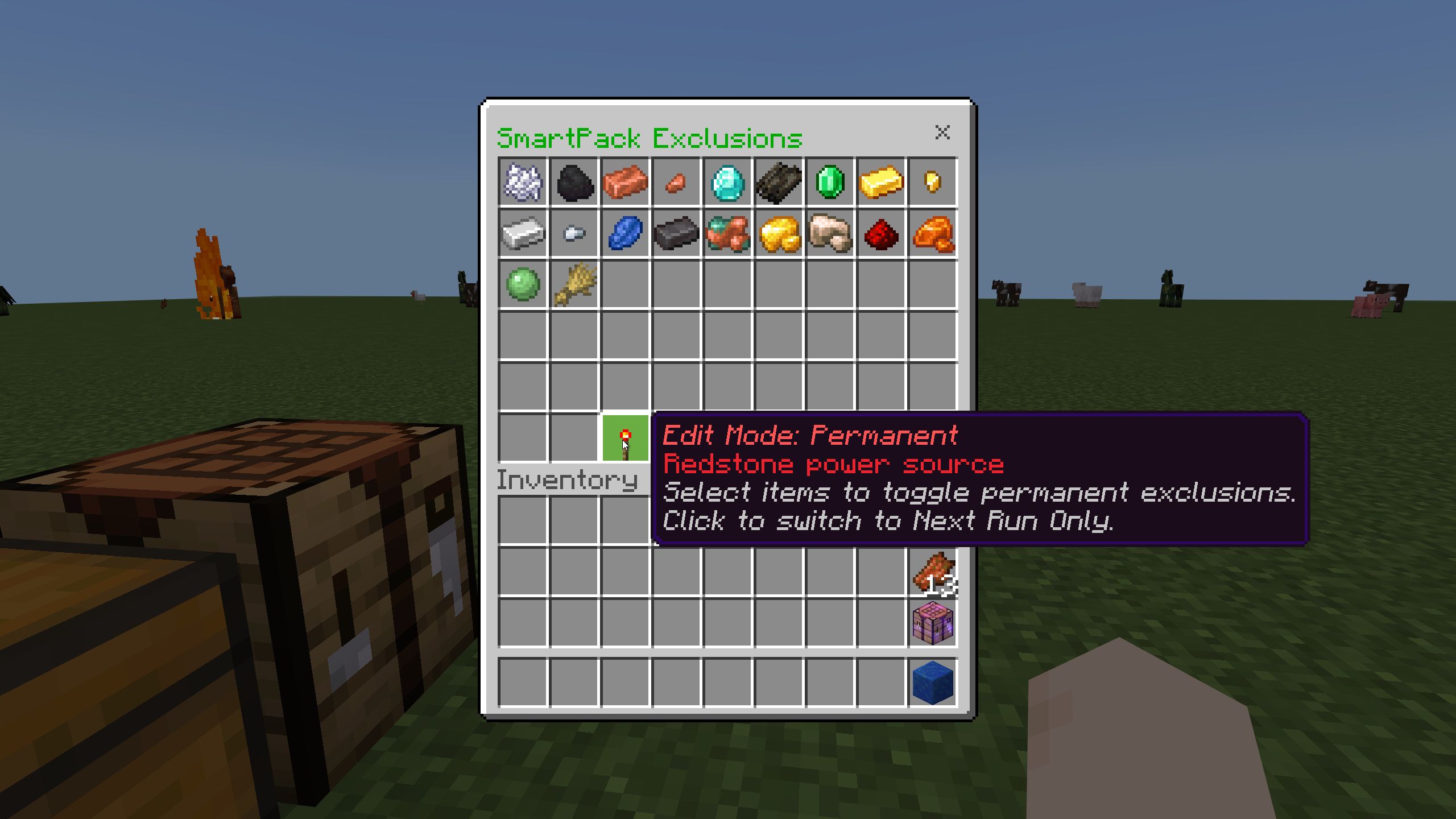
Bedrock Edition permanent edit mode
On both editions, select the green Apply Changes button or close the menu normally to keep edits. The red Cancel Changes button restores both types of exclusions to the state when you opened the menu. Chat reports the final item changes when you apply or close the menu. Individual edits are silent, and canceling only reports that changes were canceled.
Glowing slots have an active exclusion.
One-time exclusions apply to the next pack cycle only. After that cycle finishes, SmartPack clears the player's next-run exclusions.
This also applies to auto-pack: if the next pack cycle happens automatically, the one-time skip is consumed by that automatic run.
Persistent exclusions are saved in:
plugins/SmartPack/player-exclusions.db
They remain active across server restarts until the player toggles the material again using the permanent control for their edition.
The Java Edition examples below show the three material states.
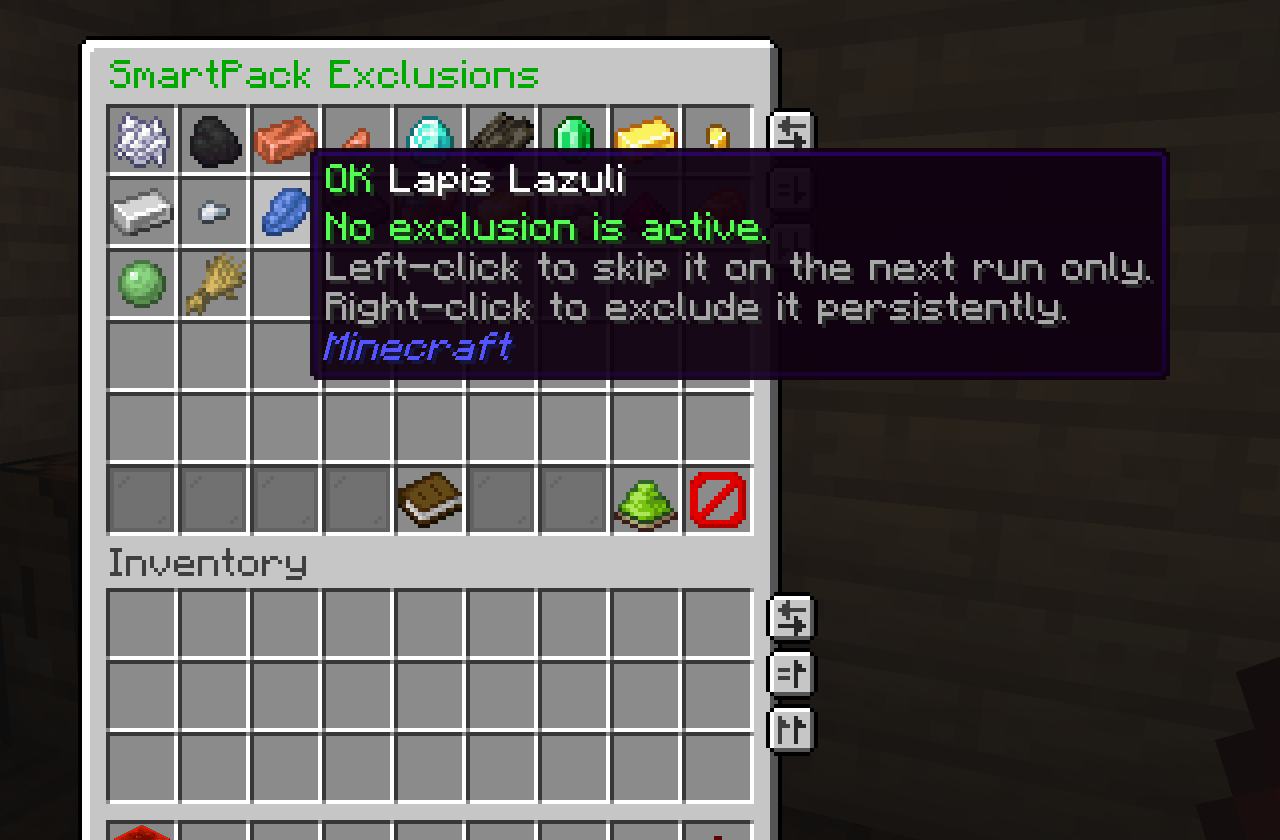
Normal input The material is eligible for packing. |
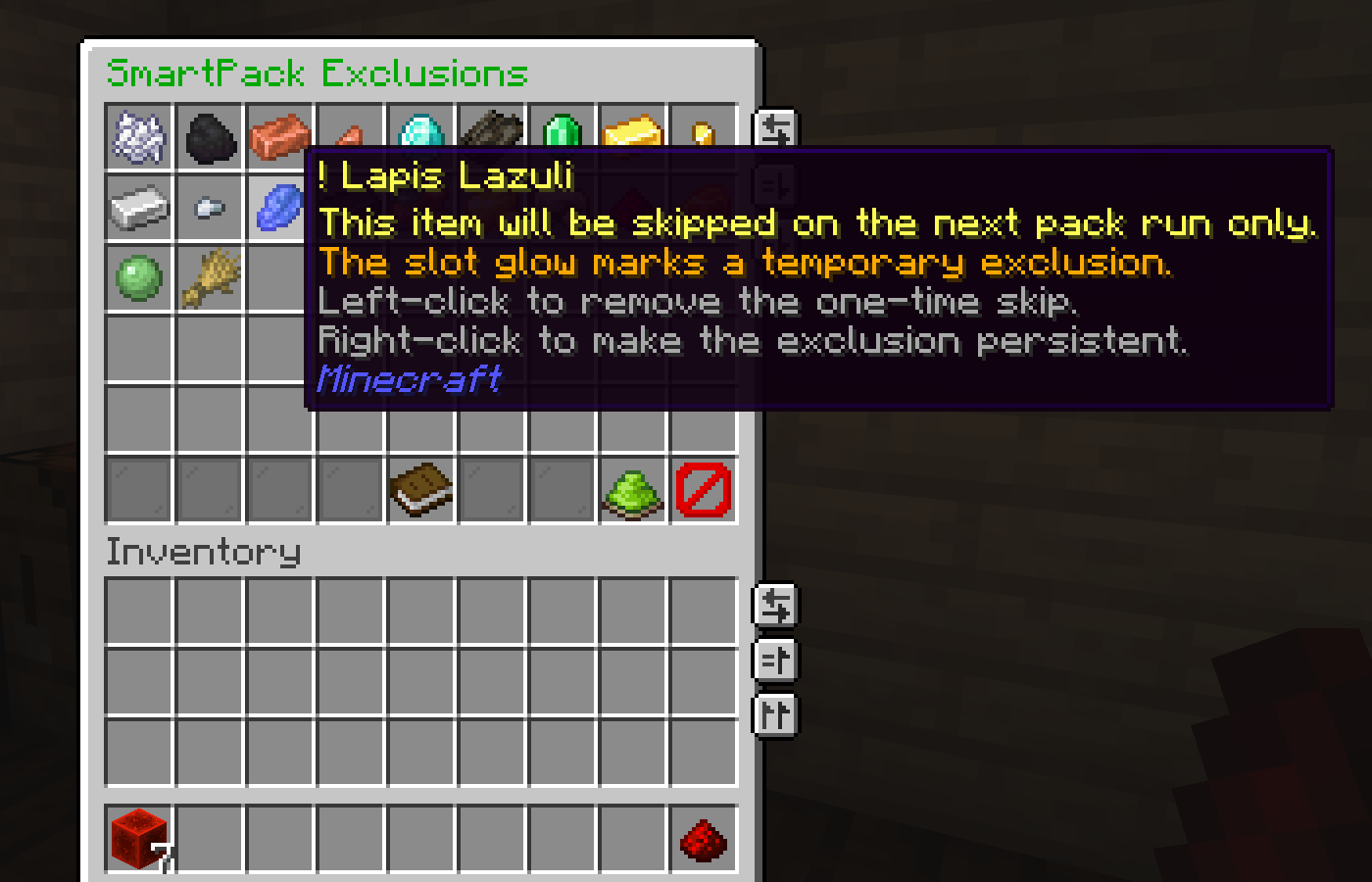
Next-run skip The material is skipped once. |
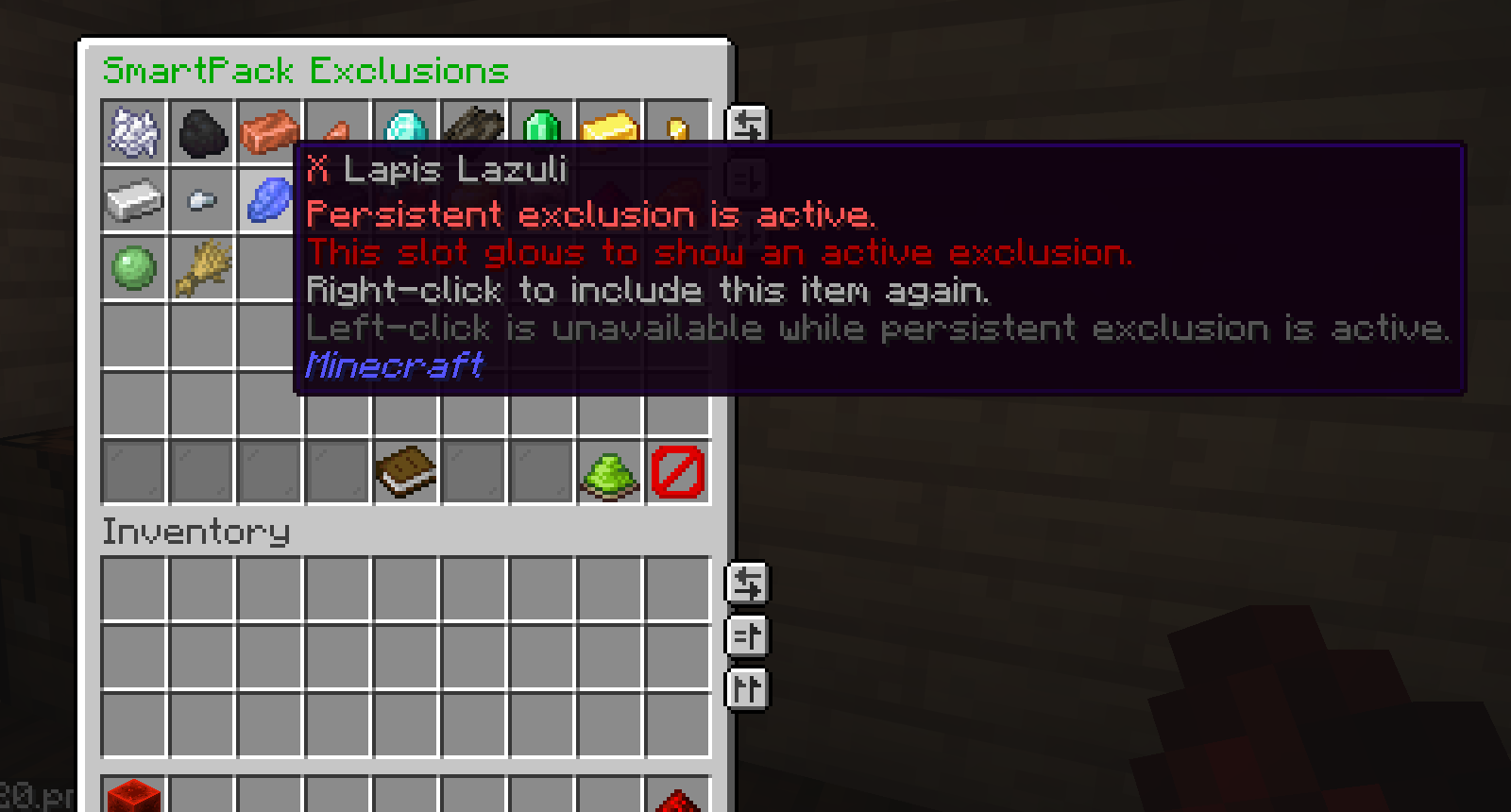
Persistent skip The material remains skipped. |
View larger exclusion state screenshots
Normal input
Next-run skip
Persistent skip
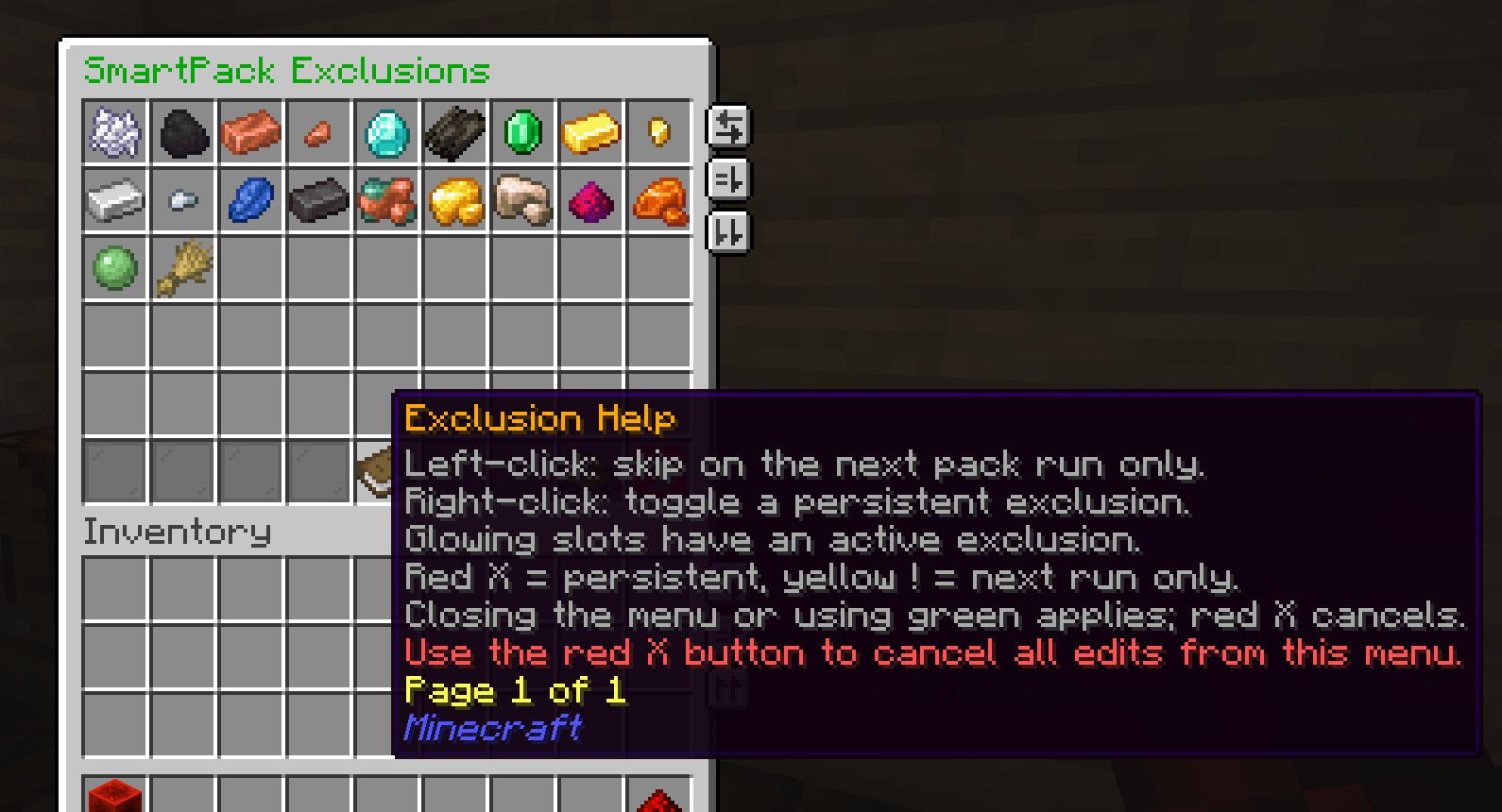
Built-in help The Java help item explains left-click and right-click controls. On Bedrock, it explains the current edit mode and how to switch. |
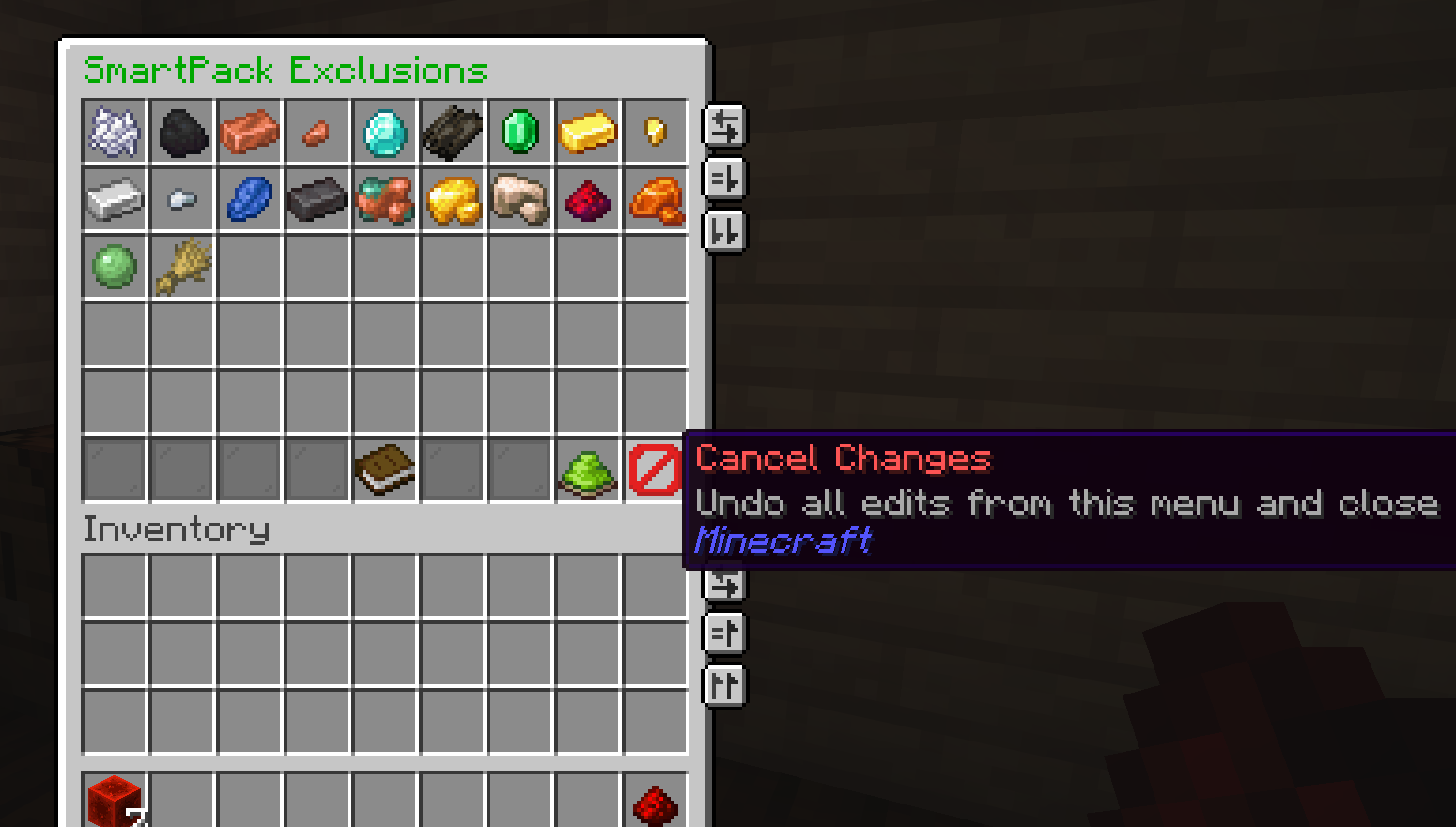
Apply and cancel Bottom-row controls let players keep or discard edits from the current menu session. |
View larger help and control screenshots
Built-in help
Apply and cancel controls
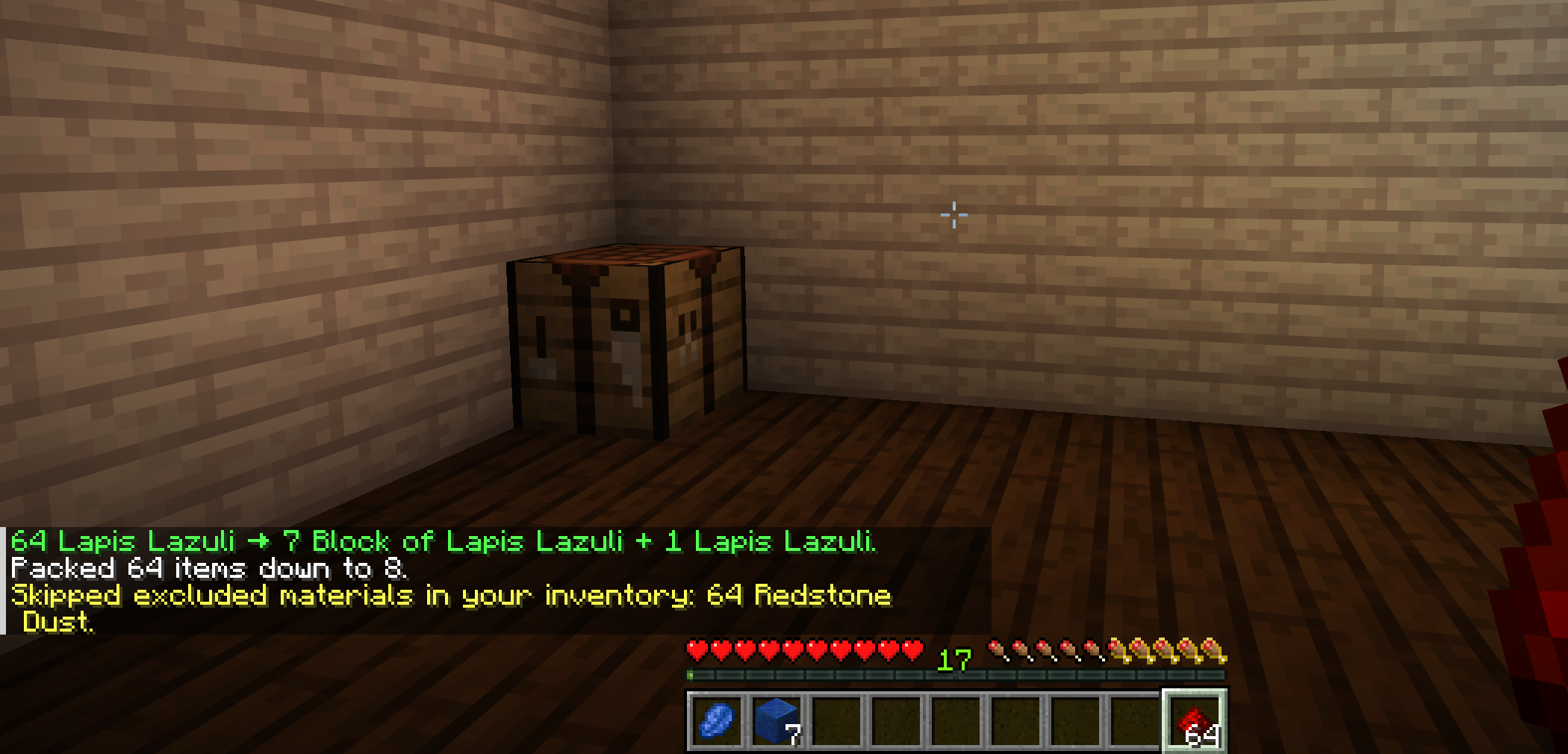
After a pack cycle, SmartPack can report configured inputs that were skipped and remain in the player's inventory.
message:
  info:
    skipped_excluded_materials: "Skipped excluded materials in your inventory: [items]."
- Exclusions are evaluated against configured input materials.
- Disabled or invalid pack recipes are not useful exclusion targets.
- Persistent exclusions and auto-pack preferences share the same SQLite database file.
- Exclusions are respected by both manual
/packand automatic packing.