Repository navigation
Chest Packing
Chest packing lets players pack configured materials from a placed chest inventory instead of only their own inventory.
chest_pack:
  enabled: true
  command: true
smart_packer_item: true| Setting | Behavior |
|---|---|
enabled |
Master switch for all chest inventory packing |
command |
Allows /pack chest in command mode |
smart_packer_item |
Enables the Smart Packer chest flow on both editions |
Players need smartpack.use and smartpack.chest.
When activation.mode is COMMAND, players can pack a placed chest with:
/pack chest
The player must be looking at a chest or trapped chest within their block interaction range. If no chest is targeted, SmartPack sends the configured message.error.no_chest_target message.
/pack chest follows the same pack recipe, validation, inventory safety, and exclusion logic as normal packing, but it targets the chest inventory.
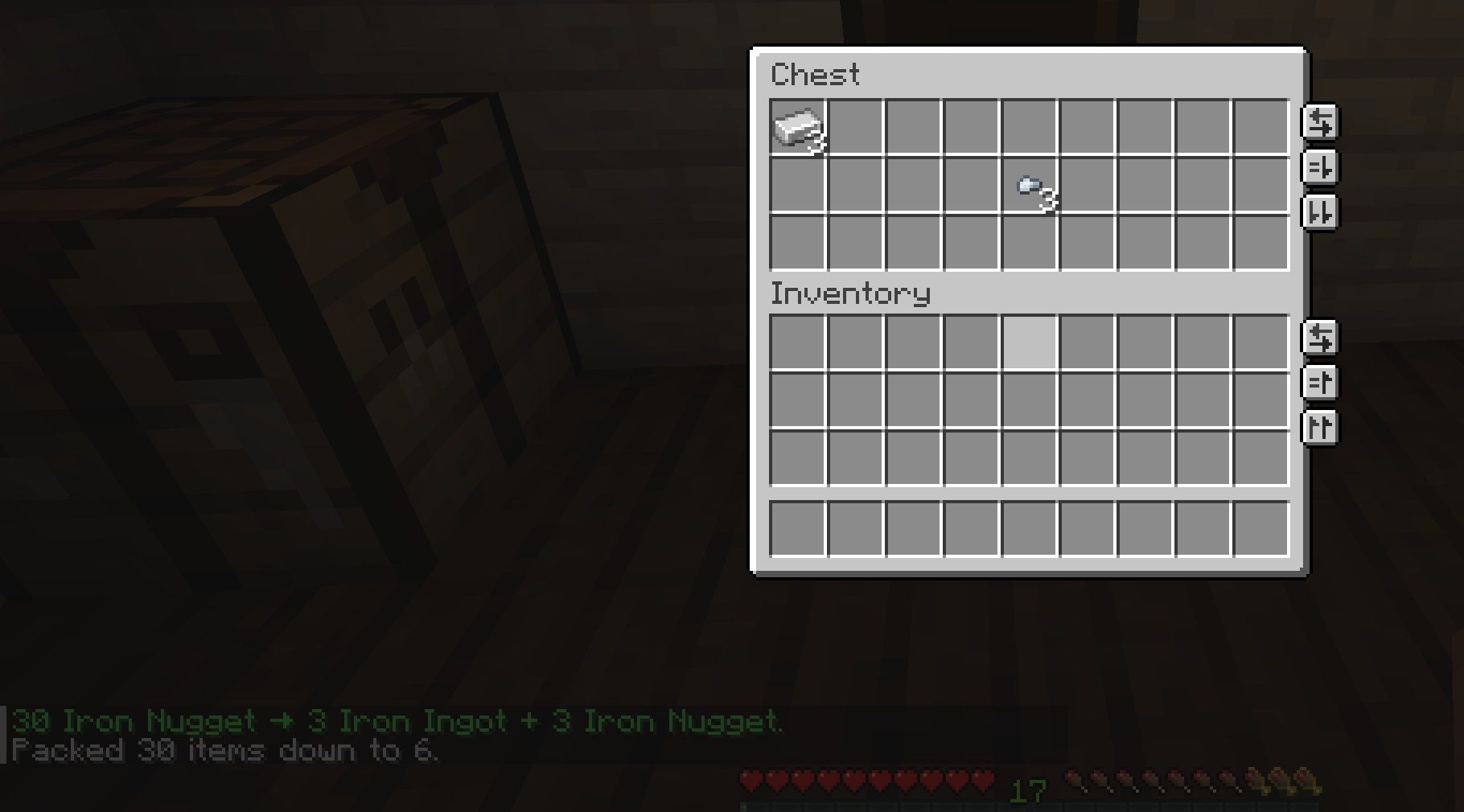
Command chest packing
`/pack chest` targets the chest the player is looking at and reports the packed result.
Open a chest and right-click the Smart Packer in your own inventory. SmartPack packs the open chest.
If no chest inventory is open, right-clicking the Smart Packer packs the player inventory as usual.
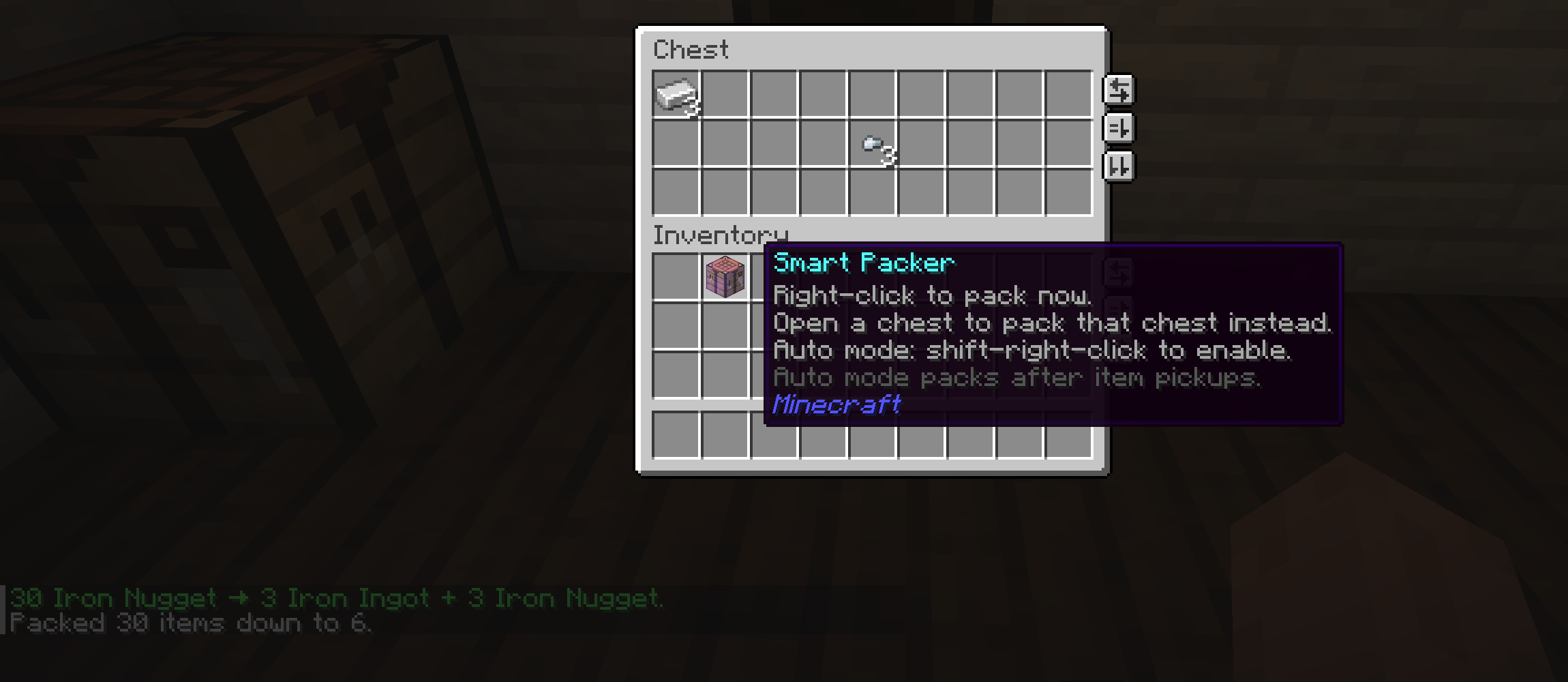
Smart Packer chest packing on Java Edition
The same item interaction packs an open chest instead of the player inventory.
- Hold the Smart Packer in your main hand and use it on a block to open its actions.
- Select Pack Chest.
- Within 15 seconds, use the held item on the chest you want to pack.
The chest must open for you. A lock, obstruction, or protection plugin that prevents the chest from opening also prevents this Bedrock item action from changing its contents. If the selection expires, open the SmartPacker actions and choose Pack Chest again.
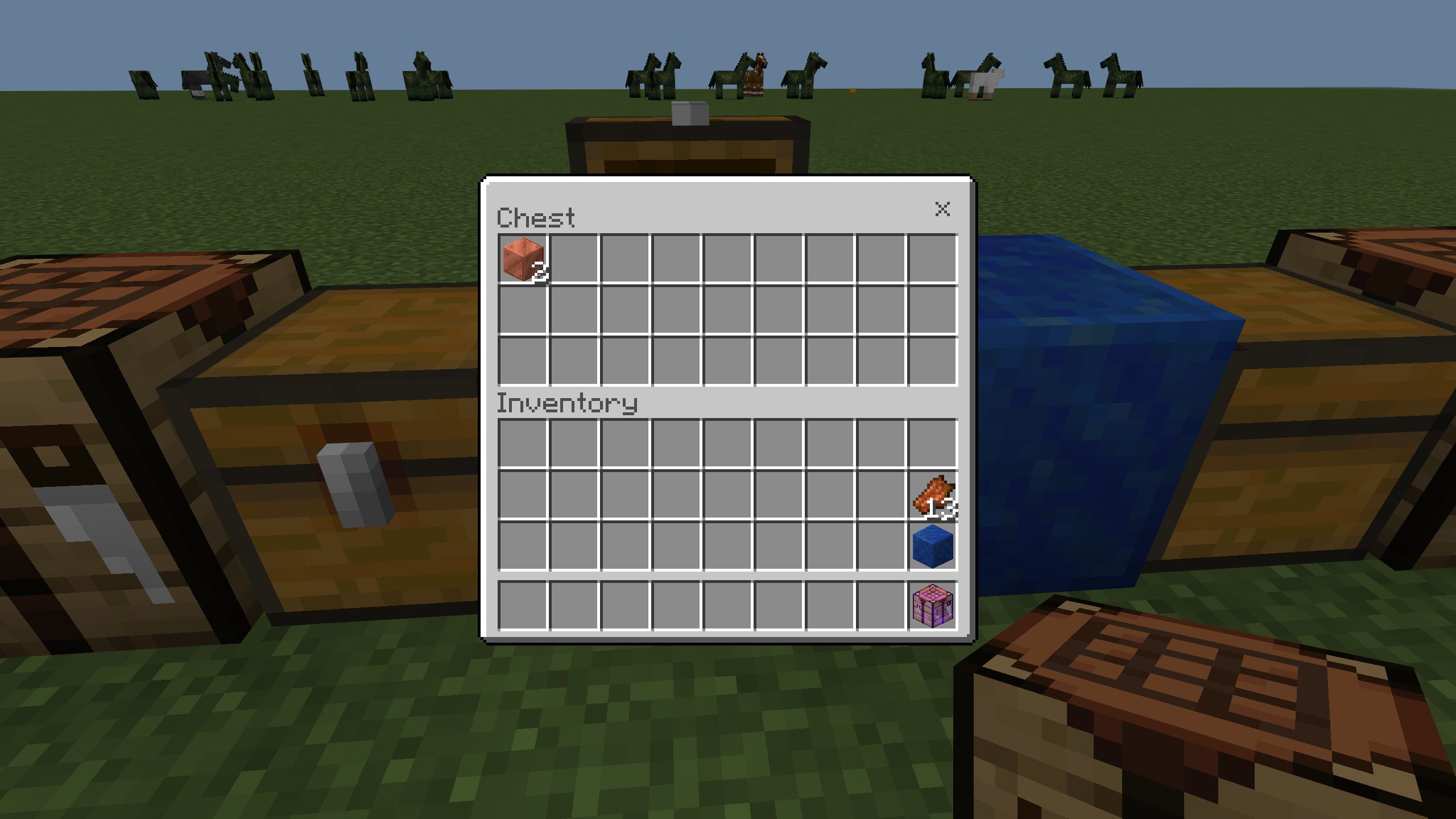
Packed copper blocks in an open Bedrock chest
Chest packing uses a chest-specific no-materials message:
message:
  error:
    chest_nothing_to_pack: "Chest does not have any valid materials to pack."
This makes it clear that the chest inventory was checked, not the player's inventory.
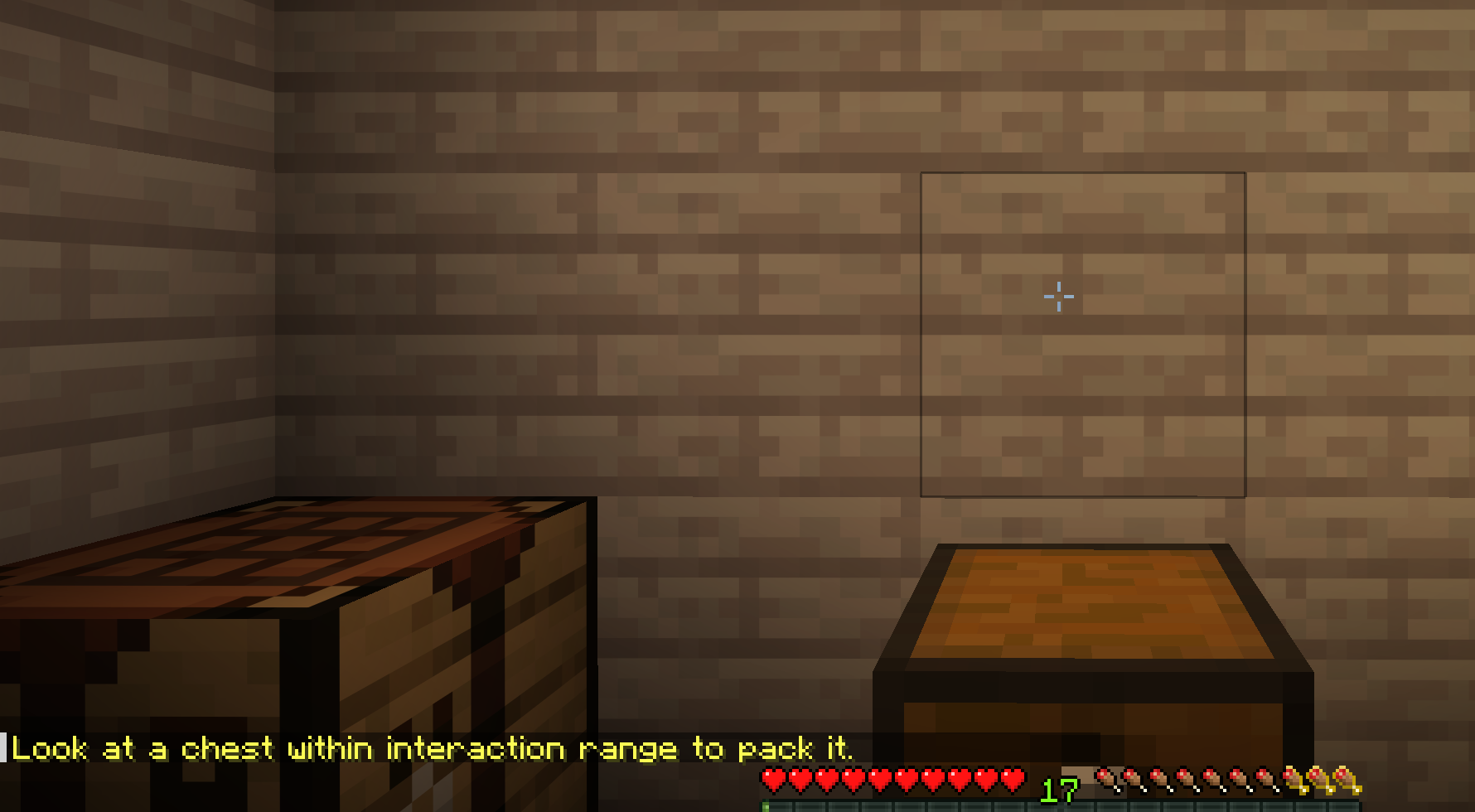
No chest targeted Command mode explains when no valid chest is within interaction range. |
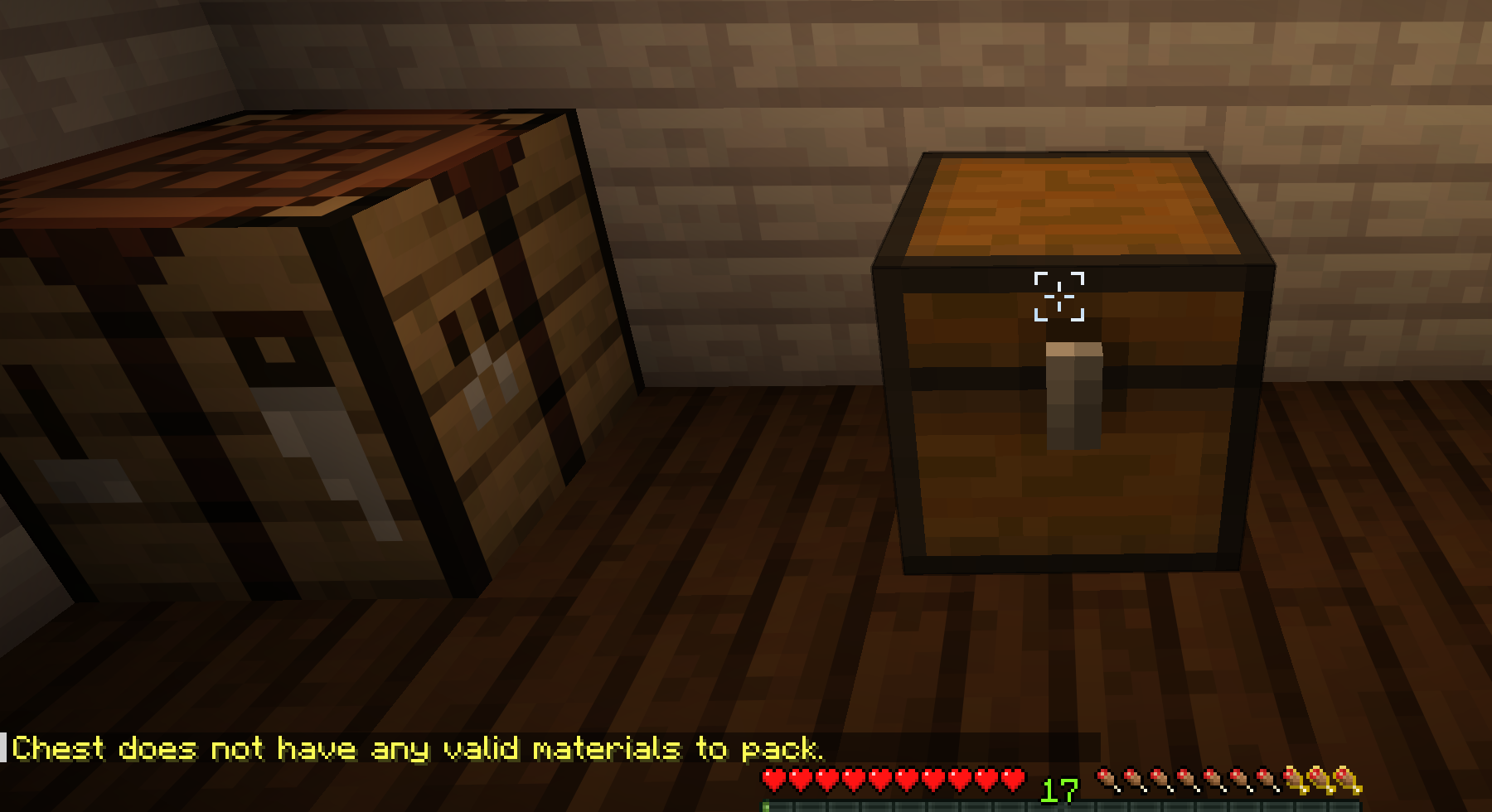
No chest materials Chest-specific feedback makes the checked inventory clear. |
View larger chest feedback screenshots
No chest targeted
No chest materials
If Smart Packer cooldown mode is enabled, chest packing through the Smart Packer item starts and respects the same per-player cooldown as player-inventory packing.
/pack chest in command mode is not a Smart Packer item use, so it does not use the Smart Packer item cooldown.