Repository navigation
Puppet Projects
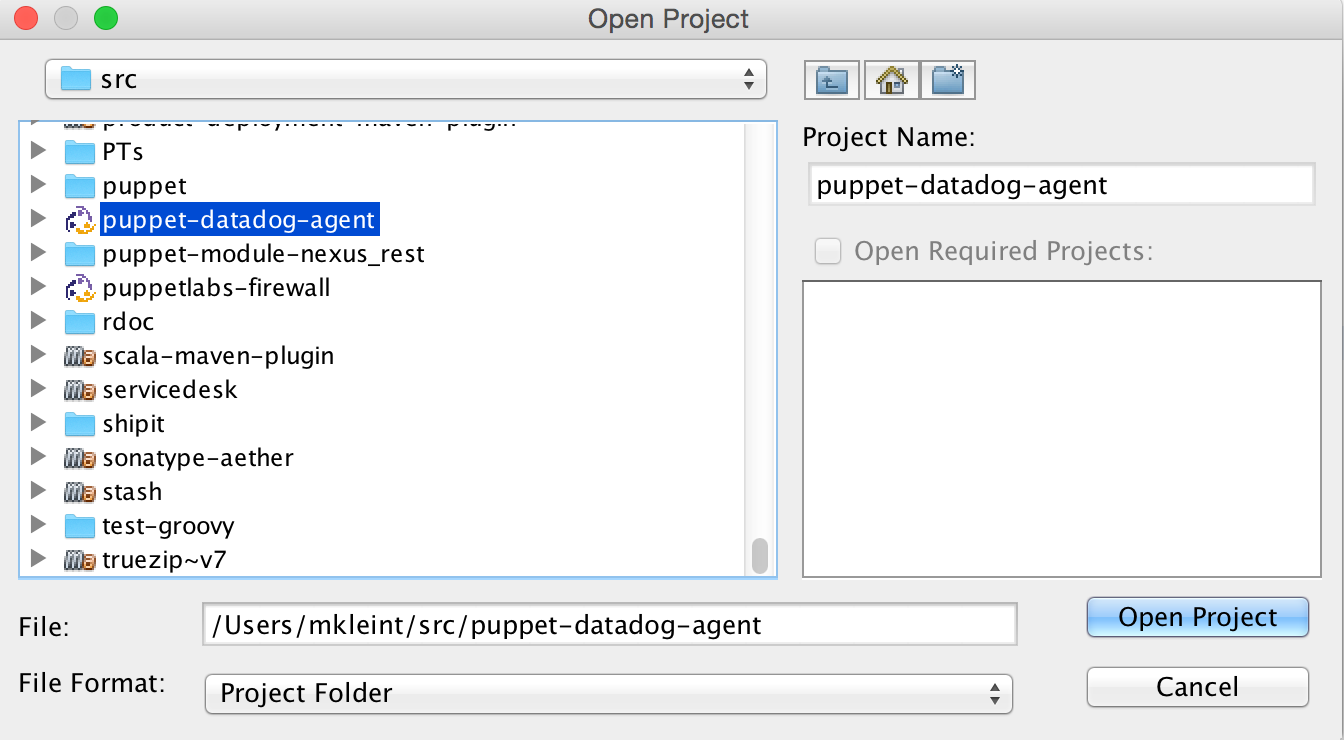
Any folder containing manifests/init.pp or manifests/site.pp files will be automatically recognised by the IDE as a Puppet project. If you have an existing Puppet module, just click the Open Project.. toolbar icon or main menu item and navigate to it.
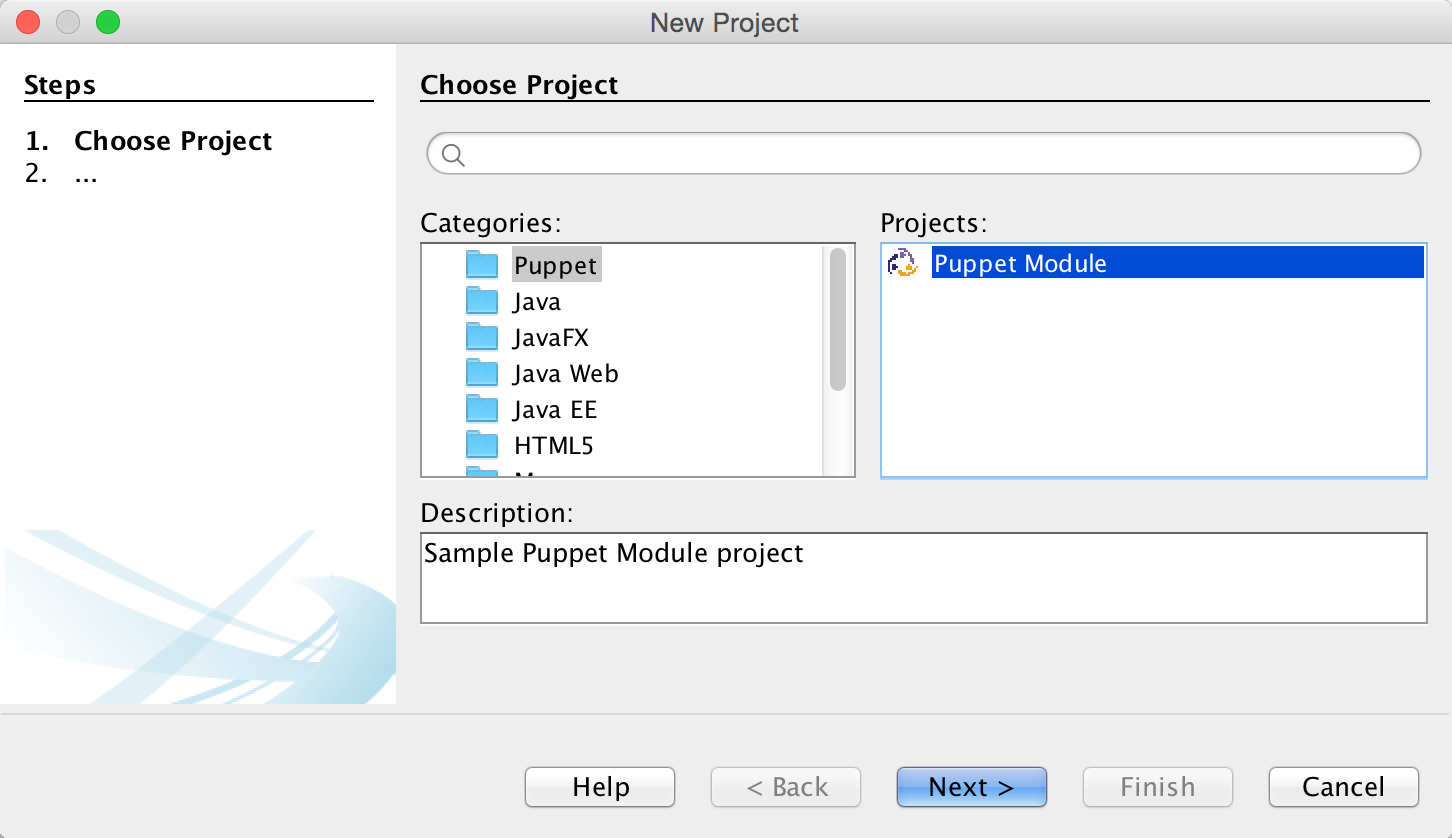
You can also create a new Puppet module from scratch. Click the New project... toolbar icon or main menu item and select the Puppet module project type in the Puppet category.
Once opened or created the Puppet project shows up in the Projects view along with any other projects of other types you might have. You can open as many Puppet projects as you want.
Once a .pp file is selected/active in the Projects view or editor, Navigator panel will show all other .pp files from the same module for easy navigation.
