Green-API is a service that lets you send and receive text, photos and videos through a stable WhatsApp API gateway. It includes a free account that can send notifications to 3 chats (group or private), among other features.
green-api-custom-notifier is a Home Assistant custom notification component (installable through HACS) that sends notifications to WhatsApp contacts and groups using Green-API.
- Features
- Requirements
- Limitations
- Getting started
- Configuration reference
- Sending a message
- Troubleshooting
- Known issues
- Security notes
- Contributing
- License
notifyplatform namedgreenapi, configured inconfiguration.yaml; each entry creates anotify.<name>action.- Sends text messages to a WhatsApp contact (
...@c.us) or group (...@g.us). - Optional default target in the configuration, which a
targetin the action call overrides. - Optional
title, sent in bold on the first line of the message. - Sends a local file (image, document, and so on) with the message as its caption: the file is uploaded to Green-API and then sent to the chat.
- Link previews are turned off for text messages.
- A running Home Assistant instance with access to the
configfolder (forcustom_componentsandconfiguration.yaml). - A Green-API account and an instance linked to a WhatsApp account (see below).
- Outbound internet access from Home Assistant to Green-API.
- The Python library
whatsapp-api-client-python, which Home Assistant installs automatically from the component'smanifest.json.
- The free account is limited to 3 chats (group or private).
- A message is sent to one chat only. If you pass a list of targets, only the first one is used.
- Media can only be sent from a file path that Home Assistant can read; URLs are not supported.
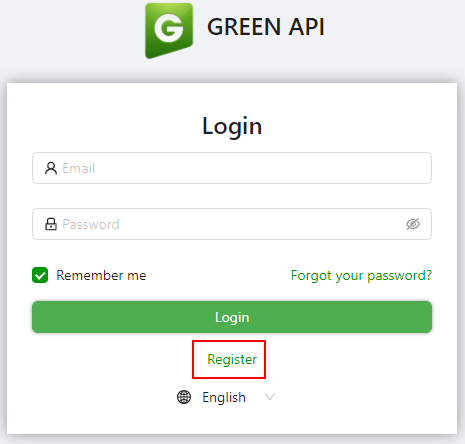
Navigate to https://green-api.com/en and register for a new account:
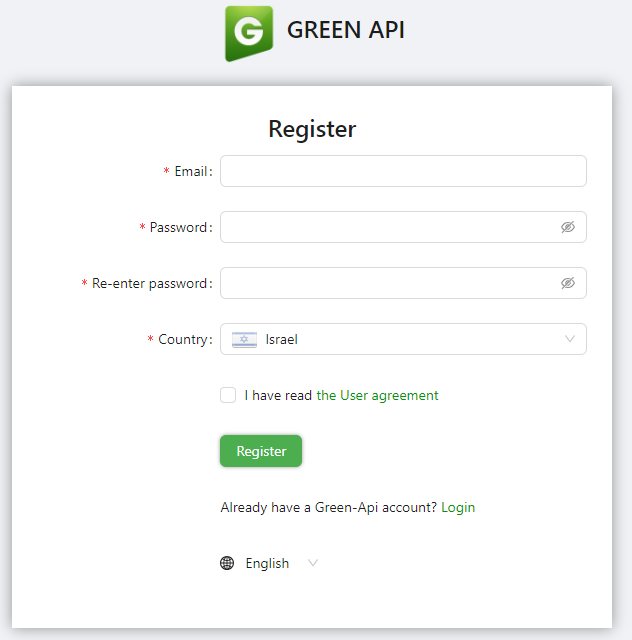
Fill in your details and click Register:
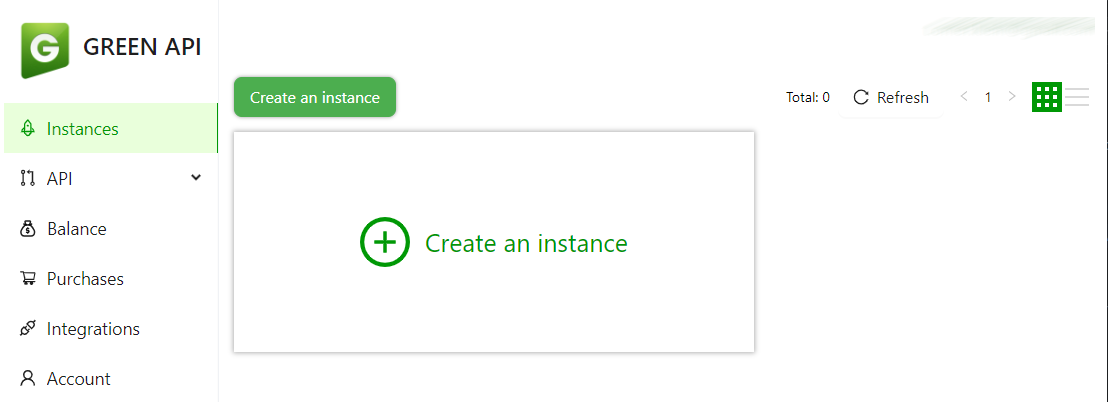
Next, click Create an instance:
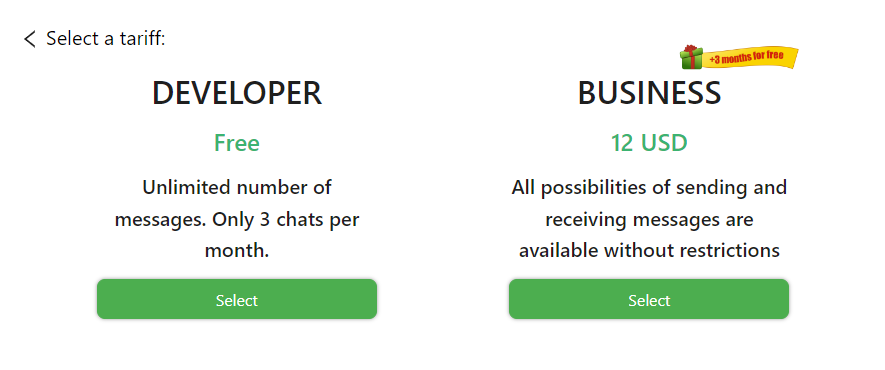
Select the Developer instance (free):
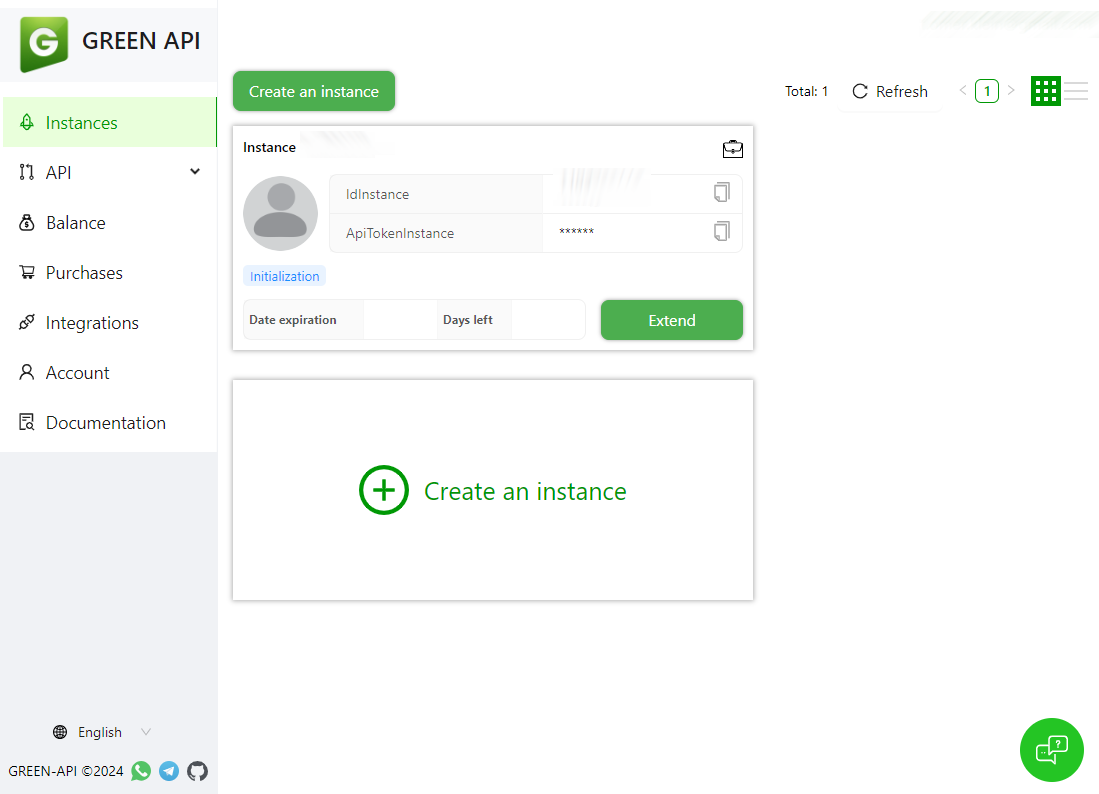
Copy the instance ID and token; you need them for the integration settings:
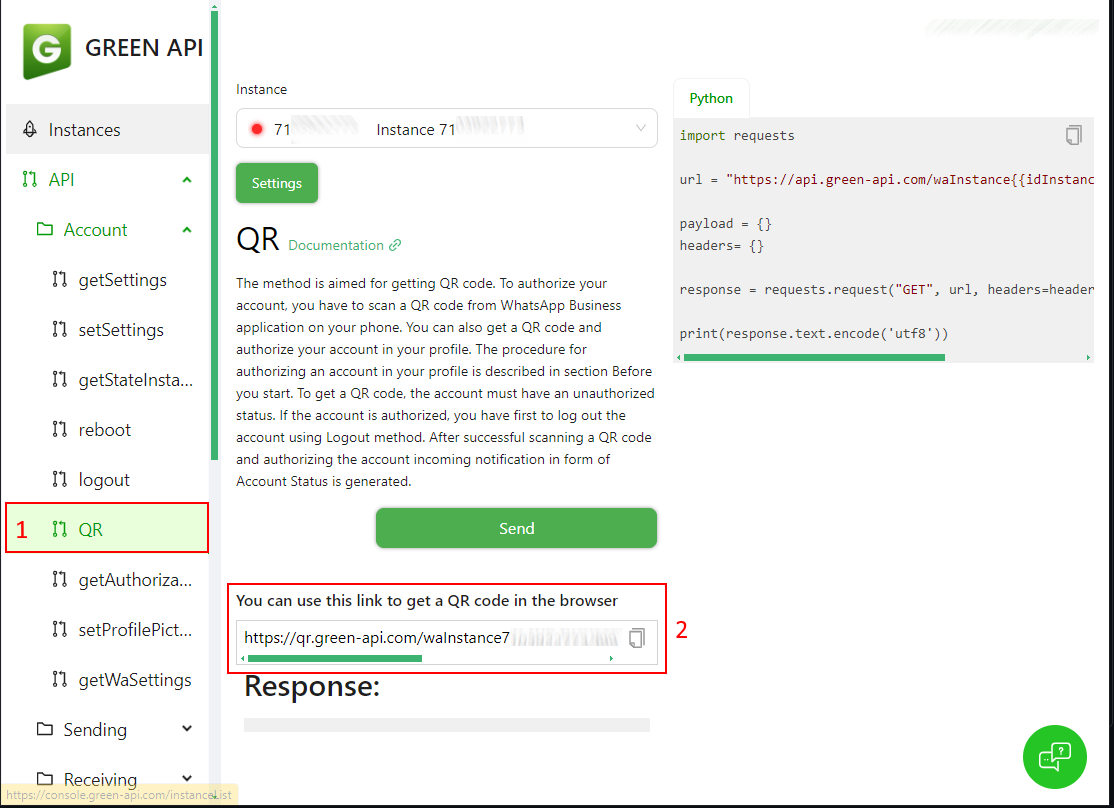
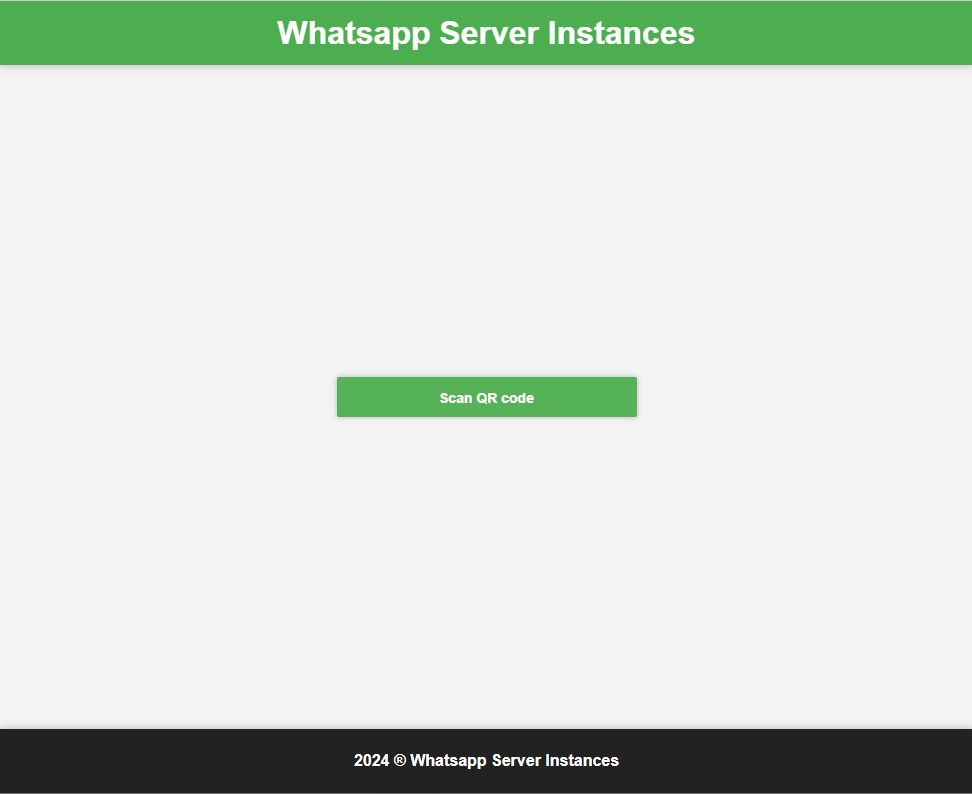
Next, connect your WhatsApp account to Green-API. On the left side, under API → Account, click QR, copy the QR URL into the browser and click Scan QR code:
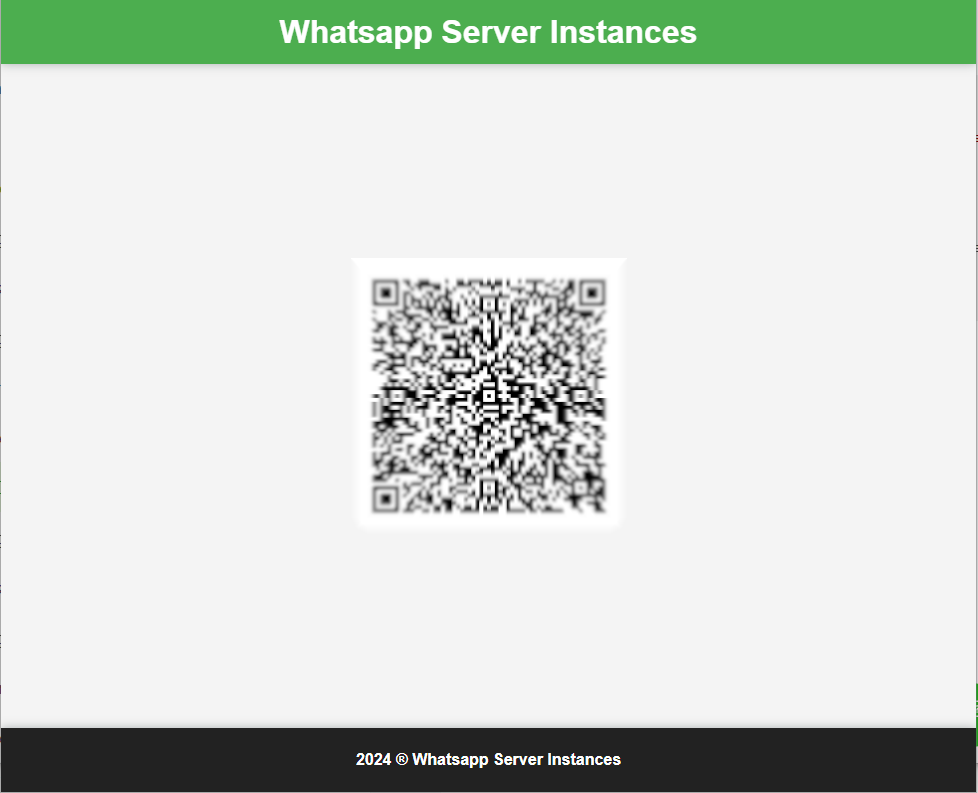
Scan the QR code with WhatsApp to link your account with Green-API:
Once the account is linked, the green light in the instance header shows that the instance is active:
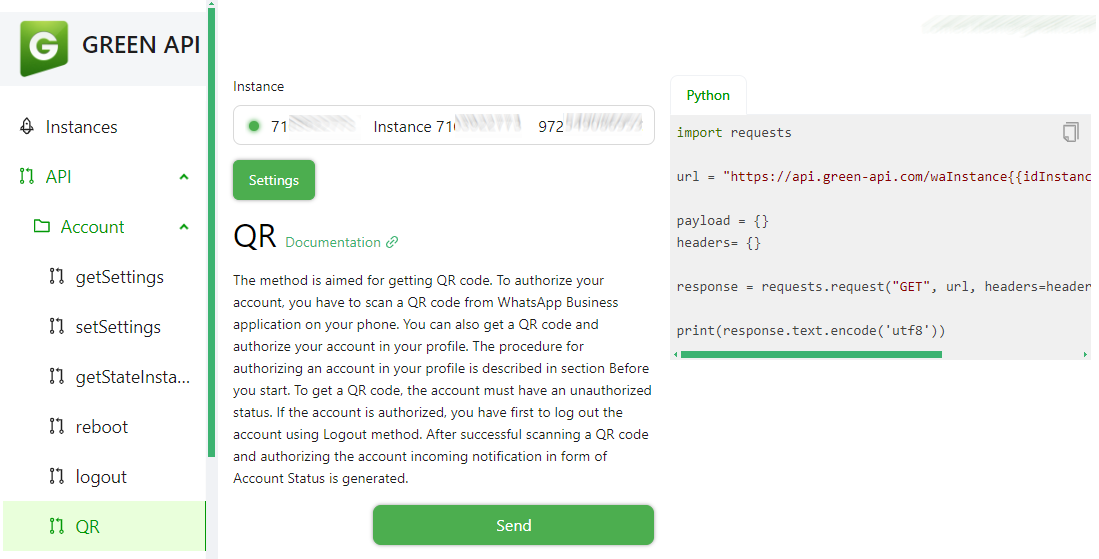
Before you can start messaging, you need the contact or group ID. You can get it from a Green-API endpoint.
On the left side, under API → Service methods, click getContacts and then click Send:
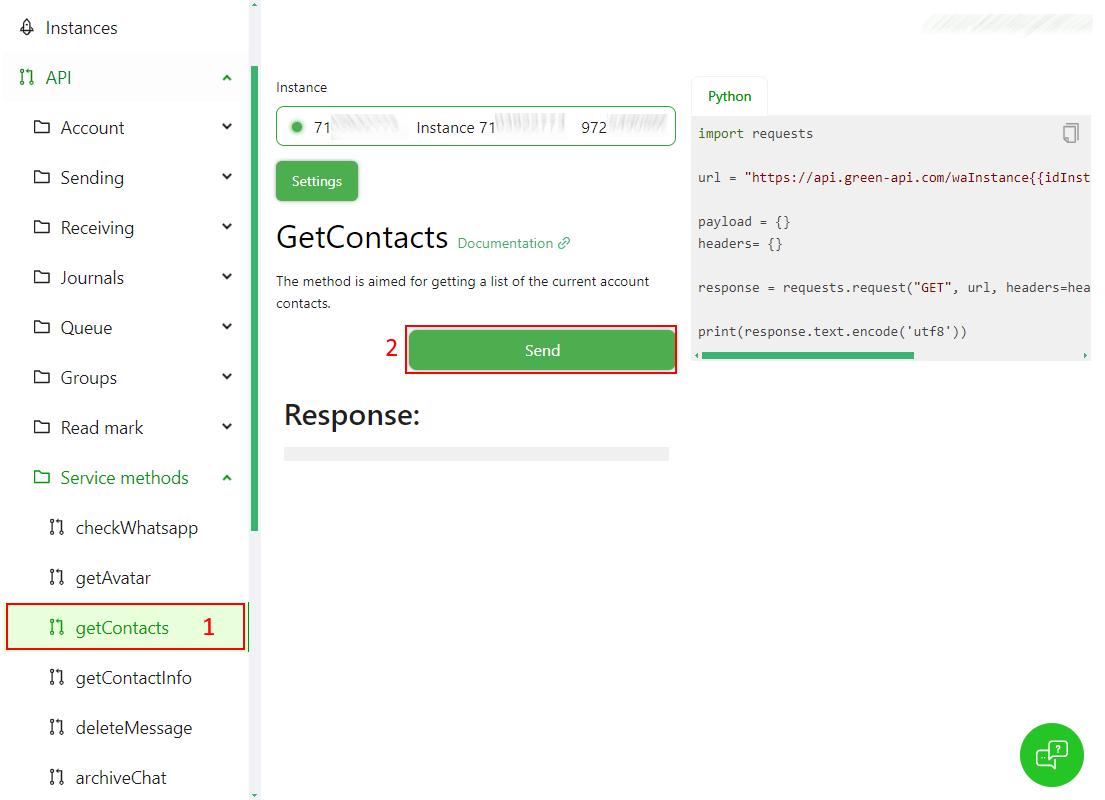
The result is the list of contacts and groups:
- A contact ID ends with @c.us.
- A group ID ends with @g.us.
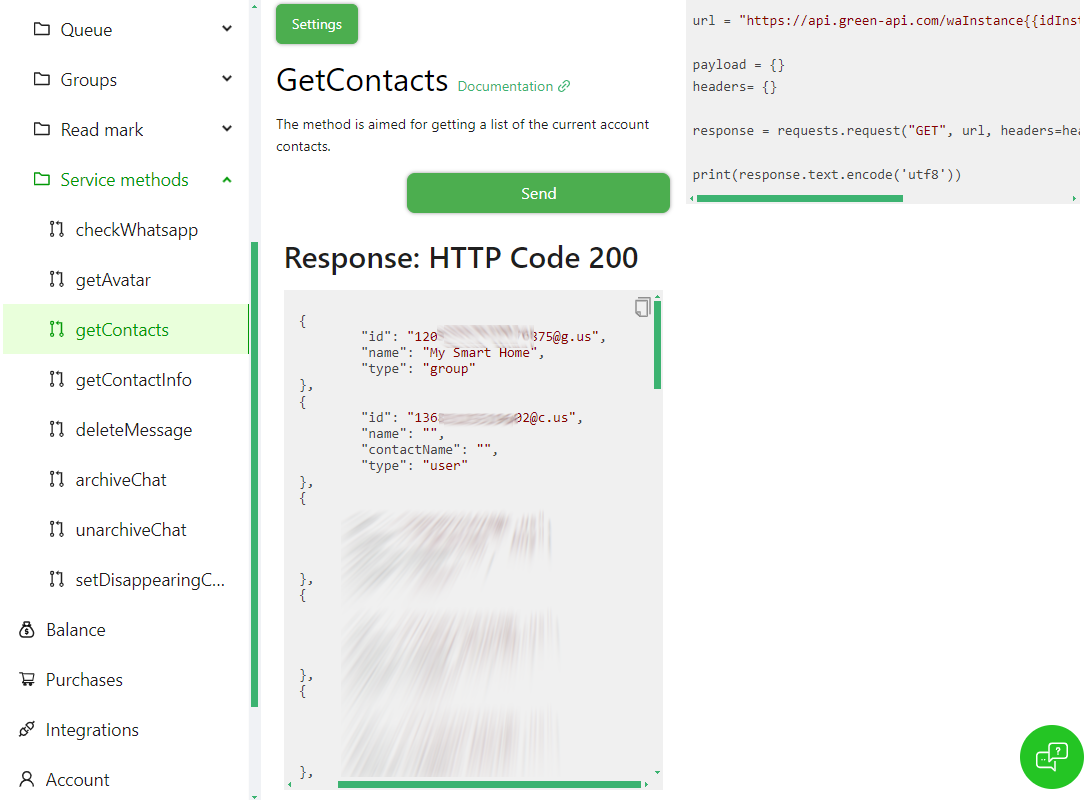
Write down the ID; you need it to configure the notification. The component sends the ID to Green-API exactly as written and does not add the @c.us / @g.us suffix for you, so always use the full ID.
HACS (custom repository)
- In HACS, open the menu (⋮) → Custom repositories.
- Add
https://github.com/t0mer/green-api-custom-notifierwith the category Integration. - Search for Green API whatsapp custom notification / notify in HACS and download it.
- Restart Home Assistant.
Manual
- Download green-api-custom-notifier.
- Copy the
custom_components/greenapifolder into your Home Assistantconfig/custom_componentsfolder, so that you haveconfig/custom_components/greenapi/notify.py. - Restart Home Assistant.
This is a YAML-configured notify platform; there is no UI config flow. Add the following section to your configuration.yaml file and restart Home Assistant:
notify:
  - platform: greenapi
    name: greenapi
    instance_id: !secret greenapi_instance_id  # REQUIRED: the Green-API instance ID
    token: !secret greenapi_token              # REQUIRED: the Green-API instance token
    target: 972*********@c.us                  # OPTIONAL: the default target. If you set it here, you don't have to specify it again in your action calls.
And in secrets.yaml:
greenapi_instance_id: "1101000000"
greenapi_token: "your-green-api-token"instance_idis the Green-API instance ID.tokenis the Green-API instance token.targetis the chat, contact or group ID to send the message to:- For groups, the ID must end with
@g.us. - For chats, the ID must end with
@c.us.
- For groups, the ID must end with
The name sets the action name: name: greenapi creates notify.greenapi. You can add several entries with different names (for example, one per group).
| Key | Required | Default | Description |
|---|---|---|---|
platform |
Yes | – | Must be greenapi. |
name |
No | notify |
Name of the notify action (notify.<name>). Standard Home Assistant notify option. |
instance_id |
Yes | – | Green-API instance ID. |
token |
Yes | – | Green-API instance token. |
target |
No | – | Default chat ID (...@c.us for a contact, ...@g.us for a group). Overridden by target in the action call. |
title |
No | – | Accepted by the schema but not used by the component; set title in the action call instead. |
To send a message, call the action and provide the following parameters:
message(required): the text to send.title(optional): a title for the message, sent in bold on the first line.target(optional if you've defined a default target in the notify configuration, otherwise required): the chat or group ID to send the message to. If you pass a list, only the first ID is used.
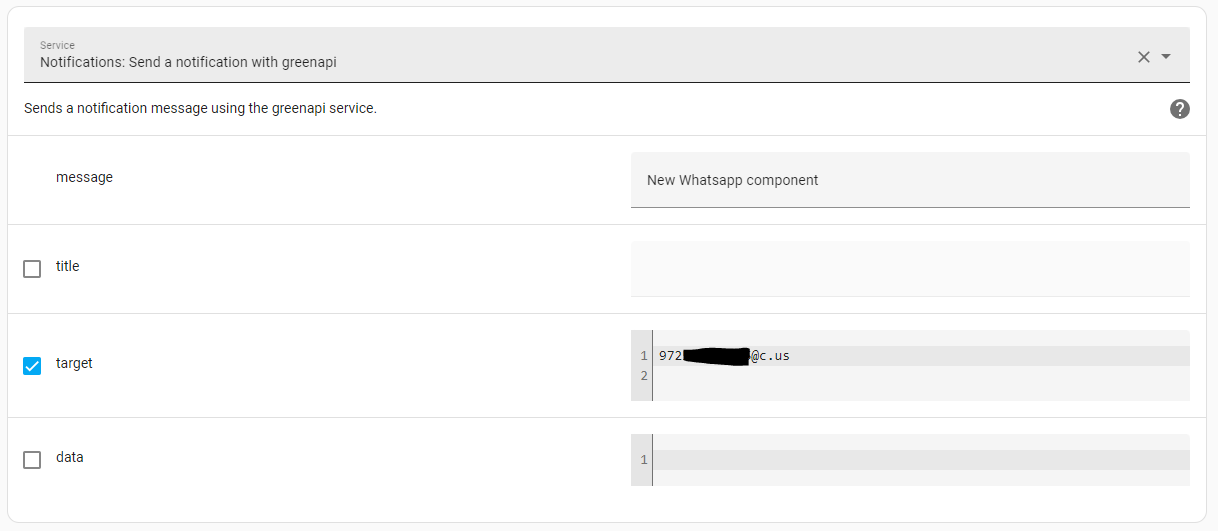
Or in YAML mode:
action: notify.greenapi
data:
  message: New WhatsApp component
  title: Home Assistant
  target: 972*********@c.us
On Home Assistant versions older than 2024.8, use service: instead of action:.
To send a message with media, add the following to the data parameter:
file: the path to the file, as seen by Home Assistant (for example/config/images/Capture.png).
The file is uploaded to Green-API and sent to the chat, with the message (including the title, if any) as its caption.
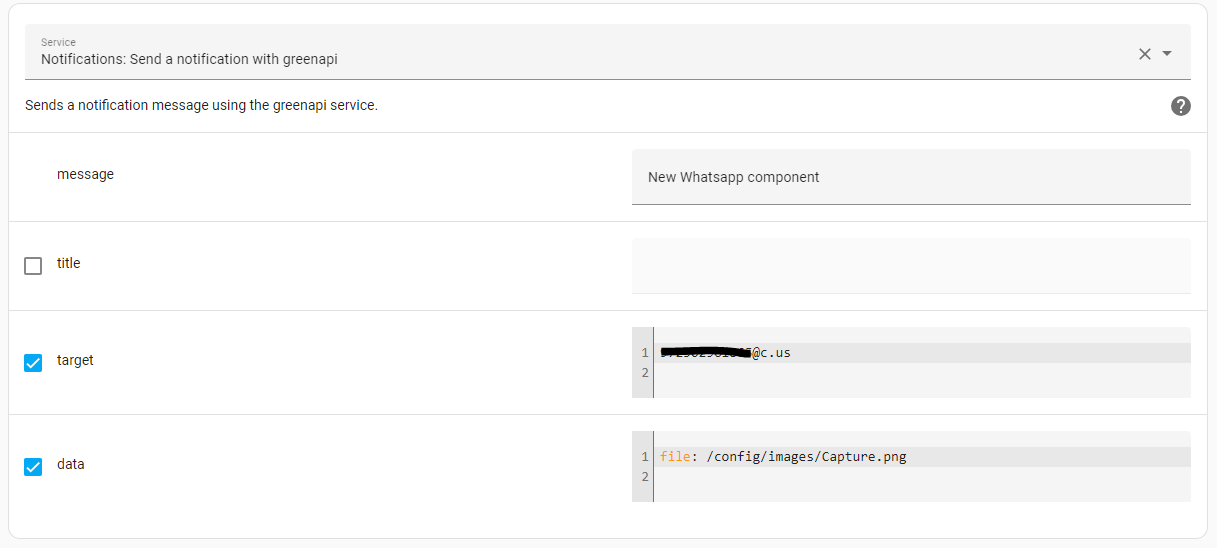
Or in YAML mode:
action: notify.greenapi
data:
  message: New WhatsApp component
  target: 972*********@c.us
  data:
file: /config/images/Capture.pngIf the file path does not exist and you pass target in the action call, the message is still sent as plain text and a warning is logged. If you rely on the default target from the configuration, a missing file makes the action call fail and nothing is sent (see Known issues).
This example uses the triggers: / trigger: / actions: syntax, which needs Home Assistant 2024.10 or later. On older versions, use trigger: / platform: / action: with service:.
automation:
  - alias: Notify WhatsApp group when the front door opens
    triggers:
      - trigger: state
        entity_id: binary_sensor.front_door
        to: "on"
    actions:
      - action: notify.greenapi
        data:
          title: Front door
          message: "The front door was opened at {{ now().strftime('%H:%M') }}"
target: 120363000000000000@g.us-
No message arrives and nothing obvious happens. The component does not check Green-API's responses to sending a message or file. Green-API HTTP errors are logged at ERROR level by the library itself, under the logger
whatsapp-api-client-python, not by the component. Check Settings → System → Logs for entries from bothwhatsapp-api-client-pythonandcustom_components.greenapi.notify. When you passtargetin the action call, other send errors are caught and logged by the component. When you rely on the defaulttarget, they surface as a failed action call with aTypeErrorinstead (see Known issues). -
Messages don't reach the chat. Make sure the target is a full ID ending with
@c.usor@g.us; the component does not add the suffix. Also check that the Green-API instance is active (green light) and still linked to WhatsApp. -
The file is not sent. The path must exist inside the Home Assistant environment (for example under
/config). Withtargetpassed in the action call, a missing file means only the text is sent and a warning is logged, and a failed upload to Green-API is logged as an error by the component. With the defaulttarget, both cases make the action call fail (see Known issues). If the upload succeeds but sending the file fails, the error appears only in thewhatsapp-api-client-pythonlog. -
More logging. To see the
Sending message to ...log lines, enable info logging for the component:logger: default: warning logs: custom_components.greenapi: info whatsapp-api-client-python: info
- Default target and error handling. When
targetis not passed in the action call (so the defaulttargetfrom the configuration is used), the warning and error log lines innotify.pyfail with aTypeError. As a result, a missing file or any other send error makes the action call fail: nothing is sent and no warning or error from the component is logged. Until this is fixed, passtargetexplicitly in action calls that attach a file. - Unchecked API responses. Responses from sending a message or a file are not checked by the component. Green-API errors appear only in the
whatsapp-api-client-pythonlog.
- The Green-API token gives full access to your linked WhatsApp account through Green-API. Keep it out of
configuration.yamlby using!secret(as in the example above), and don't sharesecrets.yaml. - Messages and files are sent through Green-API's cloud service, so they leave your network. Don't send anything you wouldn't trust to a third party.
- If a token leaks, regenerate it in the Green-API console and update
secrets.yaml.
Issues and pull requests are welcome at github.com/t0mer/green-api-custom-notifier.
This project is licensed under the Apache License 2.0.