
A Minecraft mod aiming to bring real world electrical systems into the Minecraft world
Brought to you by the Chinese Institution of Scientific Minecraft Mod (CISM)
Current Supported Version: NeoForge 1.21.1
Legacy versions: Minecraft Forge 1.18.1, 1.17.1, 1.16.5(1.16.2 to 1.16.5), 1.15.2, 1.14.4, 1.12.2, 1.11.2, 1.7.10
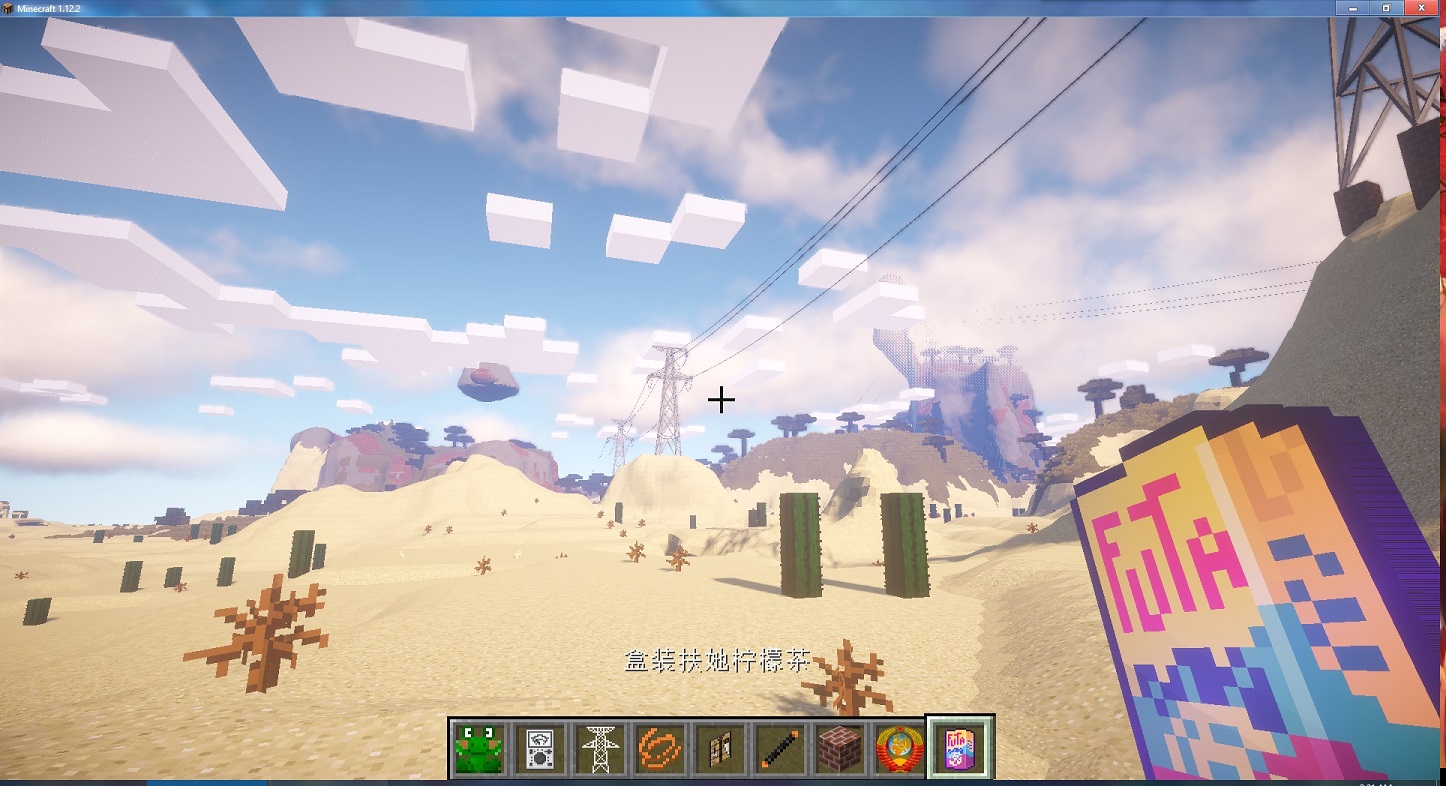

- BuildCraft Extension: Install BuildCraft facades to SimElectricity cable, already included in the SimElectricity Essential Mod.
- ThermalExpension Extension: Install ThermalDynamics facades to SimElectricity cable, already included in the SimElectricity Essential Mod.

- Ensure Java 21 (for Windows users, we recommend Eclipse Temurin 21 (LTS) found here) and
Git(found here) are properly installed on your system. - Create a base directory for the repo (anywhere you like)
- On Windows, open either 'CMD' or Windows PowerShell, on Linux and MacOS, launch a terminal, then navigate to the directory just created, and type the following commands:
git clone https://github.com/rikka0w0/SimElectricitygit submodule initandgit submodule updateto get LibRikka
- On Windows: use
gradlew.batinstead ofgradlew

- Complete the steps in "Setup the Environment" section.
- In the repo root folder, execute
gradlew runDatato launch the data generator, generated resource files will be located at "/src/generated" - If you just want to try this mod, run
gradlew runClientto launch the game, otherwise skip this step. - Execute
gradlew buildto build SimElectricity. - Switch to the librikka directory under the repo root:
cd librikka - Execute
gradlew buildagain to build LibRikka jars - Jars files are in
SimElectricity/build/libsandSimElectricity\librikka\build\libs
- The suffix of deobfuscated jars is "dev".
- __Obfuscated jars don't have any suffix, these jars are supposed to be used in normal minecraft games, copy them toyour
.minecraft\modsdirectory __

For API Usage, Please refer to the SimElectricity Github Wiki Pages
and comments in the API source code (package simelectricity.api).
- Setup the environment first (See section "Setup Environment")
- Launch Eclipse, then
Import > Existing Gradle Project > Select Folder
- Setup the environment first (See section "Setup Environment")
- In IDEA, import build.gradle as a gradle project
- Advanced users only: There are two hidden gradlew tasks:
energyNetDevJarandenergyNetJar, which can generate Jars without the essential mod. - Since 1.15.2, Mojang introduces "DataGenerators", they generate json resource files such as blockstates and models. They are invoked separately. Before building or testing this Mod, you have to execute the gradle task "runData". Checkout: https://minecraft.gamepedia.com/Tutorials/Running_the_Data_Generator
- Since 1.21.1, Minecraft requires Java 21. For Windows users, we recommend installing Eclipse Temurin 21 (LTS). To specify a custom JRE path, use
gradlew.bat -Dorg.gradle.java.home=/path_to_jdk_directory <commands>on Windows, or./gradlew -Dorg.gradle.java.home=/path_to_jdk_directory <commands>on Linux/macOS.

- LibRikka - A code pack designed to simplify Minecraft Modding
- CSPARSEJ - CSparseJ is a Java port of CSparse, a Concise Sparse matrix package.
- NeoForge - A modern Minecraft modding API
- Minecraft Forge - A Minecraft mod container and loader
- LambdaLib - A modding library that aims at making modding fluent and enjoyable.
- Also, inspired by BuildCraft and Immersive Engineering !