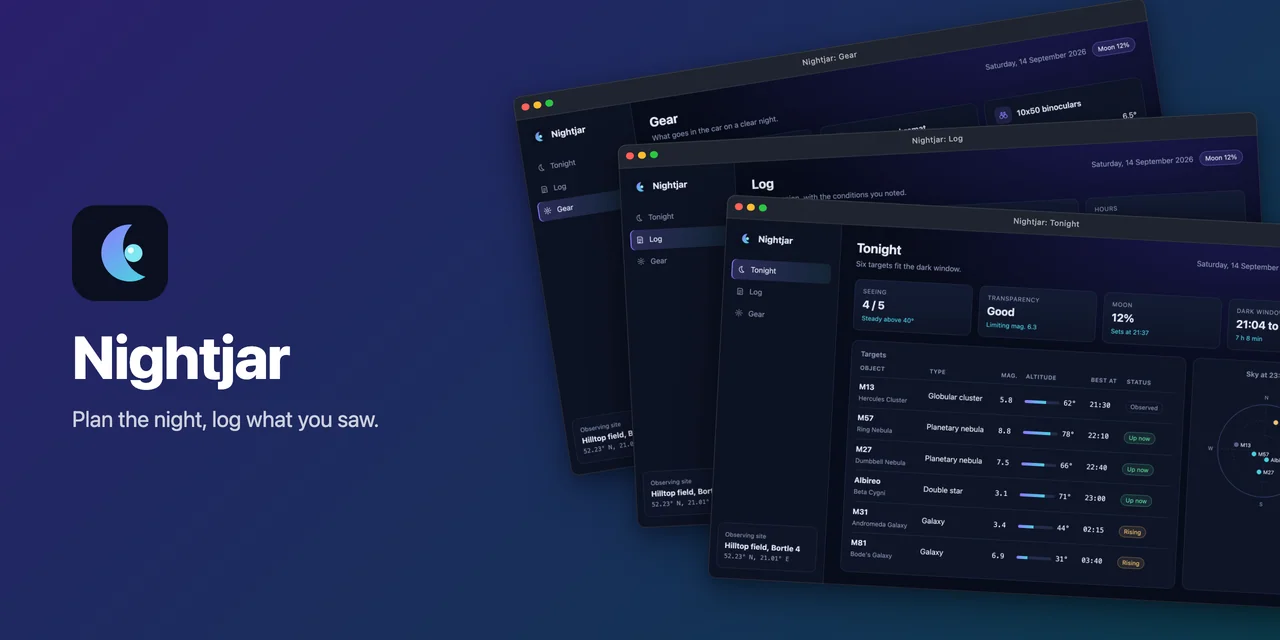
A banner the kit rendered for Nightjar, the fixture app of the docs gallery.
Capture, frame and export showcase images of desktop and web apps for READMEs and portfolios.
One config file describes your app and the views worth showing. The showcase CLI drives the app with
Playwright (a web app in headless Chromium, an Electron app over the Chrome DevTools
Protocol, or a terminal app in a pseudo terminal) and captures the same pixels on every run.
Documentation: noctcore.github.io/showcase-kit
From one config it produces:
- raw captures: pixel-exact PNGs at a fixed viewport and device scale factor, in every UI language;
- framed README images: each capture in a window, browser or terminal frame (six styles) on a solid, gradient, mesh, dotted, grainy or transparent background, as WebP or PNG;
- portfolio images: exact-size 16:9 images with the framed window contained, a thumbnail and a gallery JSON;
- a README snippet: the framed images with captions as HTML, in one of five layouts (a table, rows, a featured image, collapsible details or a list);
- a hero banner: logo, name, tagline and framed shots in one of six layouts (stack, spotlight, split, row, mosaic or centered);
- terminal clips: animated WebP and GIF recordings of a terminal app (MP4 opt-in);
- app icons: web, Electron or Tauri icon sets from one square image.
The gallery shows every hero layout, frame style, background and
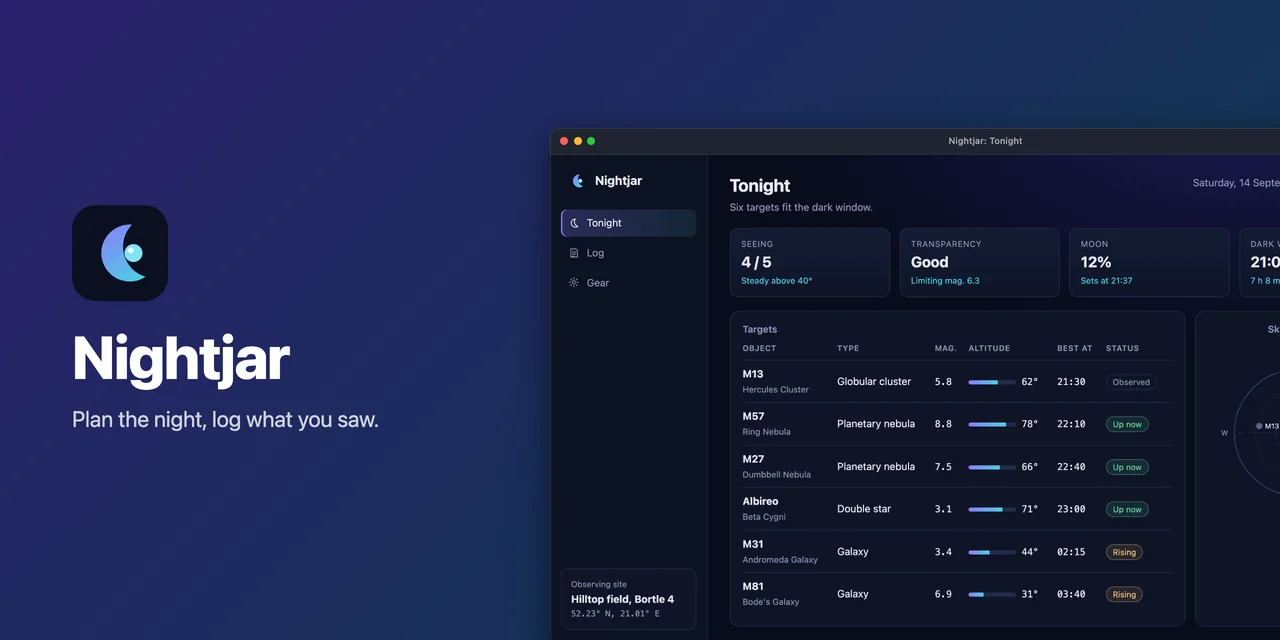
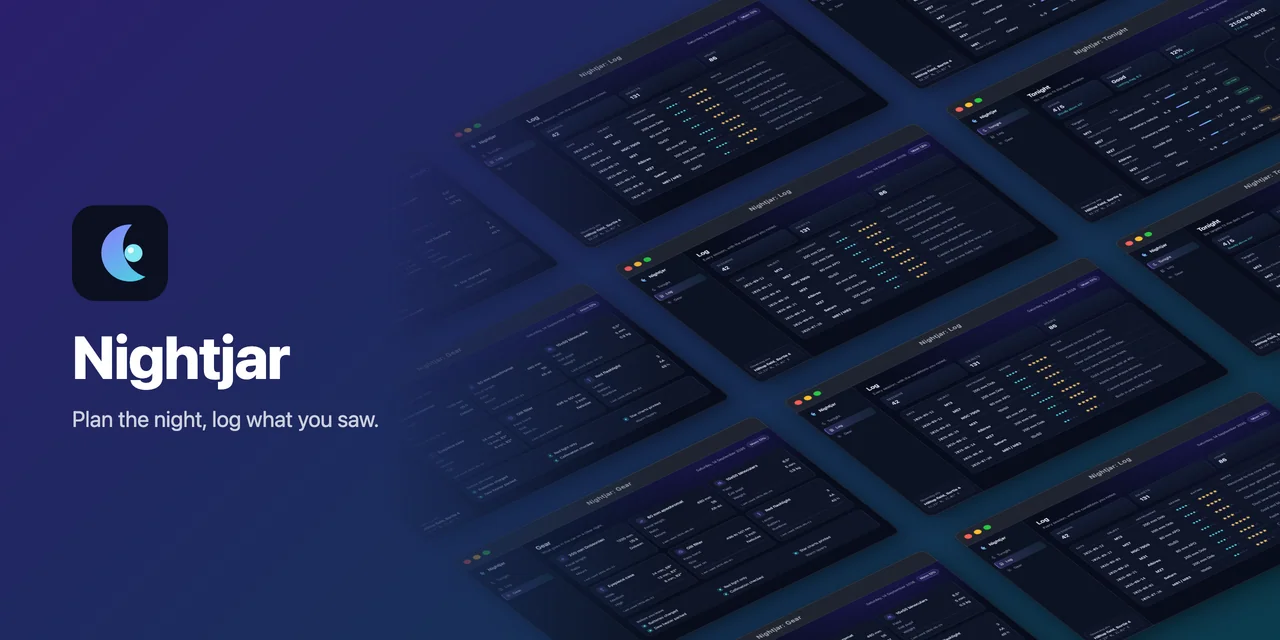
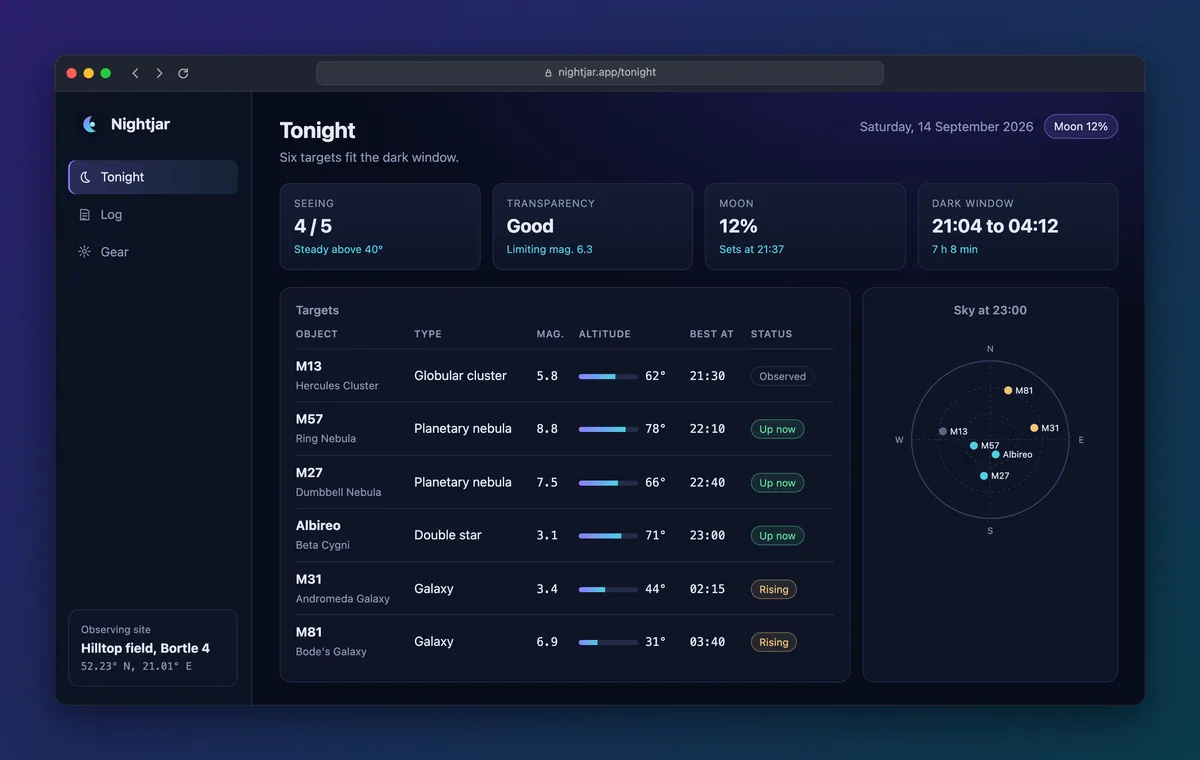
README layout, each with the config that made it. Below are four of them, rendered for Nightjar, a made-up app the
gallery captures (not the kit's own UI). showcase readme printed the table itself.
 |
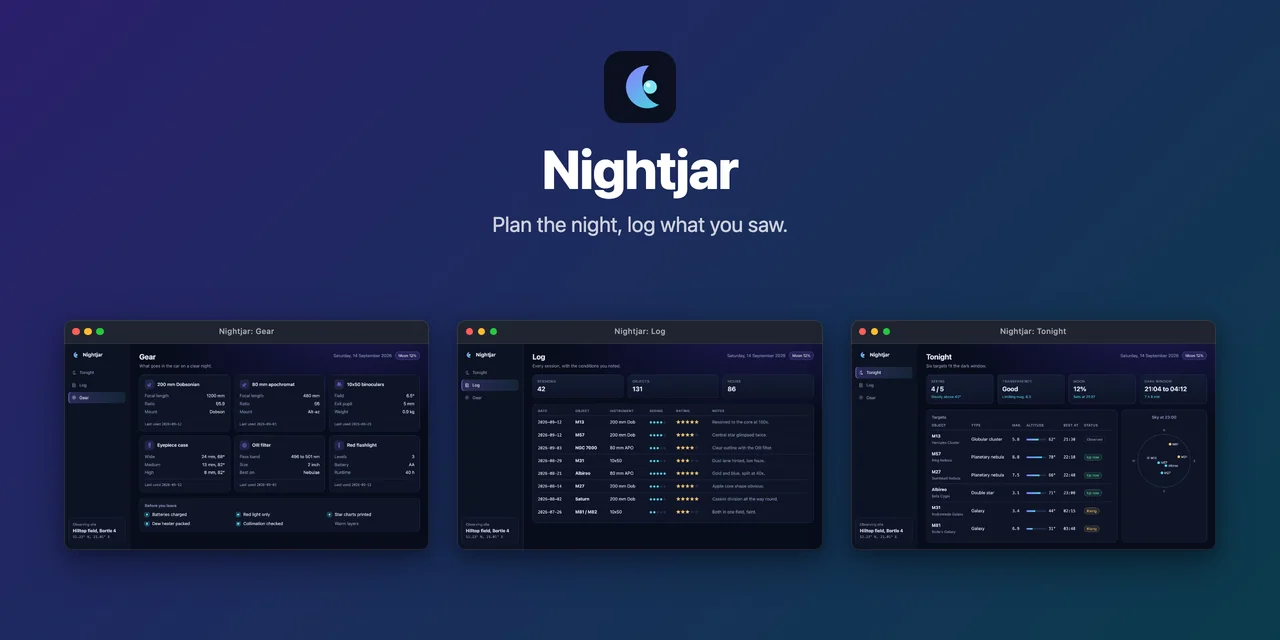 |
| Hero: spotlight | Hero: row |
 |
 |
| Hero: mosaic | Frame: browser |
pnpm add -D @noctcore/showcase-kit playwright
npx playwright install chromium(npm i -D and bun add -d work the same.) Requires Node 22 or newer and Playwright 1.50 or newer. Terminal
apps also need @lydell/node-pty.
npx showcase init     # writes showcase.config.mjs (--ts for TypeScript, --tty for a terminal app)
# edit the target and the shots
npx showcase all      # capture, frame, and export the portfolio images
npx showcase readme   # print the README snippet (--layout for the others)
A minimal config for a web app:
// showcase.config.mjs
import { defineConfig } from '@noctcore/showcase-kit';

export default defineConfig({
  name: 'My App',
  target: { mode: 'url', url: 'http://localhost:5173', start: 'pnpm dev' },
  ready: '#root > *',
  shots: [
    { id: 'dashboard', title: 'Dashboard', nav: '/' },
    { id: 'reports', title: 'Reports', nav: '/reports', waitFor: '[data-testid="chart"]' },
  ],
});| Page | What it covers |
|---|---|
| Getting started | Prerequisites, install, init, your first images, where the files land |
| Gallery | Real outputs the kit produced from a fixture app |
| Web apps | url mode: start commands, ready, shots and nav, languages, deterministic captures |
| Electron | cdp mode: attaching to a running Electron app |
| Tauri | The web build on any OS, or WebView2 over CDP on Windows |
| Terminal apps | tty mode: TUIs and CLIs in a pseudo terminal |
| Terminal determinism | What the kit pins down, and what a TUI should offer |
| Clips | Animated recordings of a terminal app |
| Frames | Window styles, backgrounds, formats and sizes |
| README table | showcase readme, its options and its five layouts |
| Portfolio | Exact-size images, the thumbnail and the gallery JSON |
| Hero banner | The README banner and social preview, in six layouts |
| Icons | Web, Electron and Tauri icon sets |
| Config reference | Every config key, its type and default |
| CLI reference | Every command and option |
| Programmatic API | Everything the package exports |
Release notes for every version are in CHANGELOG.md and on the changelog page.
MIT