
OpenWebSheet is an open-source, web-based spreadsheet application. It runs in the browser, can be installed as a Progressive Web App (PWA), and stores spreadsheet documents in the project’s .ows format.
abec997 (docs: improve README documentation)

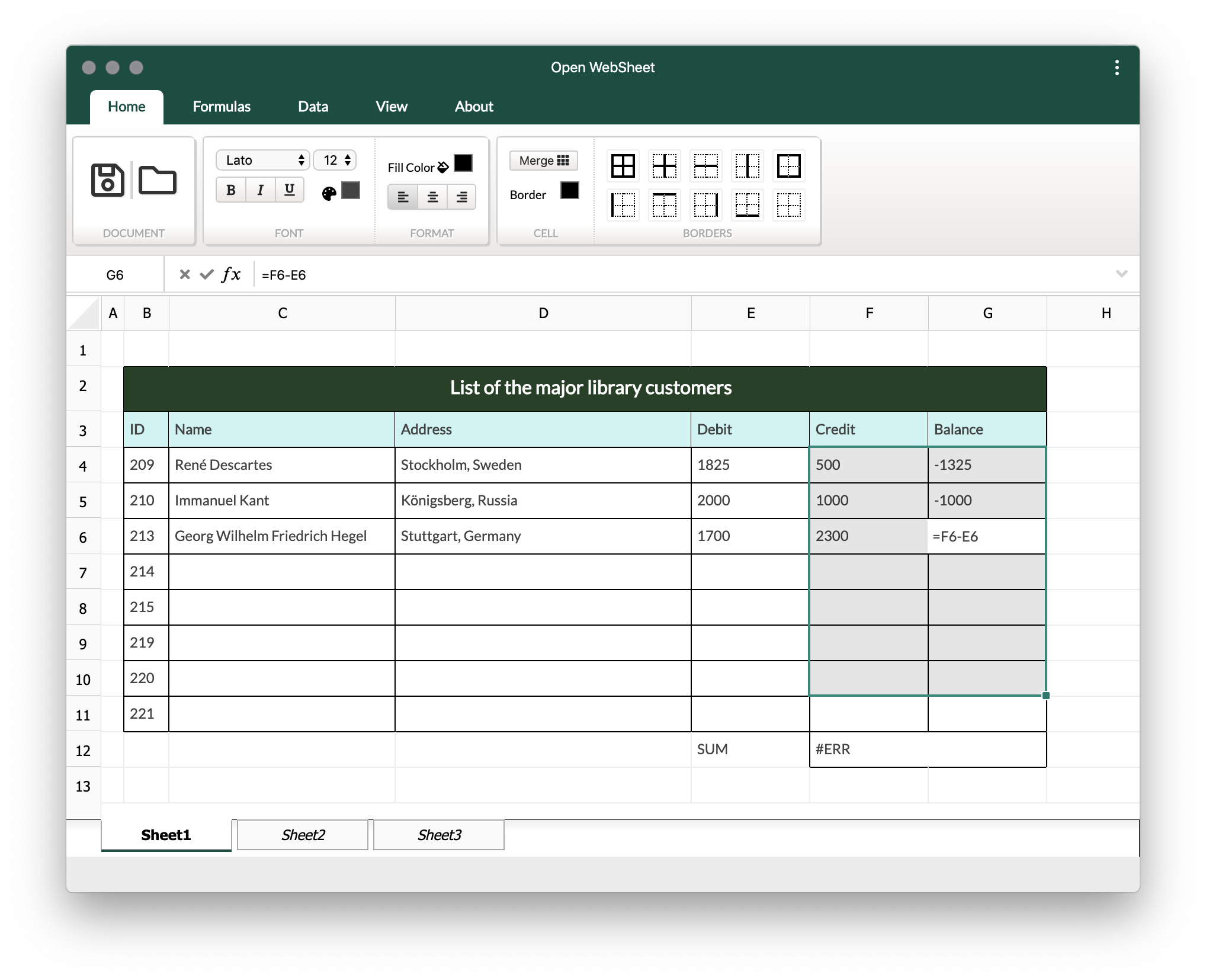
abec997 (docs: improve README documentation)

<<<<<<< HEAD
- Install the PWA application
- Download the
demo.owssample file - click on load Folder Icon and load the sample file =======
- Open the hosted app: https://siamandmaroufi.github.io/OpenWebSheet/
- Install the PWA using the install icon in the browser address bar.
- Download the sample file: https://siamandmaroufi.github.io/OpenWebSheet/demo/DEMO.ows
- Use the folder/load icon in the app to open the sample
.owsfile.
abec997 (docs: improve README documentation)
- Canvas-based spreadsheet rendering
- Basic cell content editing
- Borders
- Merge and split cells
- Basic formula support
- Import/export support for the native
.owsformat - PWA support
- Basic structure
- Canvas rendering
- Basic content editor
- Borders
- Merge and split
- Formula and expressions
- Basic support
- Advanced features
- Import/export
- Mathematical formulas
- OpenOffice/OpenDocument format support
- Advanced UI features
Install dependencies:
npm installStart the development server:
npm run serveBuild for production:
npm run buildRun linting:
npm run lintRun unit tests:
npm run test:unitAdditional documentation is available in the docs/ directory:
- Create an issue or choose an existing one.
- Create a focused branch for the change.
- Keep changes small and reviewable.
- Run linting and tests before opening a pull request.
- Update documentation when behavior, setup, or architecture changes.
No license file is currently included in the repository. Add one before publishing or reusing the project in environments that require explicit licensing terms.