
Send pageviews and custom events to Plausible Analytics so you have privacy friendly analytics.
This will log following information:
- A pageview or event
- Current page in the app (e.g. Homescreen)
- Operating System
- OS Version
- Referrer
- Screen width
- Revenue of a transaction (optional)
- Custom properties (optional)
Following information is generated by the Plausible server:
- Country
- Current time
Add a new site in plausible with your app name:
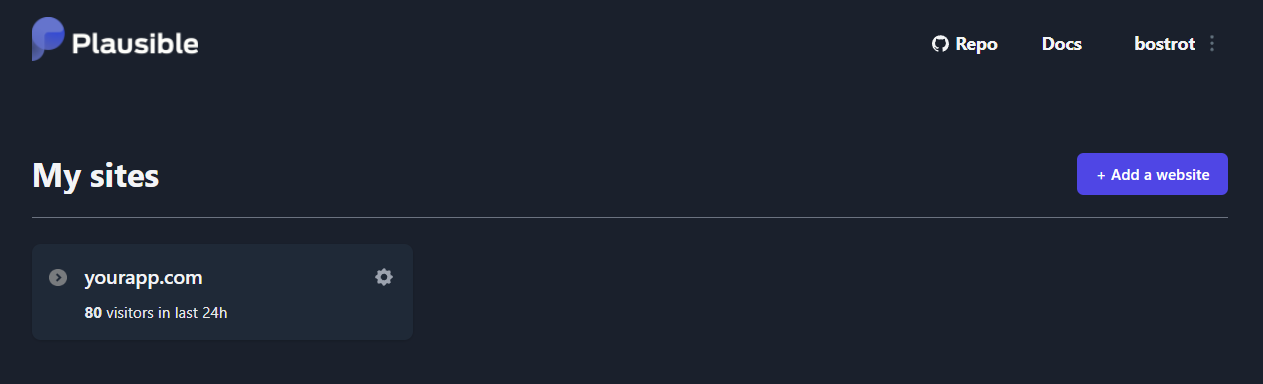
Using plausible on Android in release mode required internet permission in manifest
<uses-permission android:name="android.permission.INTERNET" />
For a simple pageview:
const String serverUrl = "https://plausible.io";
const String domain = "yourapp.com";

final plausible = Plausible(serverUrl, domain);
final event = plausible.event(); // click event
Or for a custom event (e.g. a conversion):
const String serverUrl = "https://plausible.io";
const String domain = "yourapp.com";

final plausible = Plausible(serverUrl, domain);
final event = plausible.event(
        name: 'conversion',
        page: 'homescreen',
        referrer: 'referrerPage',
        props: {
                'app_version': 'v1.0.0',
                'app_platform': 'windows',
                'app_locale': 'de-DE',
                'app_theme': 'darkmode',
});
Disable analytics (might be useful if a user opts out):
plausible.enabled = false;Attach the revenue of a transaction to a goal, see Plausible revenue tracking:
plausible.event(
  name: 'Purchase',
  revenue: const PlausibleRevenue(currency: 'EUR', amount: 13.32),
);Events the user did not trigger themselves should not count towards the bounce rate:
plausible.event(name: 'sync_finished', interactive: false);page and referrer are reported below app://localhost/ when you pass a
plain name such as homescreen. Passing a full url including a scheme sends it
unchanged, so utm parameters and external referrers are attributed correctly:
plausible.event(
  page: 'https://yourapp.com/landing?utm_source=newsletter',
  referrer: 'https://news.ycombinator.com/',
);
You can also use a custom user agent but that is not recommended as the default one already puts in the current Operation System & Version.
Also check Plausible API docs Events API which this package uses.
const String serverUrl = "https://plausible.io";
const String domain = "yourapp.com";

final plausible = Plausible(serverUrl, domain);

MaterialApp(
  navigatorObservers: [
    PlausibleNavigatorObserver(plausible),
  ],
  home: HomeScreen(),
);
A pageview is reported whenever a named PageRoute is pushed, popped or
replaced, using the previously visible route as the referrer. Routes without a
name and non page routes such as dialogs are skipped. Pass a nameExtractor to
name routes yourself:
PlausibleNavigatorObserver(
  plausible,
  nameExtractor: (settings) => settings.name ?? 'unnamed',
);event() returns the status code of the request — 202 when Plausible
accepted the event, 0 when enabled is false and 1 when the request
could not be made.