
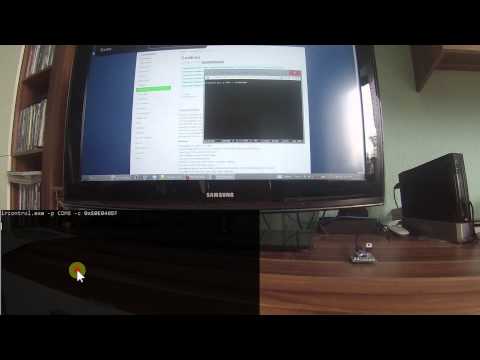
Control your tv (currently only Samsung TVs are supported) from a pc with an Arduino and an infrared led.
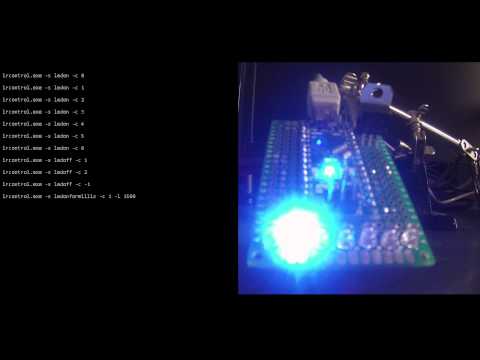
You can also turn on / off the seven LEDs from the pc.
You can use the LEDs for different purposes.
For example when a download finishes or an emails arrives.

IR Control
Change LEDs
-
Connect the Arduino to the IR LED and the 7 LEDs as described in the layout files
-
Download the latest release source code zip: Latest release and unzip it
-
Do the following with the files from the release:
- Install the Arduino libraries from the release found here \arduino\libraries
(How to install libraries (See section "Manual installation") - Upload the Arduino sketch \arduino\arduino.ino to your Arduino
- Install the Arduino libraries from the release found here \arduino\libraries
-
Download the latest release of the command line utlity zip (commandlinetool.zip): Latest release and unzip it
-
Open a command line window and have a look at the available commands:
windows command line tool

