


Browser extensions run in a privileged space, yet inspecting their source code can be unnecessarily complicated. ExtSrc eliminates the friction. It leverages front-end interfaces and a lightweight Vercel serverless proxy to securely grab the raw source code (.zip, .crx, or .xpi) of any extension from the Chrome, Firefox, Opera, or Edge addon stores.
No database, no tracking, and no heavy backend state required. Just elegant Javascript and a clean API route.
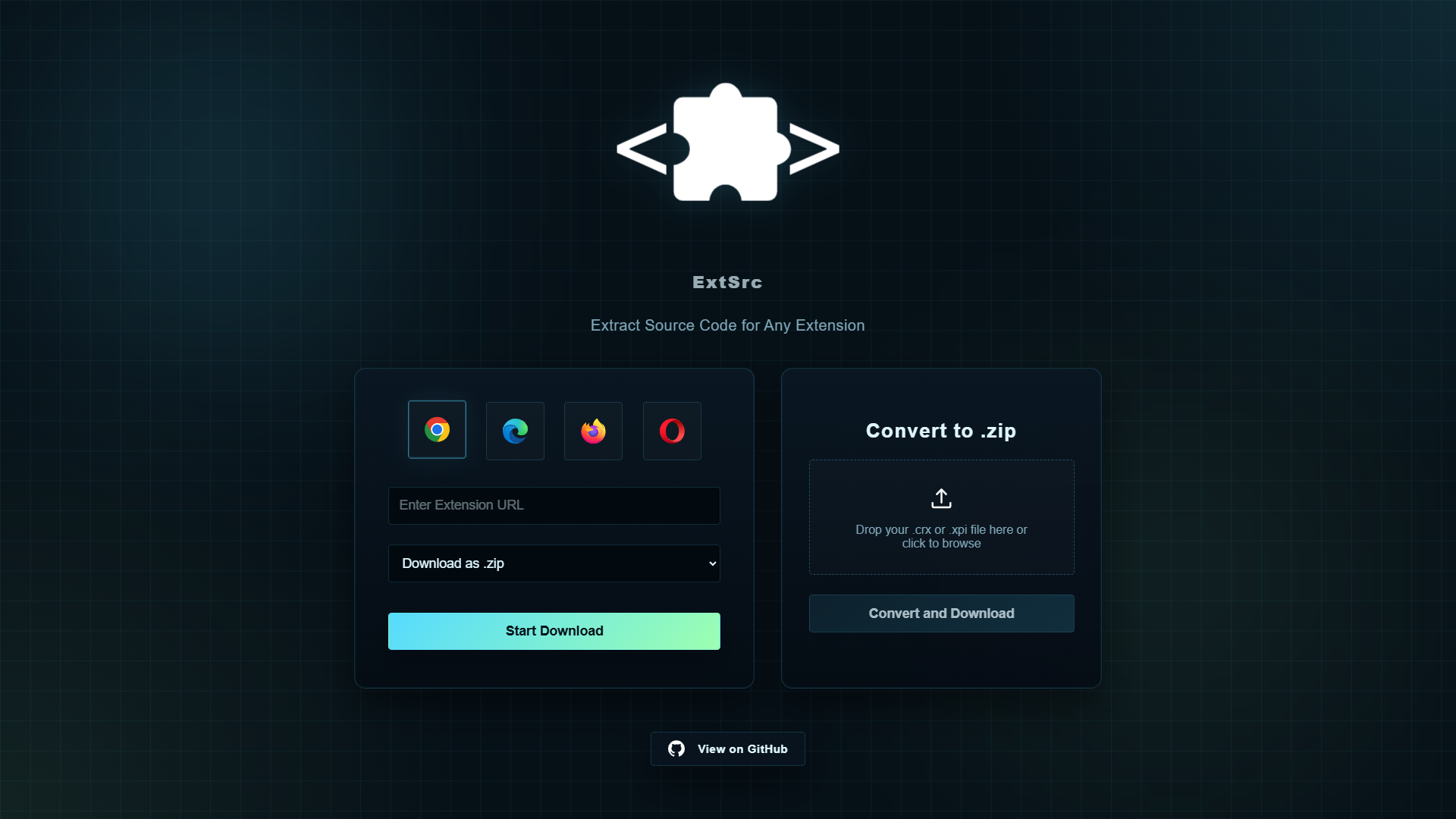
- Bypass Browser Restrictions: Leverages a serverless proxy on Vercel to smoothly fetch files that browsers typically block or flag as restricted.
- Universal Converter: Instantly convert
.crxor.xpifiles directly into.ziparchives. - Multi-Store Support: Works seamlessly with the Chrome Web Store, Firefox Add-ons, Microsoft Edge Add-ons, and Opera Add-ons.
- Speed and Efficiency: ExtSrc is designed to be fast and efficient, with a clean and simple interface.
- Progressive Web App (PWA): Installs as a standalone application on Windows, macOS, and Linux with full offline support for local file conversion.
- Go to ExtSrc
- Paste the full URL of the extension into the input field. The browser store will be detected automatically.
- Choose your preferred format (ZIP, CRX, or XPI) and click Start Download.
- ExtSrc will securely fetch and serve the package directly from the official store.
- Drag and drop any
.crxor.xpifile into the "Convert to .zip" zone. - Click Convert and Download.
- ExtSrc will parse the file headers, extract the raw archive, and instantly prompt a
.zipdownload.
Tip
Looking for technical details or extra info? Check out the README+.md for architecture, file structure, FAQ and more.
Tahsin Shahriar