The same Claude Code GUI you love in Cursor and VS Code, now available in JetBrains IDEs.
We've been renamed — Claude Code with GUI is now Swttch.
This repository moved from
yhk1038/claude-code-gui-jetbrainstoSwttch/swttch. Your existing links andgit cloneURLs keep working.It's the same product. We renamed it so we can support a wider range of providers beyond Claude Code.




🌐 English | 한국어 | 日本語 | 中文 | Español | Deutsch | Français
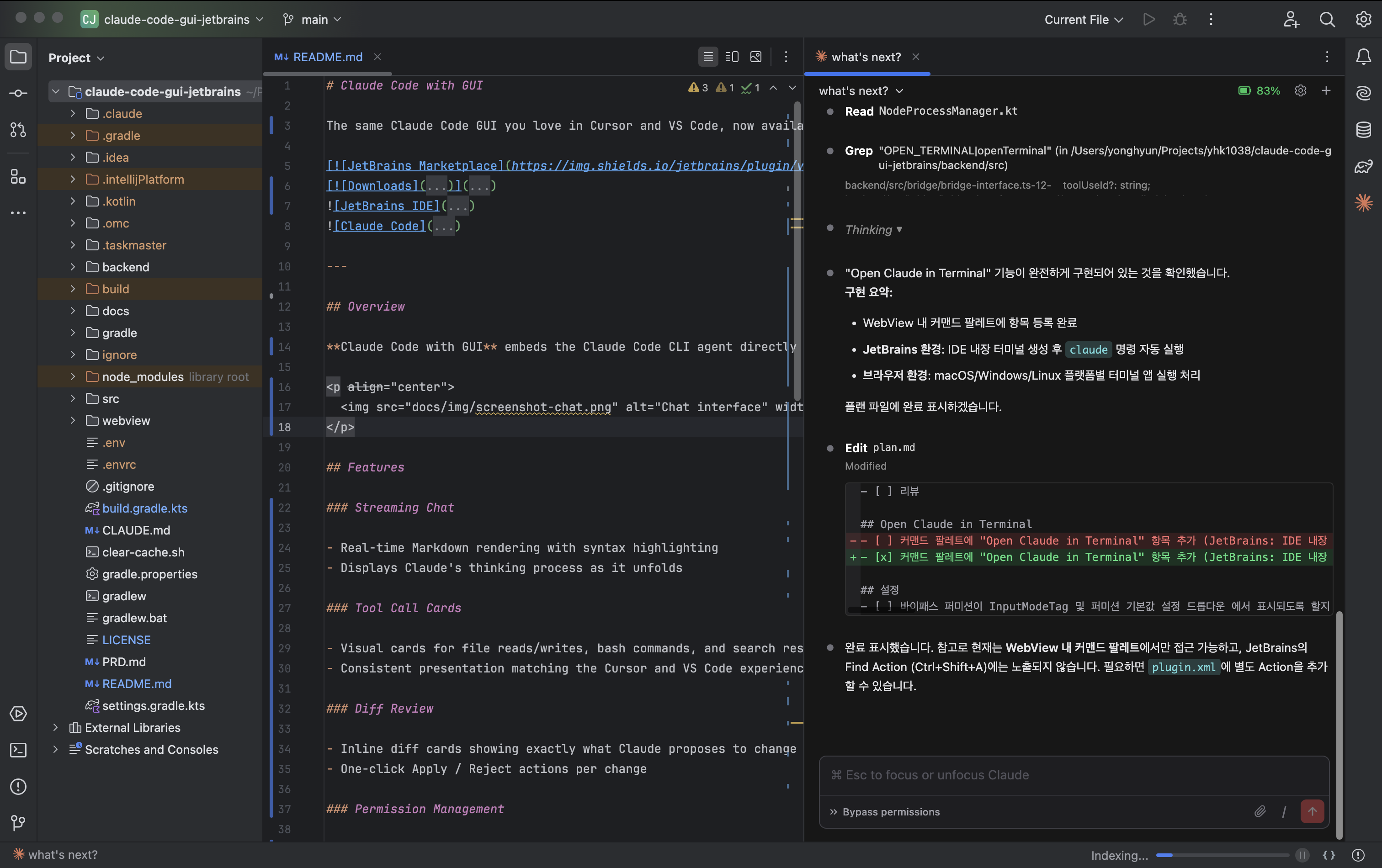
- The same UI/UX as Claude Code in Cursor/VS Code, now in JetBrains IDEs
- A wrapper that spawns the Claude Code CLI — the same approach as the official VS Code extension
- All source code designed and written entirely from scratch — not a clone of any other project
- Dual-environment architecture that runs independently in browsers/mobile as well as JetBrains IDEs
- Delivers the rapidly evolving Claude Code experience (Agent Team, Remote Control, etc.) as a GUI
We are currently putting significant effort into stabilizing the service. If you report a bug, we typically resolve it within 1 day on average. Your feedback and bug reports are greatly appreciated.
This project aspires to grow alongside a global developer community. We adopt English as the official common language to maximize collaboration opportunities with as many developers as possible.
- Real-time Markdown rendering with syntax highlighting (math rendering supported)
- Displays Claude's thinking process as it unfolds
- Visual cards for file reads/writes, bash commands, and search results
- Consistent presentation matching the Cursor/VS Code experience
- Native dialogs for file and bash operation permissions
- Flexible permission policy configuration in settings
- Manage multiple conversations simultaneously with tab support
- Session dropdown for fast switching between active sessions
- Browse full session history
- Attach files and images to chat via drag-and-drop or file picker
/clear— Reset session/compact— Compact conversation- Dynamically loads other available commands
- Instantly stop streaming messages and tool execution
-
Remote access from external devices
- Generates an externally accessible URL with QR Code
- Tunnels local server using cloudflared by Cloudflare (free, unlimited)
- No third-party communication beyond the Cloudflare proxy server providing port forwarding
- Community-built feature, unrelated to Claude's native Remote Control (planned for future support)
-
Sleep prevention
- macOS (caffeinate), Linux (systemd-inhibit), Windows (powercfg)
- Control not only plugin settings but also Claude Code's original settings (global/local) directly from the settings menu
- Full GUI coverage of the official settings file spec is planned
- GUI management of MCP servers, skills, agents, and other
.claudedomains is planned
- Works standalone in browsers or mobile without JetBrains IDE
- Node.js backend provides a WebSocket server; the browser connects as a client
- Not just for development — an independent deployment target delivering the same features as the IDE environment
- Open Claude in Terminal — Launch Claude in the IDE terminal from the command palette
- Session URL Routing — Sessions auto-restore even after IDE restart
- Single Process Multi-Project — One backend process serves multiple projects simultaneously
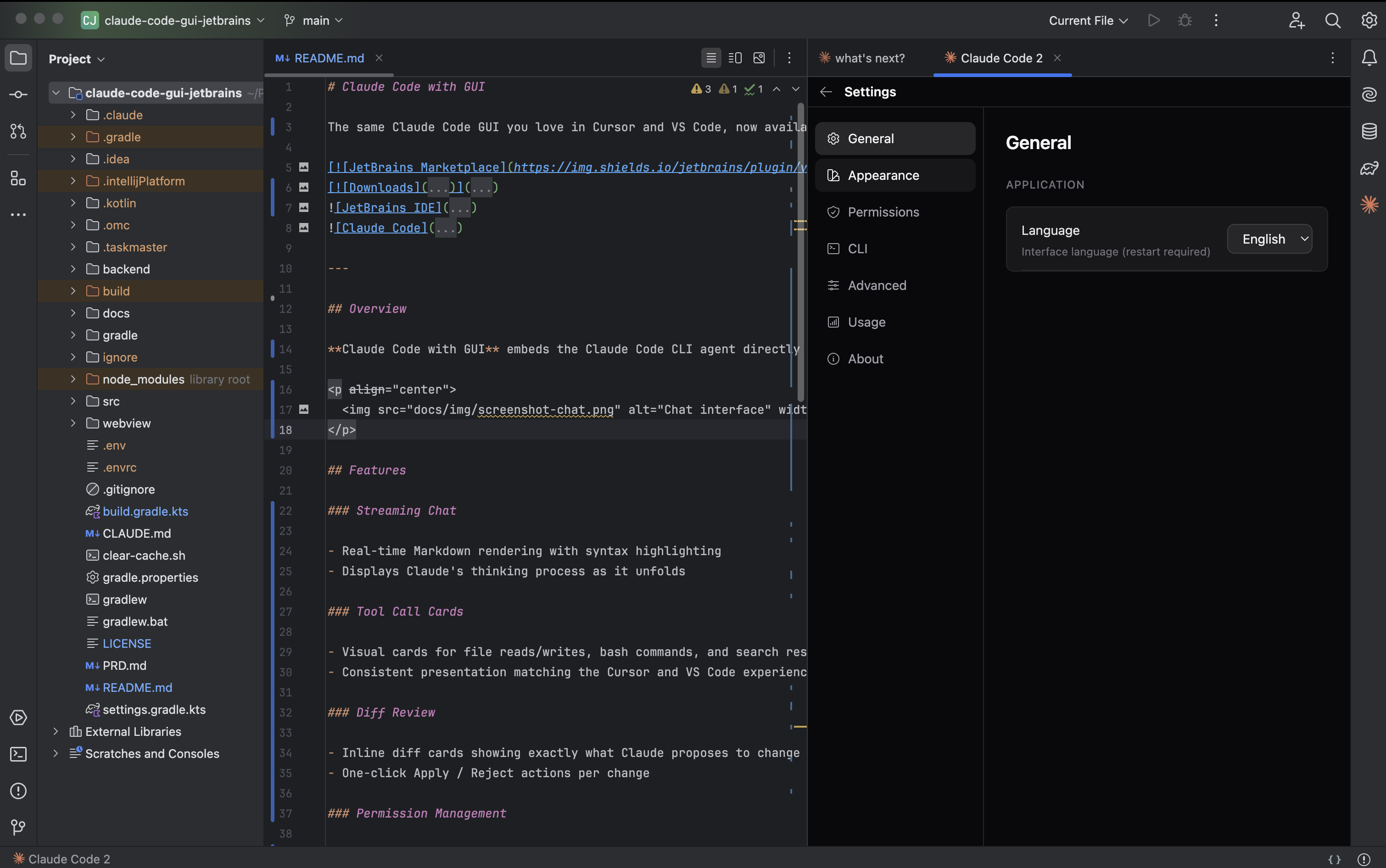
- Settings — Configure CLI path, theme, font size, permission policy, and log level
More screenshots
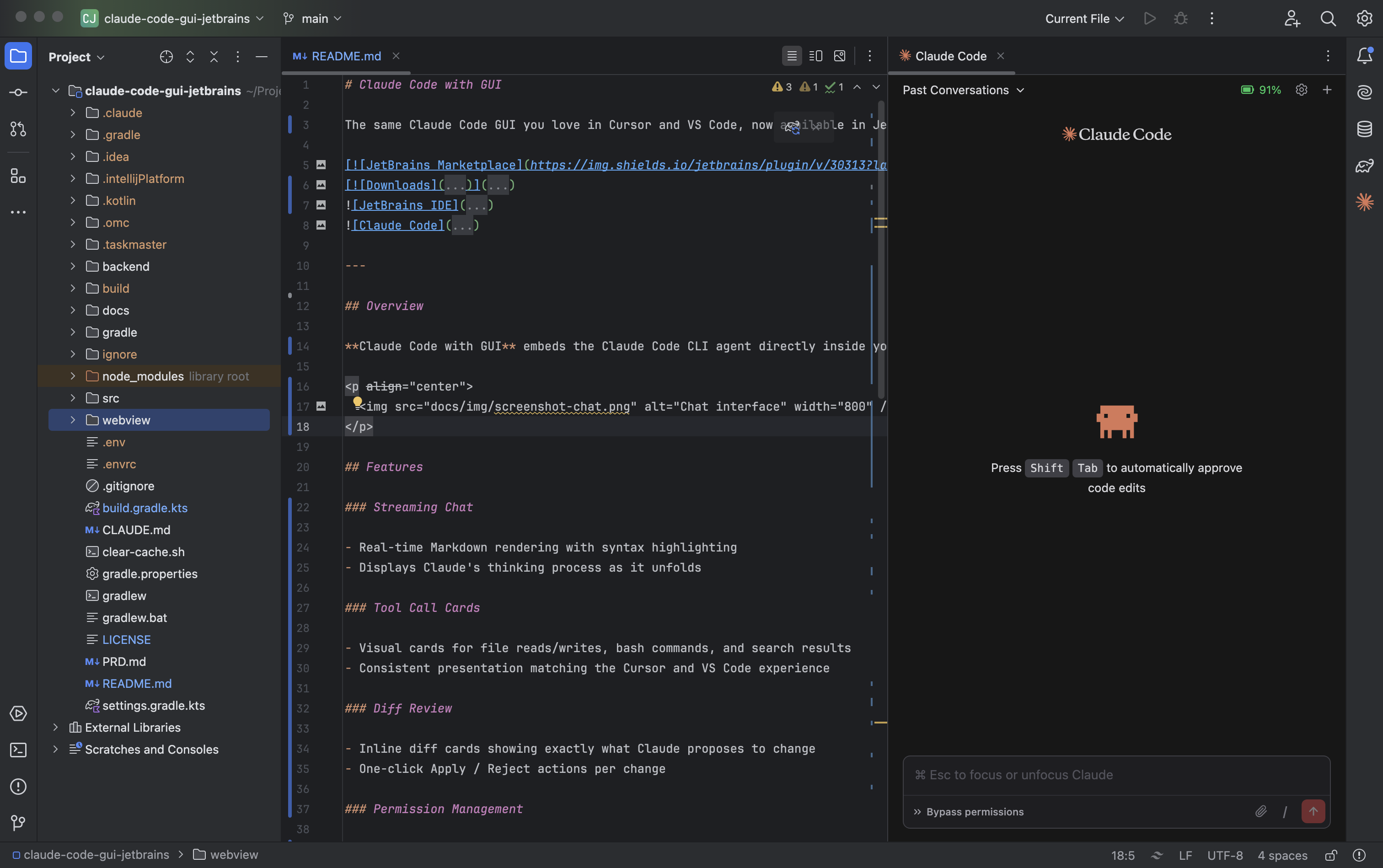
Welcome screen
Settings panel
- JetBrains IDE 2024.2 — 2025.3
- Claude Code CLI >= 1.0.0, installed and authenticated
- Node.js >= 18
- Verify
claudeCLI is installed and authenticated (claude --version). - Install the plugin from the JetBrains Marketplace.
- Open the panel via Tools > Open Claude Code or press
Ctrl+Shift+C. - Start coding with Claude.
Shortcuts
Ctrl+Shift+C— Open Claude Code panelCmd+N/Ctrl+N(panel focused) — New session tab
Prefer your own browser over the IDE panel? Install the terminal launcher with one line:
curl -fsSL https://raw.githubusercontent.com/Swttch/swttch/main/cli/install.sh | bashThen from any project directory:
ccgSame backend, same UI, opened in your default browser on http://localhost:19836. Coexists with the JetBrains plugin on port 19836. See cli/README.md for details.
Problems that come up often, which we have not been able to fix on our side yet but for which a known workaround exists, are collected in docs/troubleshooting — each with the symptoms, the cause, how to fix it, and links to the related issues.
- Wayland clipboard — pasting into the chat input fails on Linux · Wayland · KDE Plasma
- Android Studio JCEF — Android Studio shows a guidance panel or an exception instead of the chat UI, or a blank window
If your problem is not listed there, please open an issue.
Contributions of all kinds are welcome — bug reports, feature ideas, code, documentation, and translations.
- Getting started? See CONTRIBUTING.md for setup instructions and guidelines.
- Looking for something to work on? Check issues labeled
good first issue. - Have a larger change in mind? Please open an issue first to discuss.
This project is licensed under the GNU Affero General Public License v3.0.