
Drop-in custom physics replication and lag compensation for Roblox.
Roblox's default replication has several limitations that make responsive multiplayer gameplay difficult to achieve. By default, physics is replicated at 20hz, and all characters are subject to a large, non-configurable interpolation delay designed primarily for mobile devices on low-bandwidth connections.
Chrono solves these problems, while improving developer experience:
- Bypasses Roblox's interpolation delay by manually forwarding CFrame data to other players with a configurable, custom dynamic interpolation delay.
- Far more accurate lag compensation by providing access to historical snapshot data and exposing the interpolation delay.
- Optimized server-controlled entity replication by elegantly disabling default replication. Chrono then sends its own compressed replication data using a fraction of the bandwidth.
- Native: Chrono runs custom replication on top of Roblox's replication. This will improve interpolation, responsiveness and allow for easy lag compensation. It uses more bandwidth, but can be drag and dropped into games without changes
- Native with lock: Chrono turns off Roblox's replication for the entity. Uses less bandwidth, but a few server-side behaviors change; for example,
Touchedno longer fires on the server. Most other Roblox features should work as usual. If something doesn't, please open an issue. - Custom: the server and client use separate models.
- CFrame: Chrono sets the entity's CFrame to the interpolated value.
- Align: Chrono drives the entity with AlignPosition/AlignOrientation on the client. Added in v2.2.0 so Chrono works with existing ragdoll systems. See Ragdolls.
- None: Chrono doesn't move the entity, so you can apply the transform yourself.
Full documentation: https://parihsz.github.io/Chrono/
local chrono = require(ReplicatedStorage.Packages.chrono)
chrono.Start()
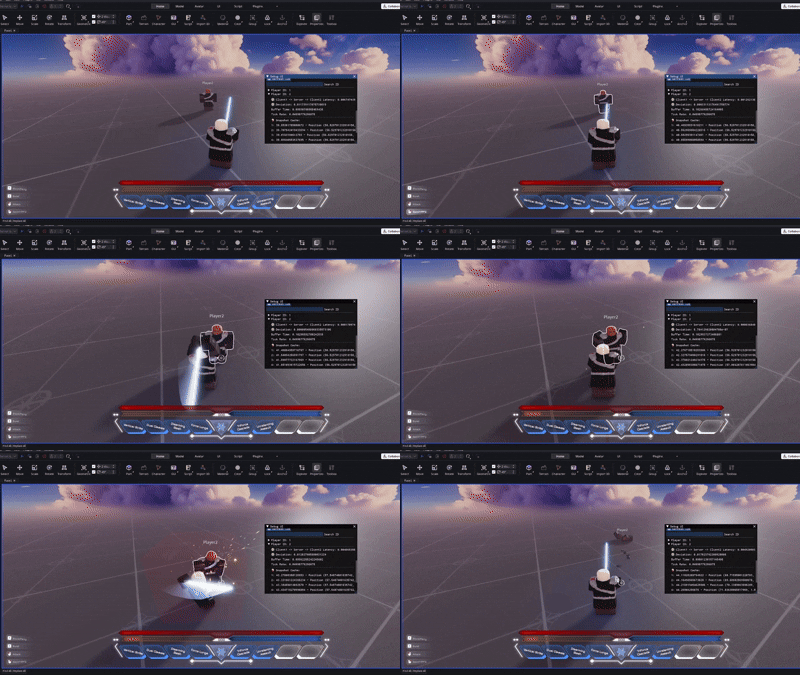
Chrono |
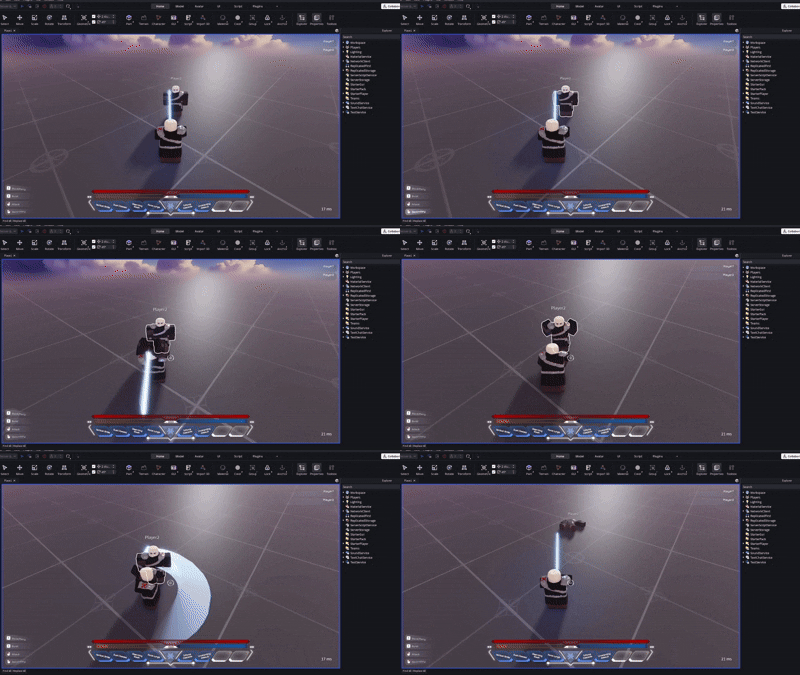
Roblox default replication |

Side by side comparison: Red = Roblox, Blue = Native with lock, Black = Native
150 entities moved using Humanoid:MoveTo every 0.1 seconds to a random location (half ticking disabled). Chrono tick rate set to 10 TPS without full rotation. Packet size was measured using the Stats service (Stats.DataSendKbps + Stats.PhysicsSendKbps), sampled every 0.1 seconds and averaged over 60 seconds.
| Mode | Server Send (Kbps) | Client Recv (Kbps) |
|---|---|---|
| Native | 56.81 | 50.49 |
| Roblox | 34.57 | 28.74 |
| Native with lock | 28.98 | 22.13 |
| Custom | 22.10 | 21.92 |
Raw footage: https://youtu.be/xo8EJ9YHSi4
See benchmarks/EntityBench.md and test/tests/benchEntities.luau for more details on the tests.