


A high-performance C++ implementation of the SMPL, SMPL-H, and SMPL-X body models using LibTorch. Optimized for GPU execution, capable of running up to 1000 inferences per second to torture your model in real-time! 😎 This implementation is a refined and improved version of smpl-cpp. It also includes a Torch Chamfer Distance implementation in and a fitting example that can be used to fit the SMPL model to point clouds as well as a Visualization example using Open3D.
| Fast Fitting (predicting betas) |
Fast Fitting (predicting betas and pose) |
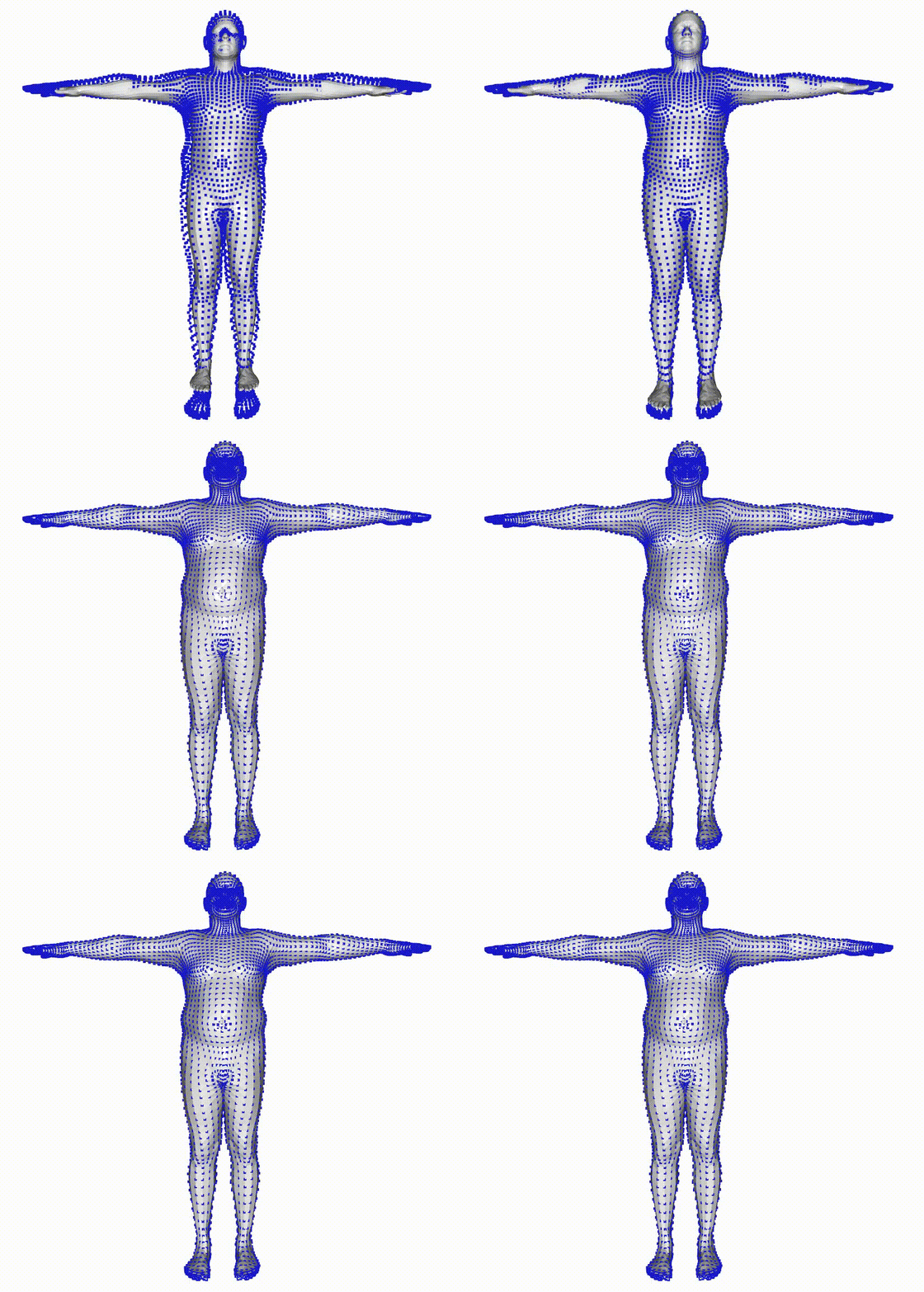
|
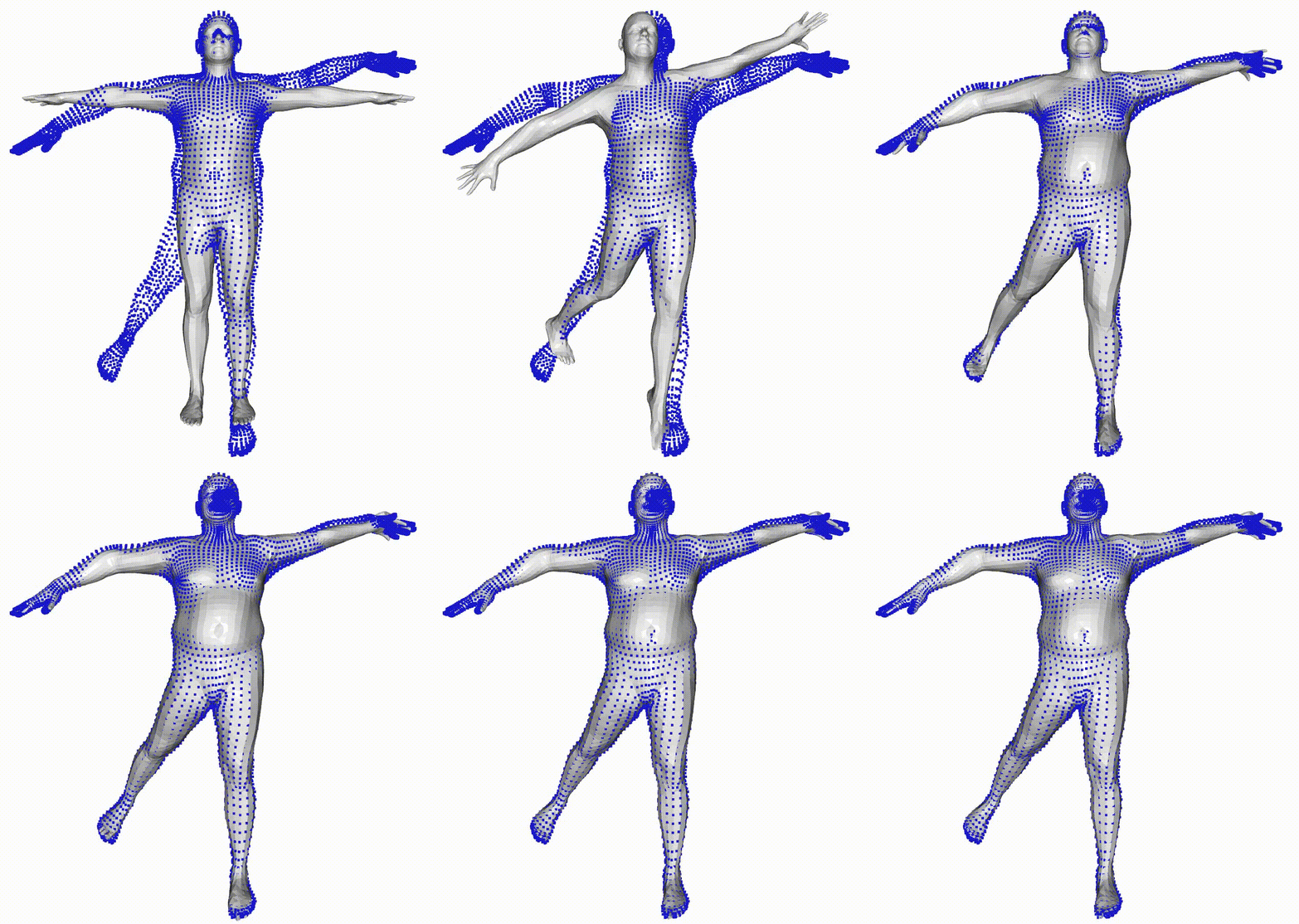
|
- C++ implementation using LibTorch (PyTorch C++ API)
- Supports SMPL, SMPL-H (TODO), and SMPL-X (TODO) models
- GPU acceleration via CUDA (optional)
- Suitable for real-time performance-critical applications
- Fast model loading using NumPy
.npzformat (no Python runtime required) - Fast fitting to point clouds using Chamfer Distance
- Easy integration with other systems since it produces a portable
smplxlibrary - Visualization example using Open3D
git clone https://github.com/hydran00/torchure_smplx.git
cd torchure_smplx- LibTorch
- Zlib (often pre-installed) or with
sudo apt install zlib1g-dev - CMake
- CUDA (optional, for GPU builds)
- Open3D (optional, for visualization)
Download the correct LibTorch version for your platform and CUDA version from https://pytorch.org.
python -c "import torch; print('PyTorch ABI:', torch._C._GLIBCXX_USE_CXX11_ABI)" # should print TrueIf it prints False I suggest you to download LibTorch(refer to Libtorch section) or chose a compatible PyTorch version.
Then determine your Torch cmake path:
python -c "import torch; print(torch.utils.cmake_prefix_path)"Download the C++ version of LibTorch from PyTorch's official site and extract it. Make sure to choose the version that matches your system architecture and CUDA version (if applicable). Your Torch cmake path should look like this:
/path/to/libtorch/share/cmake/TorchIf you want GPU acceleration, set the CUDACXX variable to point to nvcc, in Linux the path is usually /usr/local/cuda/bin/nvcc.
export CUDACXX=/usr/local/cuda/bin/nvccThen configure and build:
mkdir build
cd build
cmake .. -DCMAKE_PREFIX_PATH="<torch cmake prefix path>"
make
Optional: To link Torch you can also set the same Torch_DIR variable in CMake, so you can avoid expliciting Torch_DIR every time
# add this line to on top of CMakeLists.txt
set(Torch_DIR "<torch cmake prefix path>")Download the SMPL model from the official website after registering, currently we tested only the 10 PCs shape.
This project uses .npz format for loading SMPL/SMPL-X models in C++.
Convert the official .pkl models using the included Python script:
python3 scripts/pkl2npz.py \
  smpl/models/basicModel_f_lbs_10_207_0_v1.0.0.pkl \
  smpl/models/basicModel_m_lbs_10_207_0_v1.0.0.pkl
This will produce .npz files compatible with C++ using the cnpy loader.
./benchmark <path-to-converted-smpl-model.npz>This runs the model and outputs a mesh for a single forward pass. Performance on GPU can reach ~1000 FPS depending on hardware.
./fitting <path-to-converted-smpl-model.npz>
This example will also open a Open3D window to visualize the fitting process if Open3D was available during the building process.
Including torchure_smplx in your project is straightforward with cmake, you can take a look at the minimal_cmake_example for a minimal example of how to include the library in your project.
...
find_package(torchure_smplx REQUIRED)
find_package(Torch REQUIRED)
...
add_executable(your_beautiful_project main.cpp)
...
target_link_libraries(your_beautiful_project PRIVATE torchure_smplx::smplx)Apache 2.0 License (see LICENSE file).
Please open an issue or PR on GitHub if you need help or want to contribute.
smpl-cpp: Libtorch implementation of SMPL, base code of this project.
cnpy: A C++ library for loading NumPy .npz files.
chamferdist: Torch implementation of Chamfer Distance.
smplx: SMPL-X repository.