
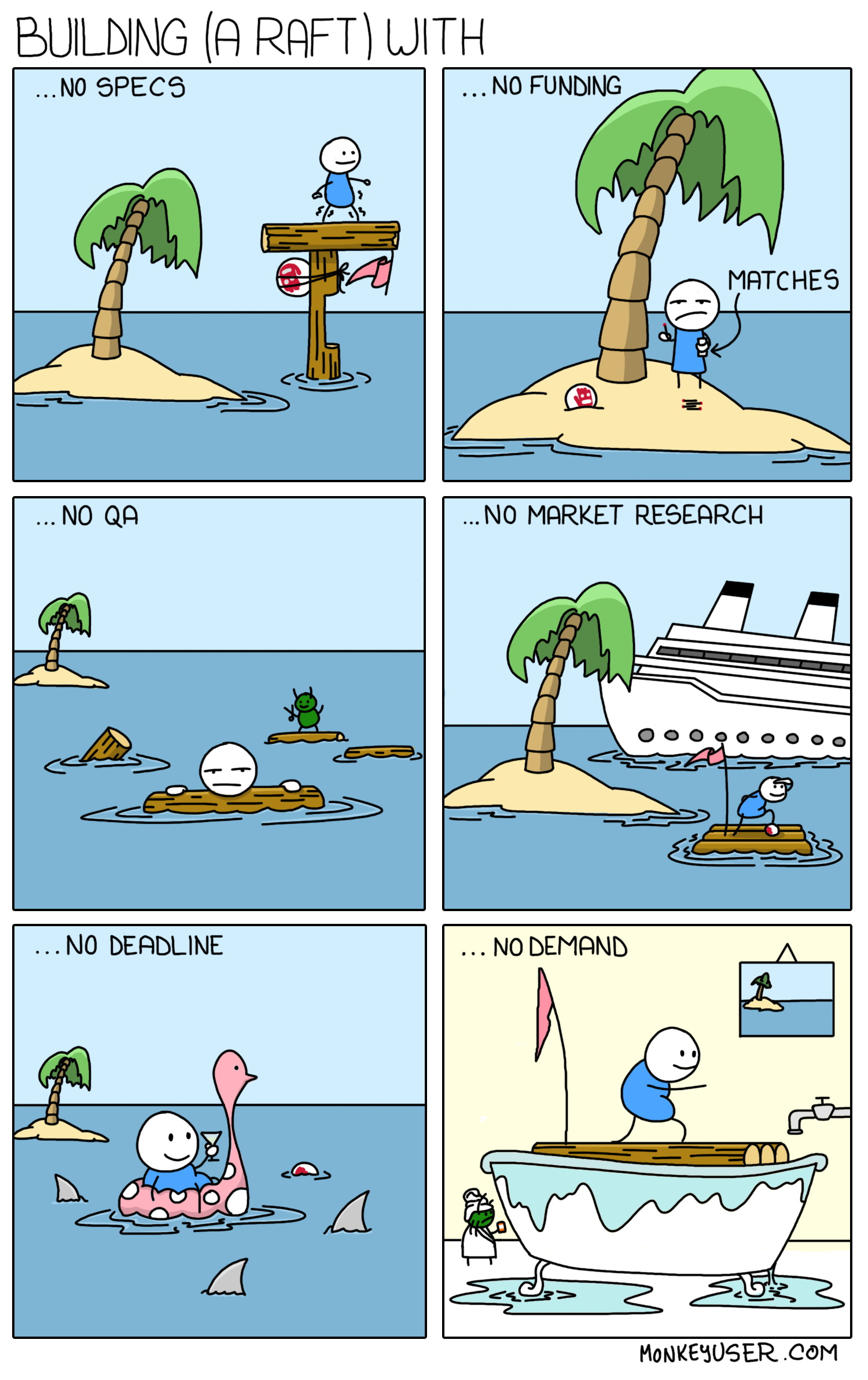
The project is a work in progress; the meme is a joke, not our development process.
A food-surplus marketplace connecting restaurants with people looking for a good meal at a lower price.
ZAD is a graduation project and an early-stage product prototype. The idea is simple: restaurants can offer surplus food instead of wasting it, and customers can discover affordable meals nearby.
Project status: under active development. Features, APIs, and setup may change as we continue building, testing, and fixing the project. This is not a production-ready release; some flows may be incomplete or need further validation.
The repository currently contains:
- A Flutter mobile app with screens and flows for sign-in and registration, browsing restaurants and products, product details, a cart and checkout, orders, and a customer profile.
- A PHP JSON API with endpoints for authentication, the home feed, and order creation. The API uses JWT authentication for protected requests.
- A PHP web area with restaurant and admin management pages.
- A MySQL/MariaDB schema for users, restaurants, products, orders, order items, and restaurant requests.
The presence of a screen or endpoint does not mean its whole user journey has been completed or production-tested. Online payment processing is not included.
.
├── backend/
│   ├── app/                 # Controllers, repositories, middleware, helpers
│   ├── config/              # Environment-backed database and JWT settings
│   ├── database/            # Clean schema and database setup guide
│   └── public/api/v1/       # PHP API endpoints
├── web/
│   ├── admin/               # PHP admin and restaurant management pages
│   └── index.php            # Public web landing page
└── zad/
    ├── lib/                 # Flutter app, organized by feature
    ├── test/                # Flutter tests
    └── pubspec.yaml
- Flutter and Dart compatible with the SDK constraint in
zad/pubspec.yaml(Dart^3.10.0). - PHP 8.0 or later with PDO MySQL enabled.
- MySQL 8 or MariaDB 10.11 (or a compatible release).
- An Android emulator, iOS simulator, or connected device for the mobile app.
Follow backend/database/README.md to import the
schema and create an application database user. The schema creates an empty
database; it does not include demo accounts or production data.
Copy the environment template and fill in the values for your machine:
cp backend/.env.example backend/.envSet DB_HOST, DB_NAME, DB_USER, and DB_PASSWORD. Generate a private JWT
secret of at least 32 characters and set JWT_SECRET. For example:
php -r "echo bin2hex(random_bytes(32)), PHP_EOL;"Keep backend/.env private. It is ignored by Git.
From the repository root, start PHP's development server with the API's public directory as its document root:
cd backend/public
php -S 0.0.0.0:8000
The API base URL is:
http://127.0.0.1:8000/api/v1/
Keep this terminal open while using the app. The built-in PHP server is for local development only; use a properly configured web server and HTTPS for deployment.
In another terminal, from the repository root:
cd zad
flutter pub get
flutter run --dart-define=API_BASE_URL=http://127.0.0.1:8000/api/v1/
Use the URL that the device can actually reach:
| Where the app runs | Example API base URL |
|---|---|
| Desktop or iOS simulator | http://127.0.0.1:8000/api/v1/ |
| Android emulator | http://10.0.2.2:8000/api/v1/ |
| Physical device | http://<computer-LAN-IP>:8000/api/v1/ |
For a physical device, make sure it is on the same network as your computer and that the development server is reachable through the firewall. Use your deployed HTTPS URL for production builds.
From the repository root, start a second local server:
php -S 127.0.0.1:8080 -t webThen visit http://127.0.0.1:8080/admin/. The web area uses the same
backend/.env database settings.
Run the Flutter analyzer and tests from zad/:
flutter analyze
flutter test
Backend scripts in backend/tests/ are small manual checks, not a configured
automated test suite. They require a local database and the environment settings
above; review each script before running it.
Contributions are welcome. Before opening a pull request:
- Check existing issues and describe the change or bug you plan to address.
- Keep changes focused and follow the existing feature-based Flutter and controller/repository PHP structure.
- Run the relevant analyzer and tests, and include the results in the pull request. If a check cannot be run, say why.
- Never commit
.envfiles, database exports with real data, uploaded user/customer images, signing keys, or Firebase service-account credentials.
Please note that this project is still changing quickly. Discuss larger behavioral or architectural changes in an issue before investing in them.
This project is still taking shape, and every prototype starts somewhere. This “Building a raft” meme felt especially fitting: it pokes fun at the gaps between an early idea and a well-tested product. The artwork is credited to MonkeyUser in the image and hosted by ProgrammerHumor.