-
Install system dependencies:
sudo apt update
sudo apt install -y python3-dev
sudo apt install -y build-essential
sudo apt install -y libasound2-dev
sudo apt install -y whois
sudo apt install -y traceroute
sudo apt install -y tshark
sudo apt install -y qttools-dev-tools
sudo apt install -y qttools-dev
sudo apt install -y python3-pyqt5
sudo apt install -y gst123
sudo apt install -y gstreamer1.0-adapter-pulseeffects
sudo apt install -y gstreamer1.0-alsa
sudo apt install libcairo2-dev libgirepository1.0-dev pkg-config
sudo apt install libgirepository-2.0-dev
-
Upgrade Python tooling and install the package:
pip install --upgrade pip setuptools wheel
pip install ipradar2
And check READ_ME.txt for more information.
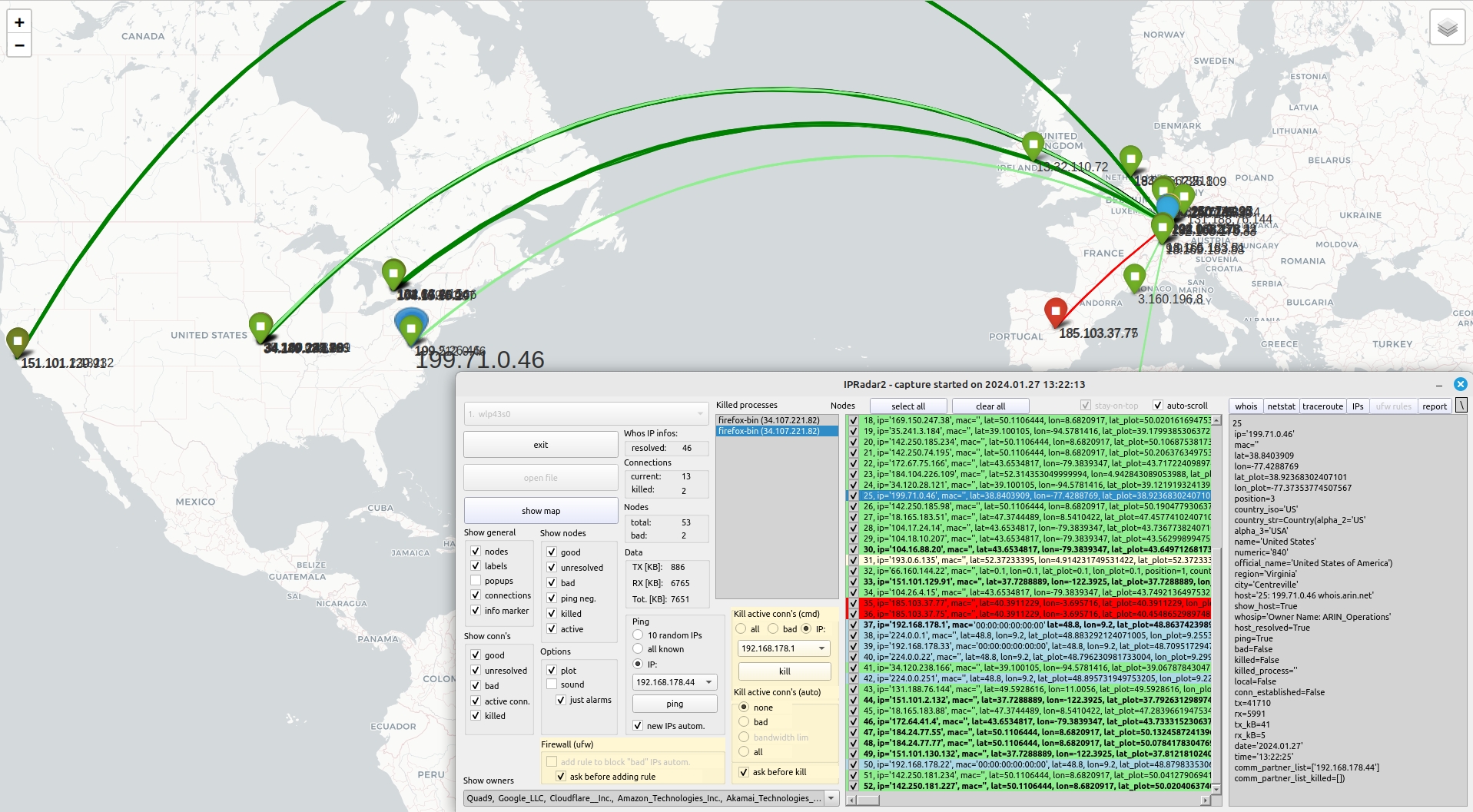
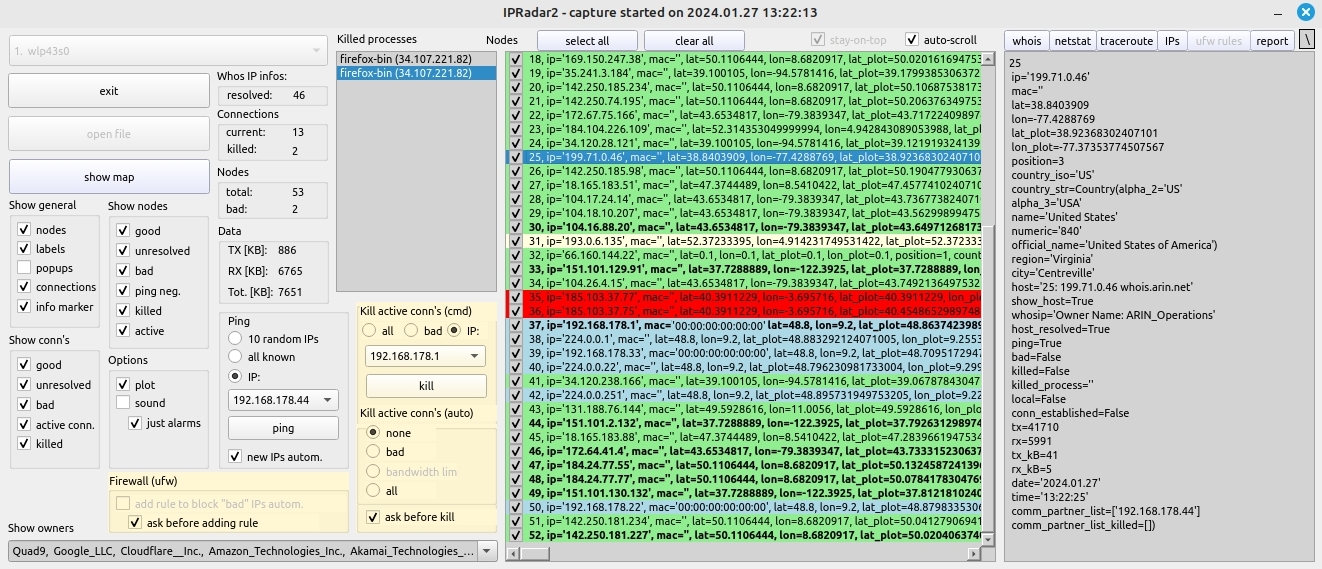
Real-time detection and defense against malicious network activity and policy violations (exploits, port-scanners, advertising, telemetry, state surveillance, etc.)
For more information you can check the Windows variant of this tool, which is very similar:
Article in Code Project (Windows version)
Video Playlist (Windows version)