

A clean, private new tab for your local wallpaper.

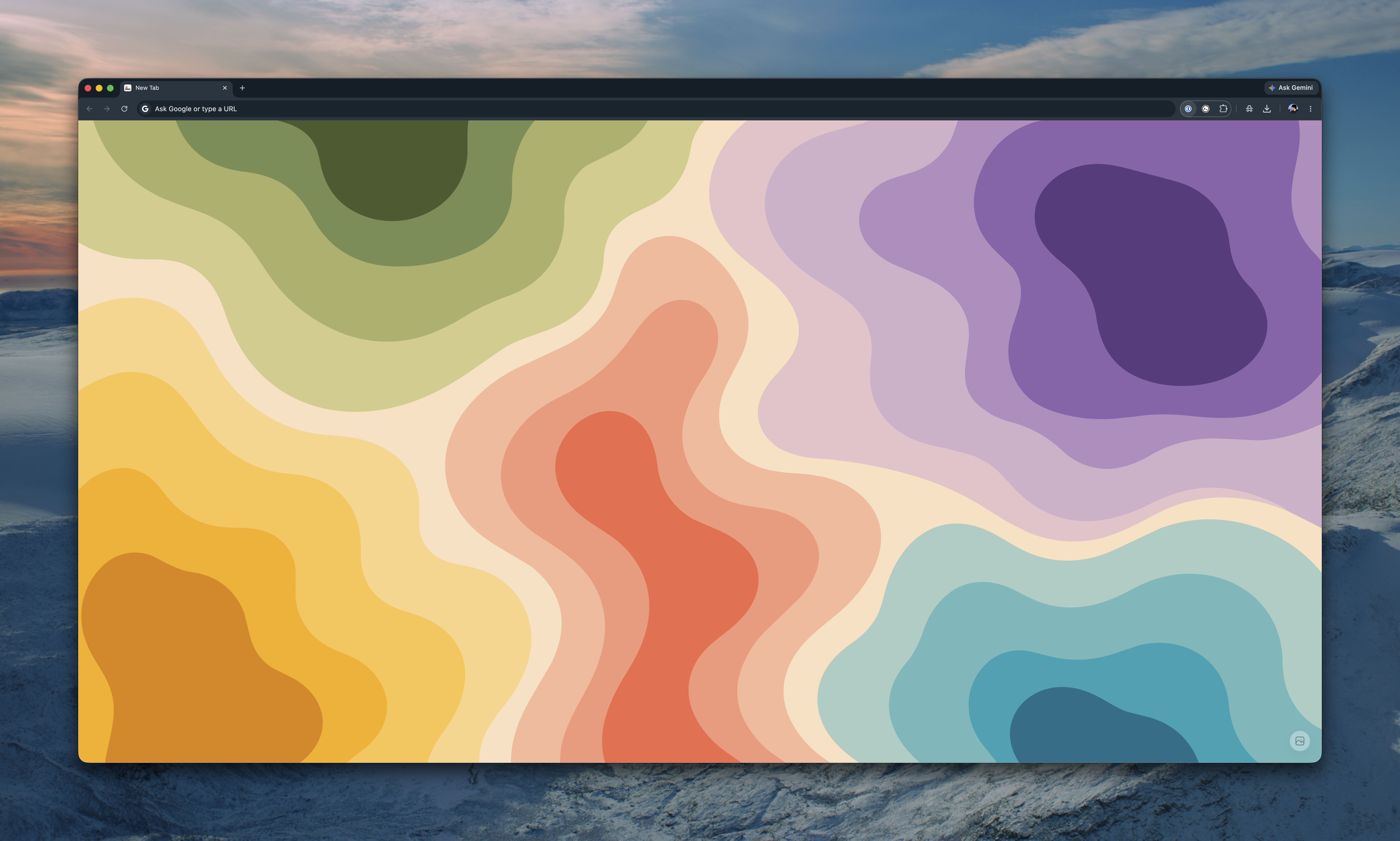
Start New Tab replaces Chrome's default new tab page with a quiet local wallpaper page. Choose an image from your computer, keep it stored locally, and use the small corner menu whenever you want to change or clear it.
- Replace Chrome's default new tab page with a minimal local page.
- Choose, change, or clear a local wallpaper image.
- Store wallpaper data locally with IndexedDB.
- Keep the interface visually quiet so the wallpaper stays in focus.
- Request no Chrome extension permissions.
Start New Tab is local-first by design. It does not use accounts, cloud sync, analytics, remote wallpapers, network requests, permissions, or host_permissions.
Install Start New Tab from the Chrome Web Store.
To load the extension locally:
- Open
chrome://extensions. - Enable Developer mode.
- Choose Load unpacked.
- Select the
srcdirectory.
This project uses mise for Node.js and Corepack for pnpm.
mise install
corepack enable
pnpm install --frozen-lockfile
Run checks:
pnpm lint
pnpm buildpnpm buildThe build creates dist/StartNewTab.zip with manifest.json at the archive root.
GPL-3.0-only - Copyright (c) 2023 Chang Jun