
A terminal orchestrator for AI coding agents. A background server owns the terminals your agents run in, so they keep working when you close the UI. The TUI organises everything as a tree — machines, projects, git branches, agents and terminals — beside a live view of whatever you select.
Works with Claude Code, Codex, Gemini CLI, OpenCode and Devin, on your machine or on remote machines over SSH.
It is for running several agents at once and keeping track of them — which one is waiting on you, what each has changed, and getting back to them after your laptop slept. It earns its keep from the third agent, not the first.
It is the wrong shape if you run one agent in one repo (use the agent's own
CLI, with tmux if you want it to survive a dropped ssh session), if you branch
and commit by hand (a plain multiplexer gives you panes without the opinions),
or if review means comments, threads and approvals — conch reads diffs side by
side and stages hunks, but has no review threads and no approving a pull
request, so pair it with gh or your forge for those. It is macOS and Linux; on Windows, WSL. And
it waits for Enter on purpose: nothing the brain proposes runs until you
confirm, so it is not the tool for unattended swarms.
The longer version, losses included.
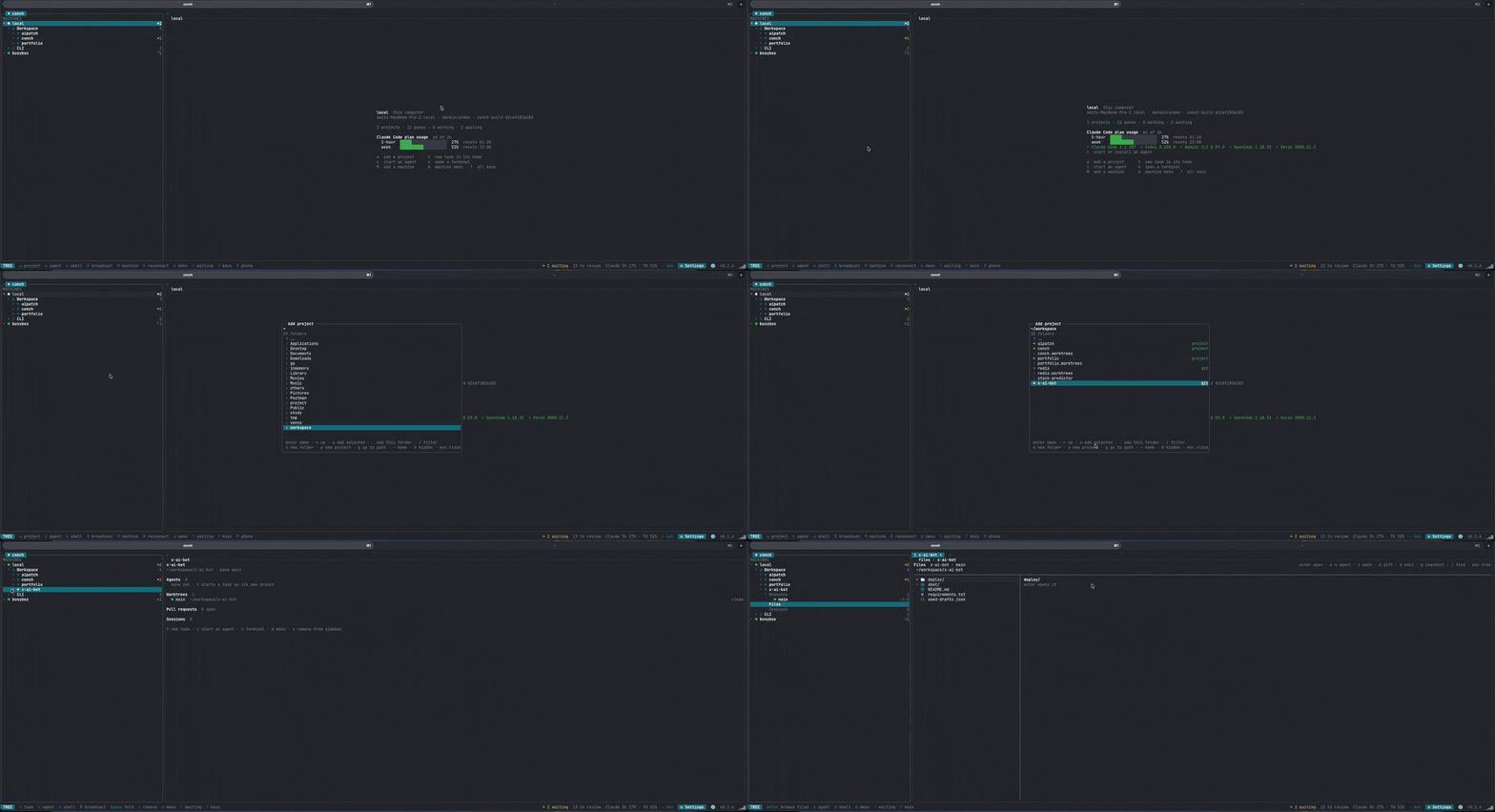
Adding a project: pick a folder, and its branches, agents and terminals are there to open.
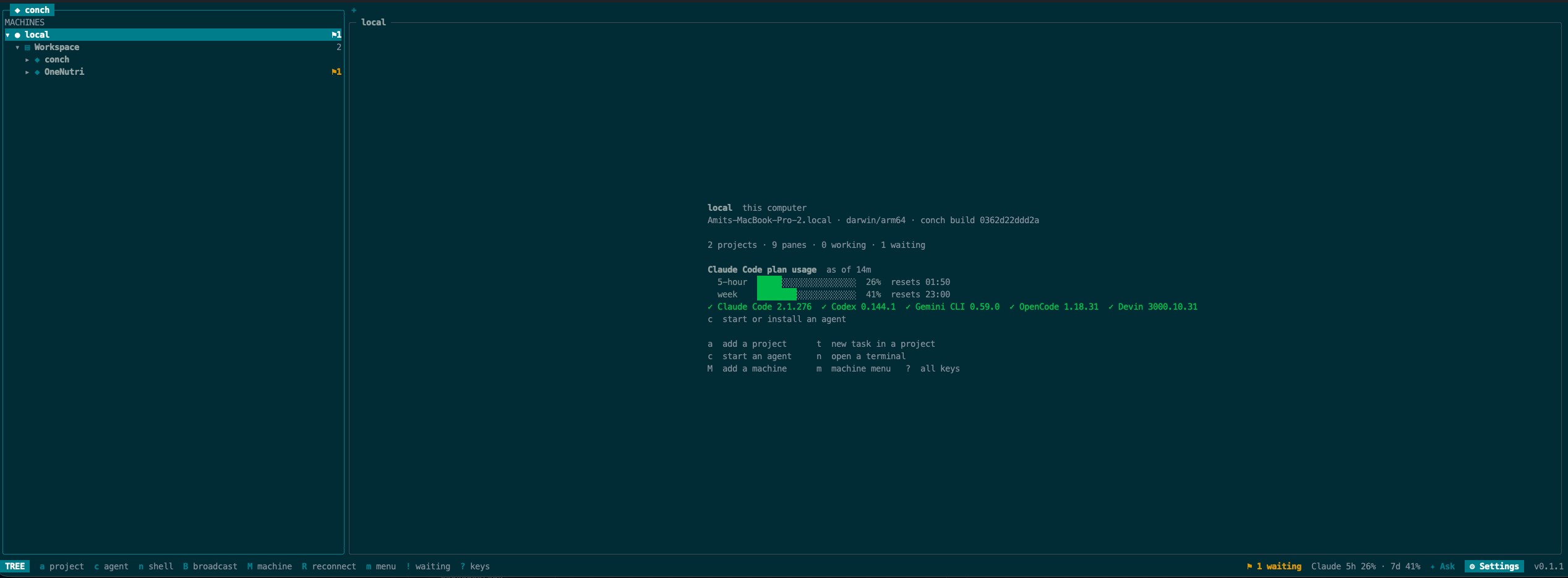
A machine at a glance: what is running, how much of the plan window is left, and which agents are installed.
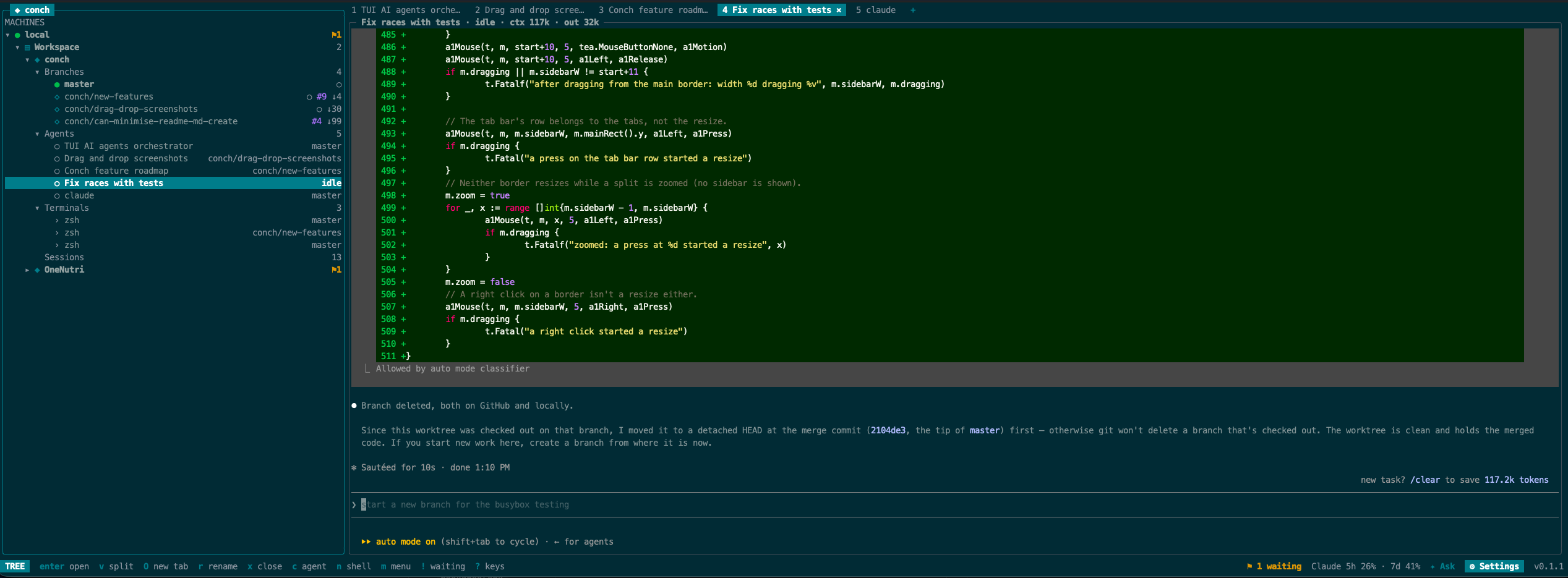
A project expanded into branches, agents and terminals, with a tab per agent and its work live in the pane.
macOS and Linux (amd64 and arm64):
curl -fsSL https://raw.githubusercontent.com/Amitgb14/conch/master/install.sh | shWith Homebrew, on macOS or Linux:
brew install Amitgb14/conch/conchOr with Go 1.25+: go install github.com/Amitgb14/conch/cmd/conch@latest.
conch update upgrades to the newest release, conch update list shows
what is published and conch update rollback goes back to the version
before it; conch server reload moves the server onto a new build without
stopping your agents. A Homebrew install is updated with brew upgrade conch
instead, and conch then offers to reload onto it.
conch                                   # open the TUI (starts the server)
conch task -cwd ~/src/api "Add a health check endpoint"   # branch + worktree + agent
conch machine add gpu-box               # add a remote machine over ssh
conch status                            # panes with agent state
In the TUI: t new task · c start an agent · : ask in plain words ·
B broadcast to a group · ! jump to the next agent waiting for you · ? all keys ·
q detach.
make build        # bin/conch
make test         # go test -race ./...
The website and documentation live in web/, a Next.js and
shadcn/ui app (pnpm dev there).
Apache License 2.0 — see LICENSE.