


Backend integration that connects Home Assistant to one or more Prometheus servers (or compatible APIs — VictoriaMetrics, Thanos, Mimir) and proxies PromQL queries over the HA websocket API.
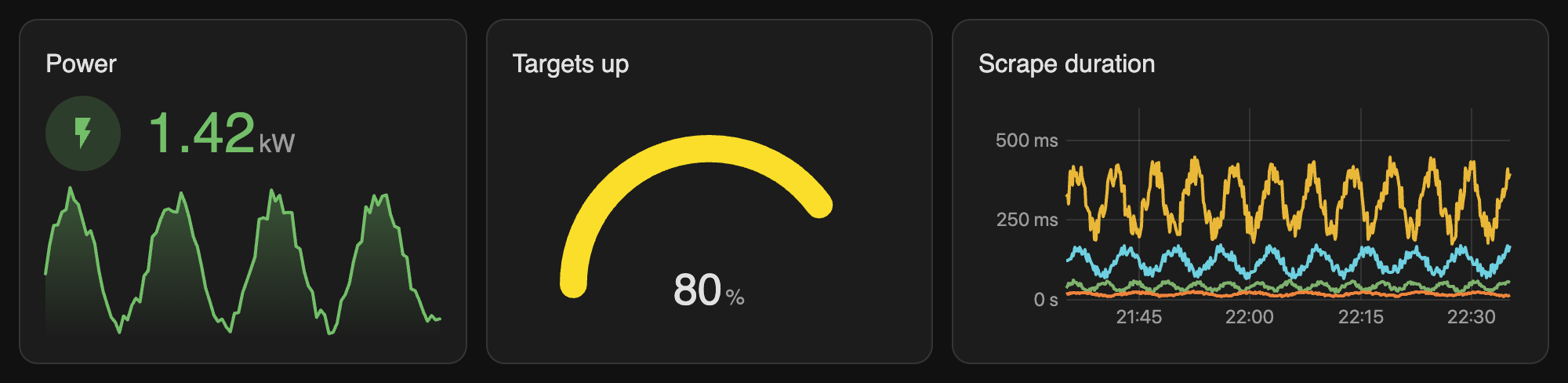
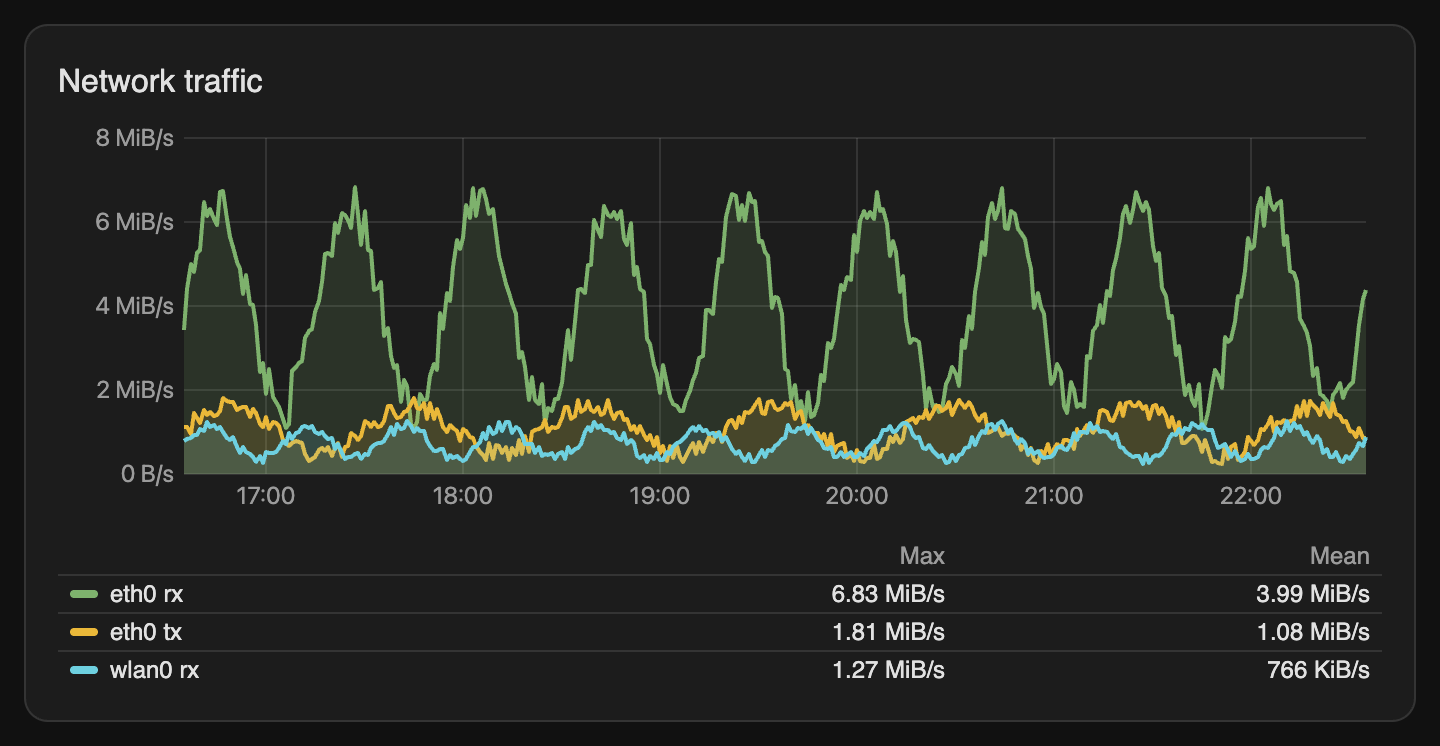
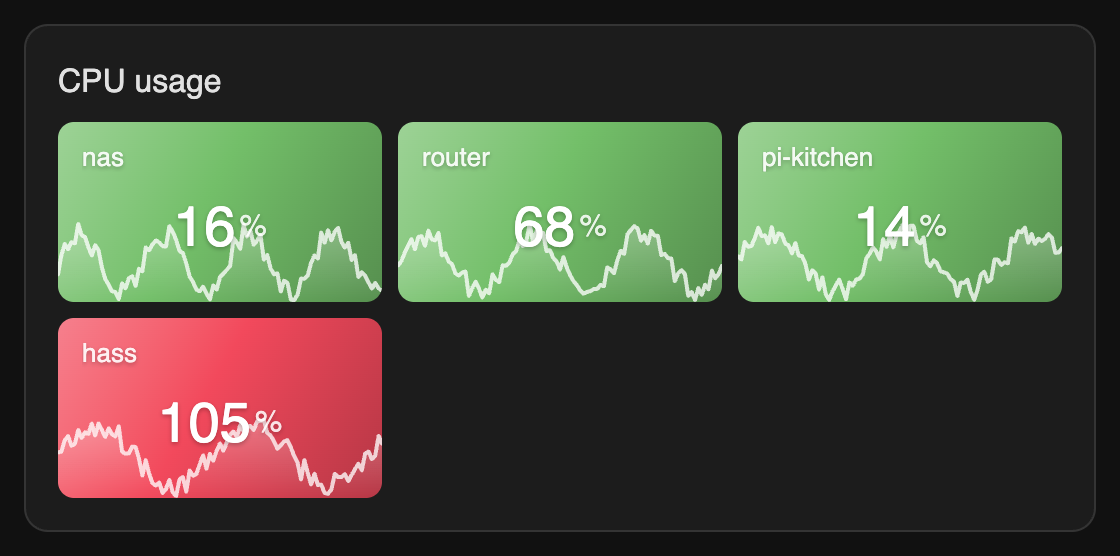
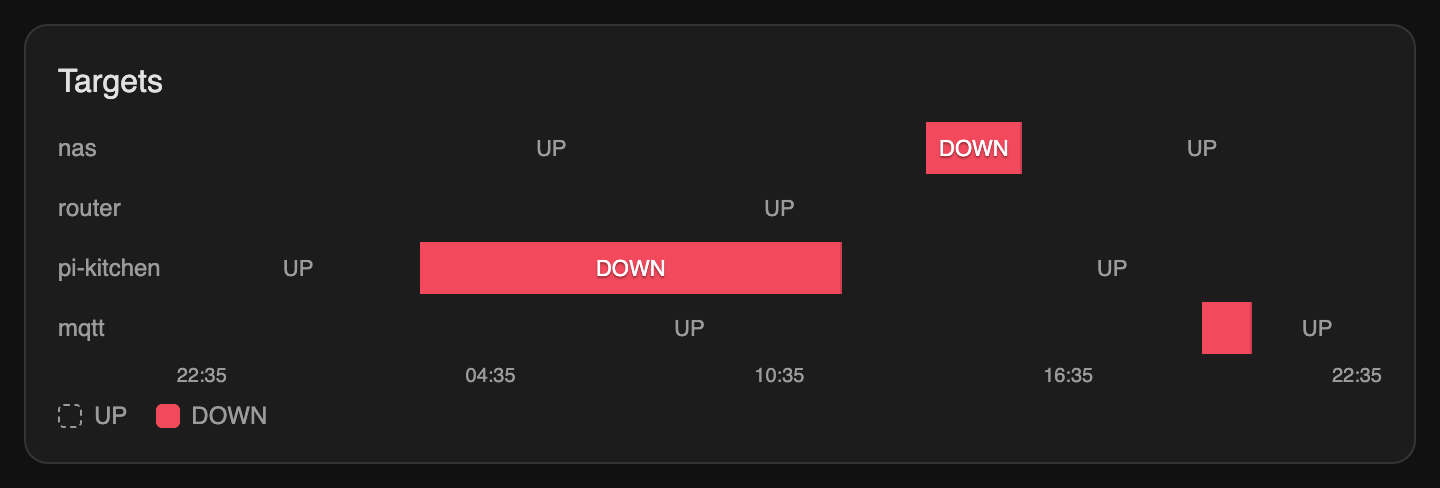
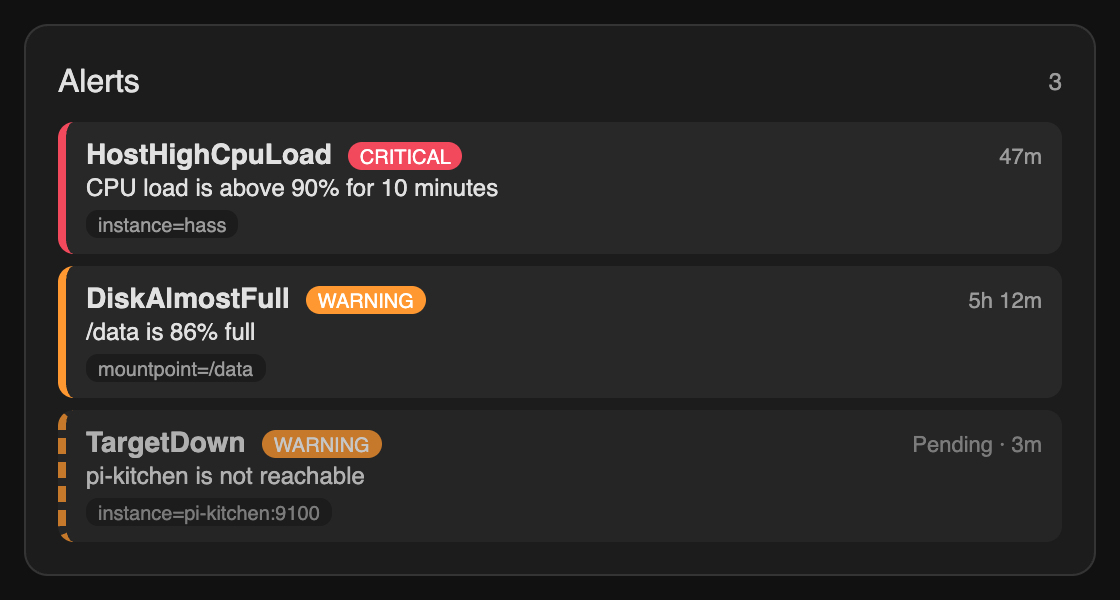
📊 Grafana-style dashboard cards are included — stat, gauge, time series, bar charts, state timeline, pie, table, heatmap, alerts and dashboard variables. They are registered automatically: one repository, one download.
 |
 |
 |
 |
- 🔌 Multiple Prometheus servers, Basic Auth or Bearer token,
X-Scope-OrgID(Mimir / Cortex), optional SSL verification - 🔕 Alertmanager — silenced alerts are not notified, Silence button in pushes and in the Alerts card
- ⏱️ Alert state survives restarts,
keep_firing_for, reminders for alerts that are still firing - 🔎
prometheus_dashboard.queryaction — PromQL result in scripts and automations (response_variable) - 🔁 Transient errors (connection, 502 / 503 / 504) are retried
- 🧪 Test connection button in the setup dialog — shows version, response time and targets up before saving
- 🔁 Reconfigure an existing server from the UI (also with connection test)
- 📈 PromQL sensors — any instant query becomes a Home Assistant sensor (automations, history, statistics)
- 🔔 PromQL alerts — alert rules with a firing window (
for), every series tracked separately, binary sensor + events - 📲 Alert notifications — system notifications and push to the mobile app, critical alerts as critical push
- 🚨 Alerts sensor — number of firing alerts, alert list in attributes (+
prometheus_dashboard/alertsfor the Alerts card) - ♻️ Request de-duplication + cache — identical queries from all cards, tabs and sensors share one request
- 🩺 Diagnostics (credentials redacted) and a Repairs issue while a server is unreachable
- 📊 Dashboard cards included — 11 Grafana-style cards with a visual editor, PromQL autocomplete, dashboard variables, Create alert from a panel; registered as a dashboard resource on setup — see CARDS.md
- 🔒 Browser never talks to Prometheus directly — all queries go through HA
- 🌍 English / Русский

- Open HACS, search for Prometheus Dashboard and click Download (or use the button above).
- Restart Home Assistant.
- Add a server (see Setup) and reload the browser page — the cards appear in Add card → Custom cards.
If the search does not find it yet (older HACS data), add it as a custom repository:
HACS → ⋮ → Custom repositories → https://github.com/1orgar/ha_prom_graph, type Integration.
Upgrading from the separate
ha_prom_graph_cardsplugin (≤ v0.8): the cards are part of this integration now. Remove the plugin in HACS → Prometheus Graph Cards → ⋮ → Remove (a repair issue reminds you while it is installed) and reload the page. Dashboards keep working — the card types are the same.
On setup the integration serves its cards at /prometheus_dashboard_static/prometheus-dashboard-cards.js and adds
them to Settings → Dashboards → ⋮ → Resources (the ?v= version changes with every update, so browsers load
the new cards). Nothing is copied to /config/www. With resources in YAML mode the module is loaded on every
frontend page instead. Removing the last server removes the resource.
- Settings → Devices & services → Add integration → Prometheus Dashboard.
- Enter the URL (e.g.
http://192.168.1.100:9090) and optional credentials: username / password, or a bearer token (Grafana Cloud, a proxy in front of Thanos; used instead of Basic Auth), and a tenant sent asX-Scope-OrgIDfor multi-tenant Mimir / Cortex. - Press Test connection. On success you'll see the server version, response time and targets up — choose Save or Change settings.
Add more servers by repeating the steps. To change a server later use ⋮ → Reconfigure on the integration entry.
On the integration page press Add PromQL sensor, enter a name and an instant query (e.g. node_load1).
The query is executed before saving — invalid PromQL or an empty result is reported in the dialog.
If the query returns several series choose how to combine them (first / sum / avg / min / max / count);
all series and their labels are available in the sensor attributes. Unit, device class, state class
(measurement enables long-term statistics) and precision are optional.
A sensor only shows a value. To get an alert press Add PromQL alert on the integration page (it works like a Prometheus alerting rule, evaluated by Home Assistant on every poll):
| Field | Description |
|---|---|
| Query | instant query. Either the query selects the problem itself (up == 0, node_filesystem_avail_bytes / node_filesystem_size_bytes < 0.1) with condition any series, or its values are compared with a threshold (>, ≥, <, ≤, =, ≠) |
| For (firing window) | how long a series must stay active before the alert fires; empty = at once |
| Keep firing for | a firing series resolves only after the condition has been false this long (no flapping on short dips) |
| Severity / Summary | shown in the Alerts card; summary supports {{ $value }} and {{ $labels.instance }} |
Every series of the query is an alert instance of its own (like Prometheus): inactive → pending → firing.
A series that recovers before the window ends starts the window again.
binary_sensor.<server>_<alert>(device class problem) is on while at least one series is firing; attributes:state(inactive / pending / firing),firing_count,pending_count,series,pending_series(labels, value, active since, summary). The series lists are not stored in the recorder.- On every change an event
prometheus_dashboard_alertis fired (alert,state: firing | resolved,severity,labels,value,summary) — one per series, handy for notifications:
triggers:
  - trigger: event
    event_type: prometheus_dashboard_alert
    event_data: { state: firing }
actions:
  - action: notify.mobile_app_phone
    data:
      title: "{{ trigger.event.data.alert }}"
message: "{{ trigger.event.data.summary or trigger.event.data.labels }}"- The Alerts card (
prometheus_dashboard/alerts) lists these alerts together with the Prometheus rules (source: home_assistant, filter Source in the card). - The state (pending windows, firing series, sent notifications) is saved in
.storageand restored after a restart of Home Assistant or a reload of the integration — no second "firing" push, theforwindow goes on. State older than one hour is discarded. - Alerts can also be created from a card: Create alert under the query of any card editor (admins only).
Firing alerts are sent without automations (⋮ → Configure → Alert notifications):
- System notifications (on by default): one notification per alert in the sidebar with the firing series; updated while series change and removed automatically when the alert is resolved.
- Push to the selected
notifyservices, e.g.notify.mobile_app_<phone>of the Companion app: one message per alert and poll with the newly firing series, and a resolved message that replaces it on the phone. - Critical severity is sent as a critical push: on iOS it plays a sound in silent / focus mode (allow Critical alerts for the Home Assistant app), on Android it is delivered at once with high priority through the alarm stream. Warning is sent as a time-sensitive / high-priority push.
- Filters: severities (critical / warning / info / other) and sources — PromQL alerts of Home Assistant and alerting rules of the Prometheus server (these need the alerts sensor). Every PromQL alert also has a Notify switch.
- After a restart of Home Assistant alerts that are already firing are not pushed again.
- Reminders: Remind every (minutes,
0= off) pushes a still firing alert again ("STILL FIRING"), by default only for critical. - Two buttons on the server device — Send test notification and Send critical test notification — check the push setup (e.g. that critical alerts are allowed on the phone).
The prometheus_dashboard_alert event is still fired for custom automations.
⋮ → Configure → Alertmanager: URL (e.g. http://192.168.1.100:9093, checked on save) and the silence duration.
The credentials of the Prometheus connection are used.
- Series matched by an active silence are not notified (system notification removed, no push, no resolved push).
- Firing pushes get a Silence action button: it creates a silence in Alertmanager for exactly this series
(
alertname,severityand all labels) and firesprometheus_dashboard_silence. - The Alerts card marks silenced alerts and shows a Silence button for admins.
Runs an instant query and returns the result:
actions:
  - action: prometheus_dashboard.query
    data:
      query: sum by (instance) (rate(node_cpu_seconds_total{mode!="idle"}[5m]))
      aggregate: max        # first / sum / avg / min / max / count → `value`
    response_variable: cpu
  - action: notify.mobile_app_phone
    data:
      message: "Max CPU: {{ cpu.value | round(2) }} ({{ cpu.series | count }} hosts)"
Response: series (list of labels + value), value, result_type, server. entry_id (server) and time are optional.
Requests to Prometheus that fail with a connection error or 502 / 503 / 504 are retried twice (after 0.5 s and 1.5 s).
⋮ → Configure:
| Option | Default | Description |
|---|---|---|
| Polling interval | 30 s | update interval of PromQL sensors and the alerts sensor |
| Query cache TTL | 5 s | identical queries within this time share one request; 0 disables the cache (concurrent requests are still merged) |
| Alerts sensor | off | sensor.<server>_firing_alerts with pending count and alert list in attributes |
| Alert notifications | system: on, push: none | see Alert notifications; reminders off |
| Alertmanager | off | URL and silence duration (1 h), see Alertmanager |
| Card | Type |
|---|---|
| Stat · Gauge · Bar Gauge | custom:prometheus-stat-card · custom:prometheus-gauge-card · custom:prometheus-bar-gauge-card |
| Time Series · Bar Chart · State Timeline | custom:prometheus-timeseries-card · custom:prometheus-bar-card · custom:prometheus-state-timeline-card |
| Pie · Table · Heatmap | custom:prometheus-pie-card · custom:prometheus-table-card · custom:prometheus-heatmap-card |
| Alerts · Variables | custom:prometheus-alerts-card · custom:prometheus-variables-card |
Everything is configured in the visual editor. Options, screenshots, dashboard variables and YAML examples: CARDS.md.
Used by the cards; entry_id is optional — the first configured server is used when omitted.
| Command | Parameters |
|---|---|
prometheus_dashboard/entries |
— |
prometheus_dashboard/query |
query, time? |
prometheus_dashboard/query_range |
query, start, end, step |
prometheus_dashboard/labels |
— |
prometheus_dashboard/label_values |
label |
prometheus_dashboard/series |
match?: string[] |
prometheus_dashboard/metadata |
metric? |
prometheus_dashboard/alerts |
— (alerts get silenced / silenced_until with Alertmanager) |
prometheus_dashboard/create_alert |
admin: name, query, condition?, threshold?, for?, severity?, summary? |
prometheus_dashboard/silence |
admin: labels, minutes?, comment? |
pip install -r requirements_test.txt   # Python 3.14
pytest -q

cd frontend                            # dashboard cards (TypeScript + Lit)
npm ci
npm test && npm run build              # -> custom_components/prometheus_dashboard/www/
The built cards are committed (HACS installs the integration folder as is); CI fails when they are out of date. See frontend/README.md for the demo pages and screenshots.
Releases are automatic: bump version in custom_components/prometheus_dashboard/manifest.json (the cards
use the same version), rebuild the cards, commit and push to main. After hassfest, tests and the frontend build
pass, CI creates the tag vX.Y.Z and a GitHub release (versions like 1.0.0-beta.1 become pre-releases).
If the tag already exists nothing happens.
Browser (cards from /prometheus_dashboard_static/)
    ↕ WebSocket (authenticated by HA)
HA backend (this integration)
    ↕ HTTP
Prometheus server
MIT — see LICENSE.