Repository navigation
Annotate pasted images (arrows, circles, numbered comments) before sending #19126

Replies: 3 comments

|
Adding the ChatGPT desktop UX details and screenshots from #19885, which was closed as a duplicate of this discussion. I agree with this feature request , the workflow would be:
For example, I could point to a button and say "Move this below the heading" without having to describe its location. Location-based comments alone would be useful to me, independently of drawing or cropping tools and browser-preview annotations. Reference screenshotsThe image toolbar and Comment action 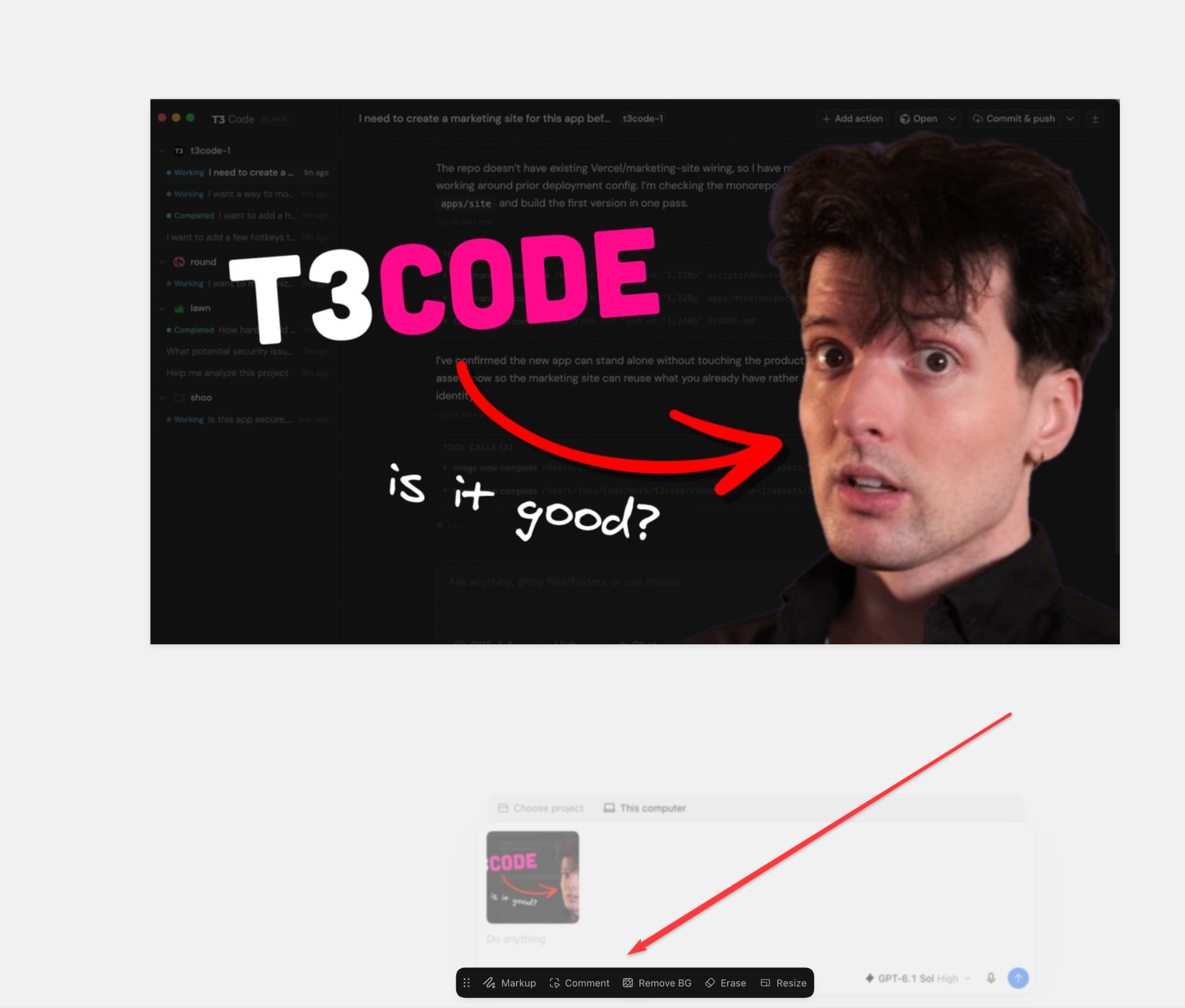
A numbered comment placed on the image 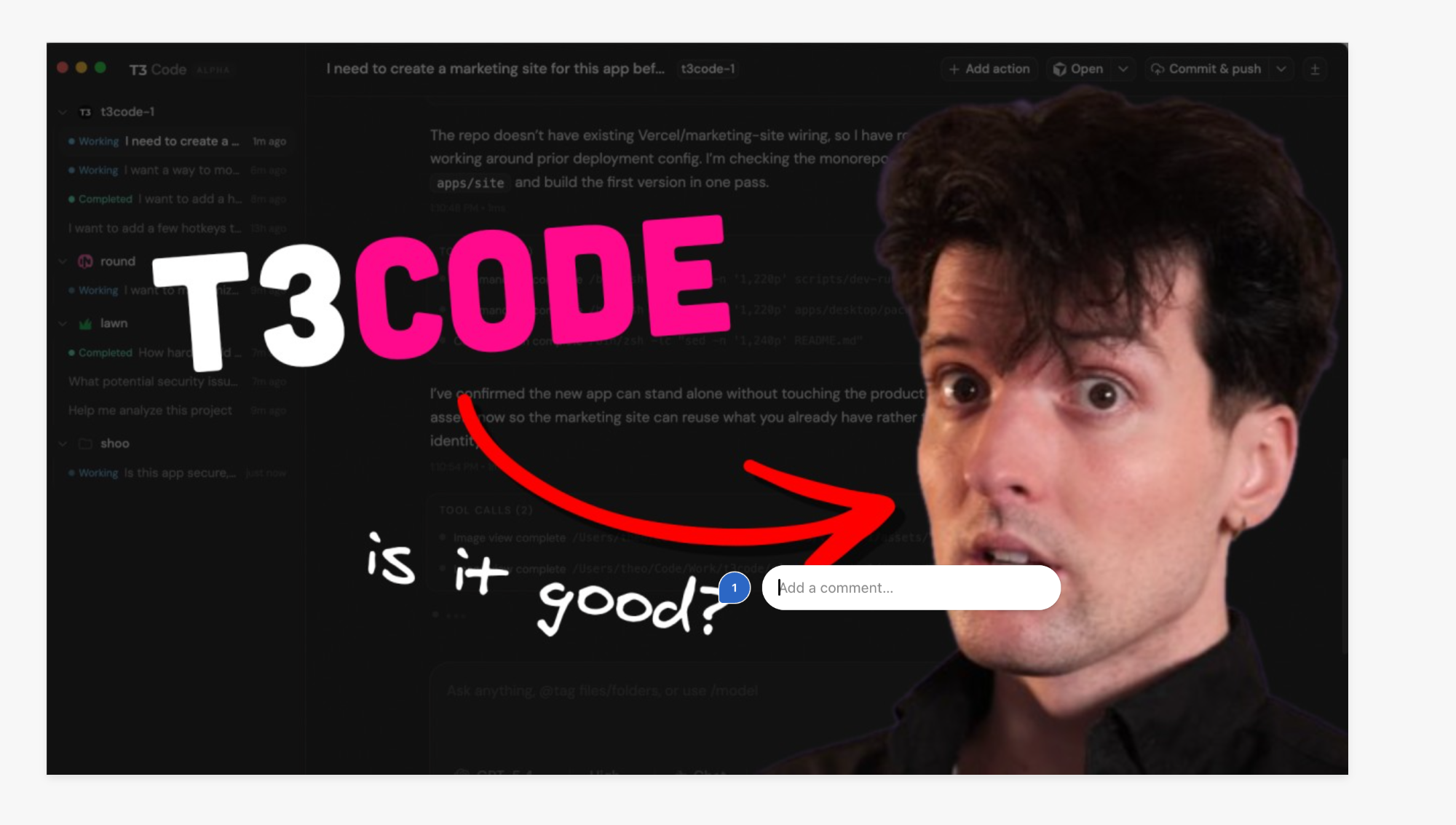
The comment collected beside the image in the composer 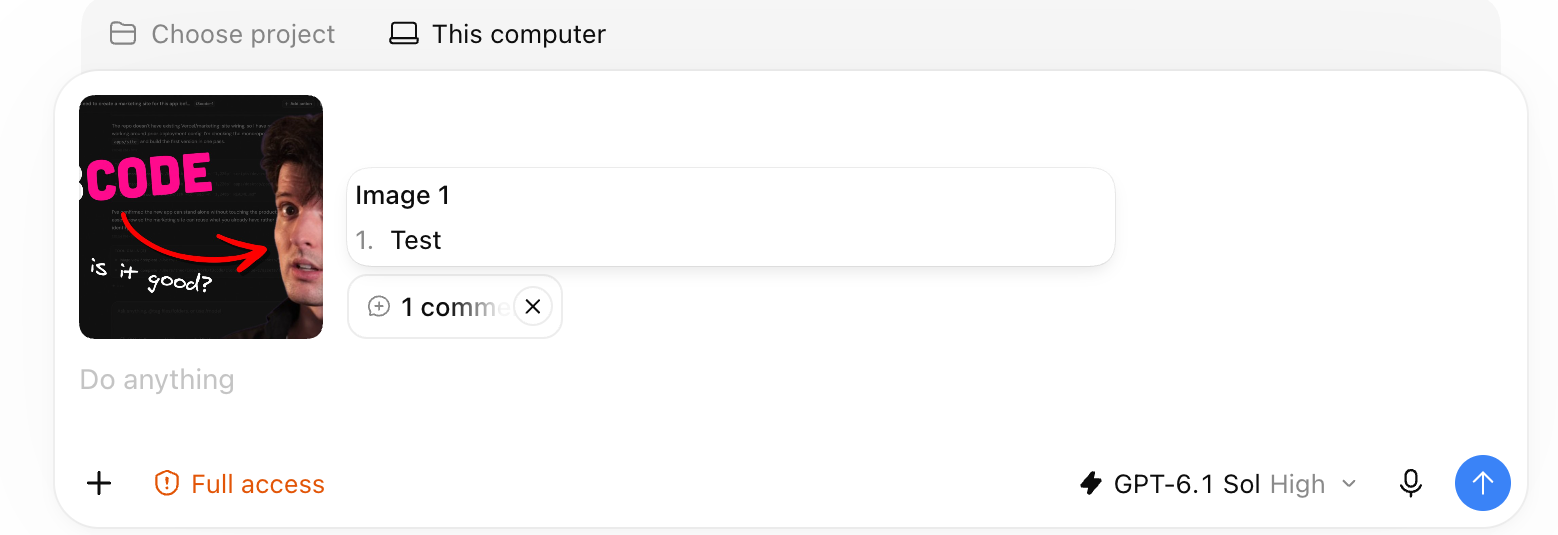
|

|
+1, and one thought on implementation. The desktop preview already has an Annotate mode (added in #3053) with select, region, freehand draw, and erase, but no arrows or connectors yet. Could this feature reuse or abstract that same tool for attached images instead of adding a new dependency like Excalidraw? An arrow or connector tool would cover a common case for me: box a region and point to another spot with "move it here." Would maintainers want the preview Annotate tooling extended this way? If so, I'm happy to send small, stacked PRs. |

|
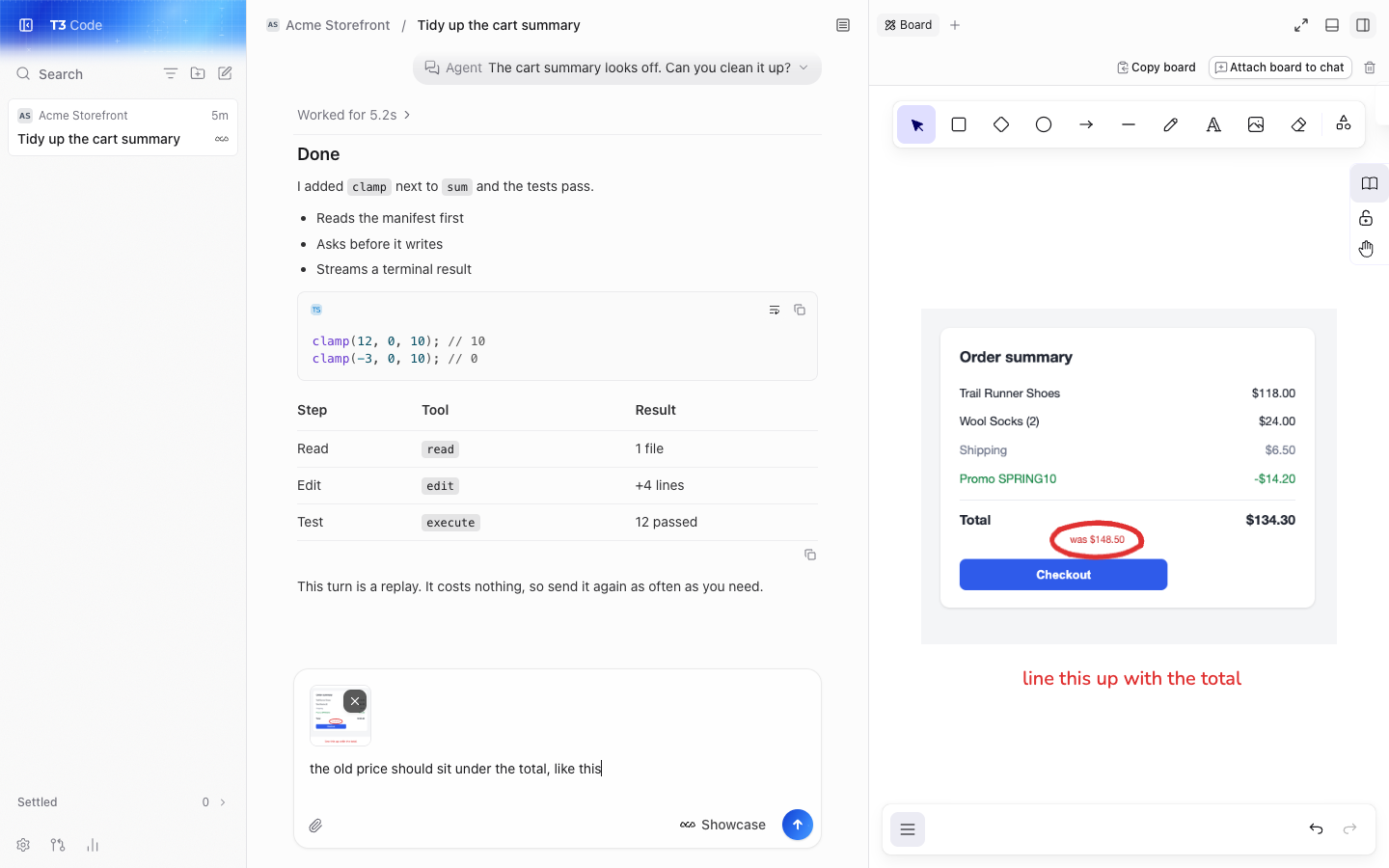
hey, I've found this super useful, like I reach for it once a day at least. I built a Board tab for this in my fork: it sits in the right panel next to the chat. Paste a screenshot, circle the thing that's wrong, write a word or two, and attach it to the composer. I'd like to know if you want it in T3 Code.
The problem Most of what I tell an agent about a UI is "this bit here". Today that means opening another app to mark up the screenshot, then dragging it back, or describing the spot in words. This thread and #25310 ask for the same thing. Why it fits T3 It keeps the whole loop in the app, and it works with every provider because the result is just an image in the composer. The server doesn't change, so it works the same on a remote environment. Preview Annotate already does this for live pages in the desktop browser. This covers everything else: pasted screenshots, images from other apps, and web as well as desktop. Scope
Not included: numbered comments sent as text, as this thread suggests, or editing an image that's already attached. Those could come later. What it costs It uses Excalidraw, and that's the real cost, so here are the numbers from a production web build on current main:
Someone here asked if this could reuse the preview Annotate tools instead of adding a dependency. I think that's a fair question. Those tools live in the desktop preview, so they'd need pulling out to work on images and on web, and they don't have arrows or text yet. Excalidraw gets you all of that today, but it's a big dependency for a small feature. The question Would you take this, and is Excalidraw OK, or would you rather build on Annotate? It's working on current main with tests, on this branch, and I'll only open a PR if you want it. |


Uh oh!
There was an error while loading. Please reload this page.
Problem
When I paste a screenshot into the chat input, the only thing I can do with the thumbnail is look at it or remove it. Most screenshots I send are about one specific spot ("this button is misaligned", "this error here"), and I end up describing positions in words, or annotating in another tool first and pasting the result.
Proposal
Clicking an attached image thumbnail opens a lightweight annotation editor:
What the agent receives
Comments travel as text rather than drawn pixels, because small rendered text is read unreliably by models, and the numbers on the image tie each comment to its spot. The original image should stay recoverable (re-open the thumbnail to edit marks again).
Out of scope for a first version
Freehand drawing, rectangles, text boxes and cropping. They can follow if the basics prove useful.
Why
It turns "the third button in the second row, the one next to the dropdown" into a circle and a number, and it makes UI feedback loops with the agent much faster and less ambiguous.
All reactions