Checklist
Affected version
0.23.0
Steps to reproduce the bug
- Connect a physical keyboard via USB
- Open a video in full screen mode
- Start video playback
- Press the z key
Expected behavior
Nothing should change
Actual behavior
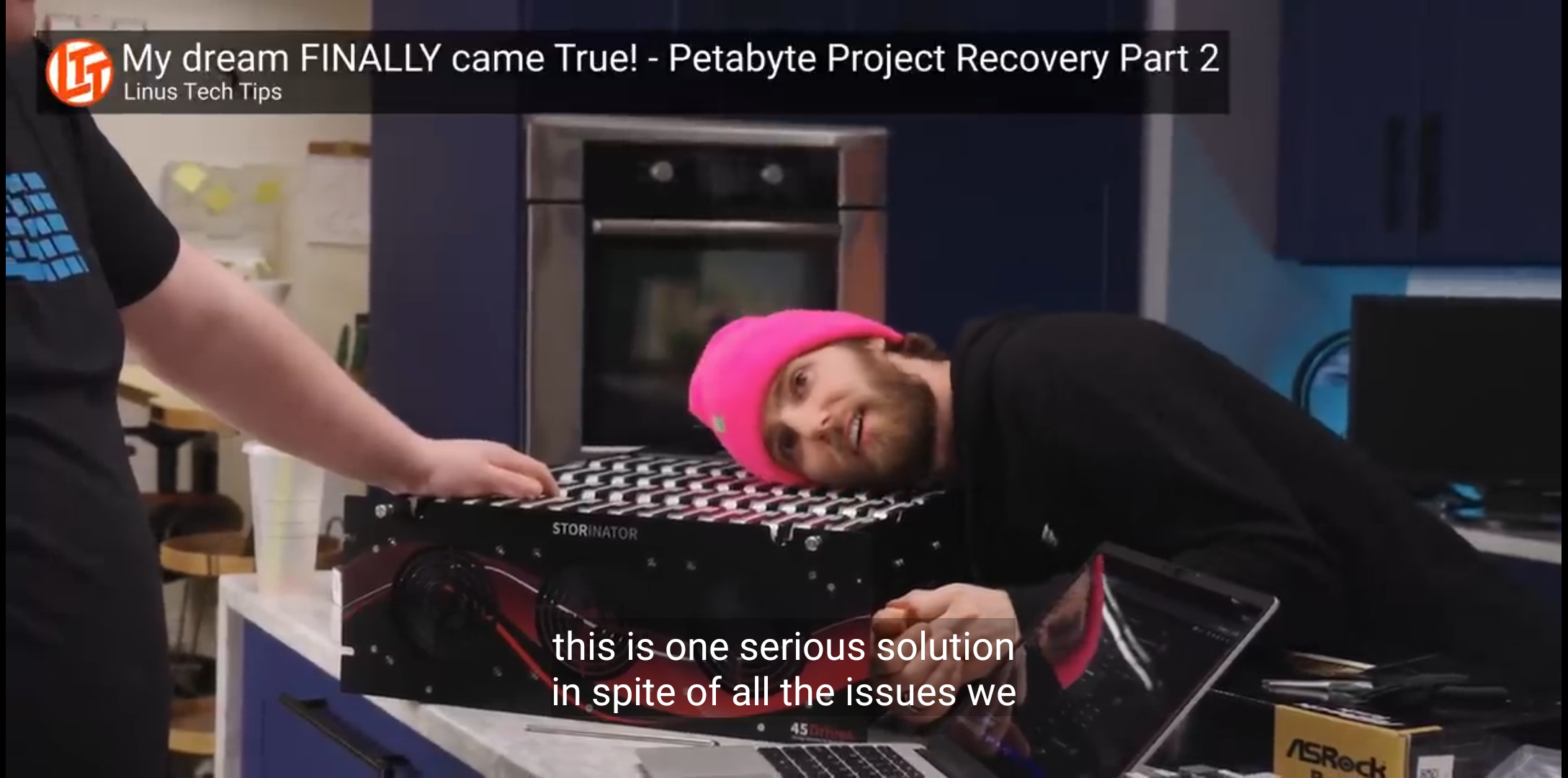
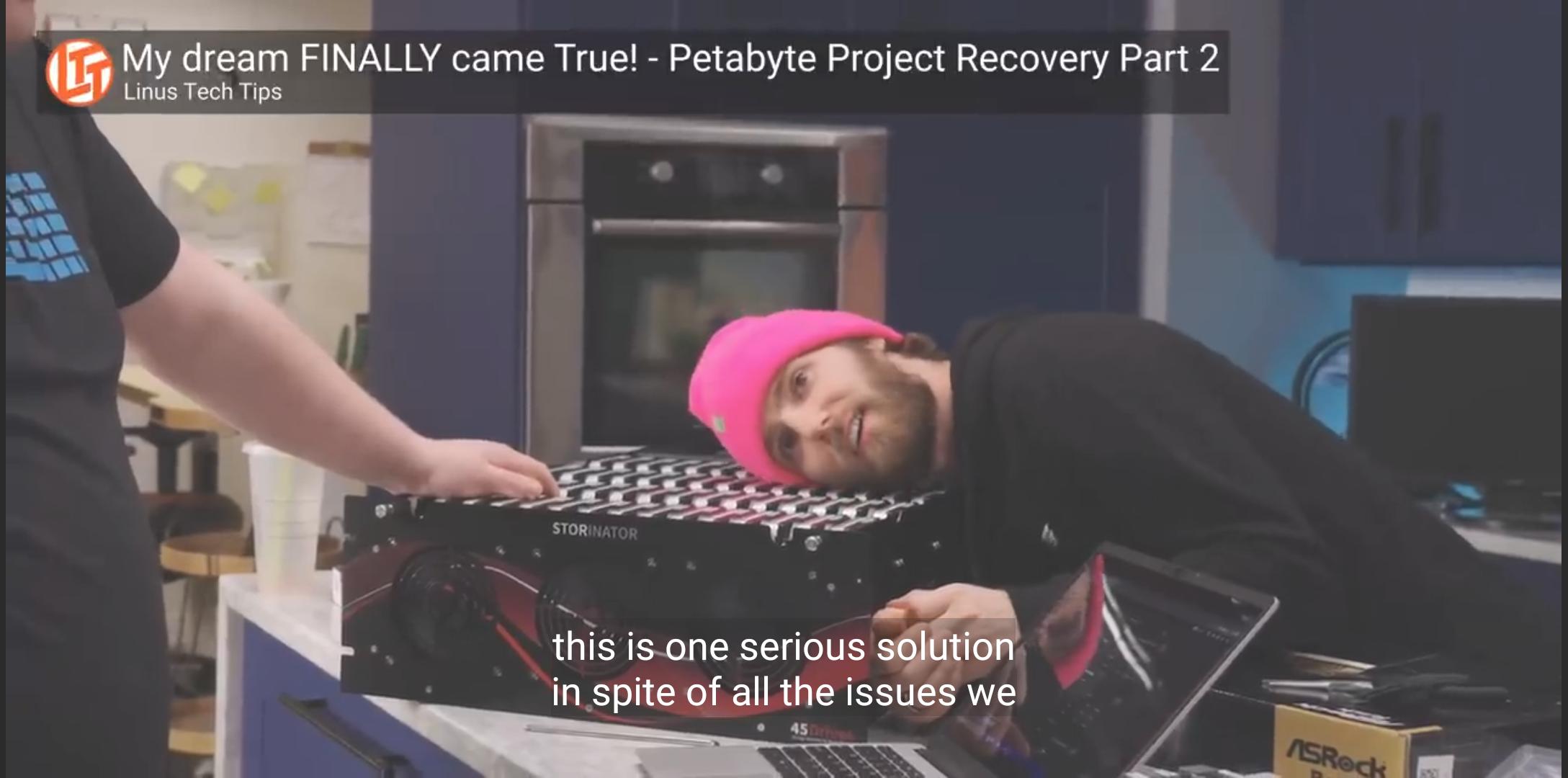
The video looses saturation, as if a transparent overlay was placed over it. This grey-shift affects the whole screen (even the black bars beside the video, the nav bar and the status bar, if they are shown). It only happens in Newpipe and only in full-screen-mode, so I don't think it's system-related.
Screenshots/Screen recordings
Before pressing Z:
After pressing Z:
Logs
No response
Affected Android/Custom ROM version
Android 11
Affected device model
Fairphone 4
Additional information
I have a keyboard attachment, that's permanently on the phone and sometimes I accidentally hit Z when picking it up.
I haven't found a way to reverse it, except fully closing the app.

Checklist
Affected version
0.23.0
Steps to reproduce the bug
Expected behavior
Nothing should change
Actual behavior
The video looses saturation, as if a transparent overlay was placed over it. This grey-shift affects the whole screen (even the black bars beside the video, the nav bar and the status bar, if they are shown). It only happens in Newpipe and only in full-screen-mode, so I don't think it's system-related.
Screenshots/Screen recordings
Before pressing Z:

After pressing Z:

Logs
No response
Affected Android/Custom ROM version
Android 11
Affected device model
Fairphone 4
Additional information
I have a keyboard attachment, that's permanently on the phone and sometimes I accidentally hit Z when picking it up.
I haven't found a way to reverse it, except fully closing the app.